How to delete options in selector field in a help center category in Gitbook
Here is how to delete options in selector field in a help center category in gitbook
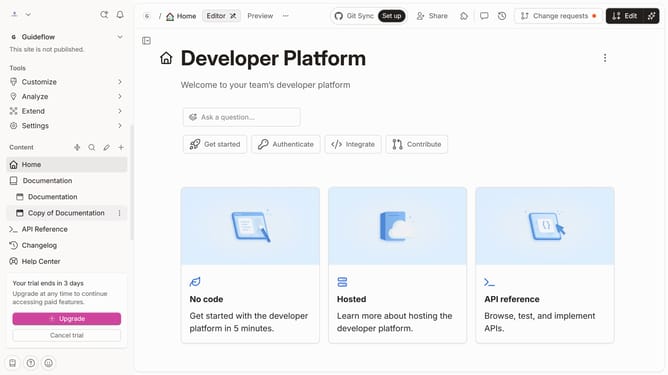
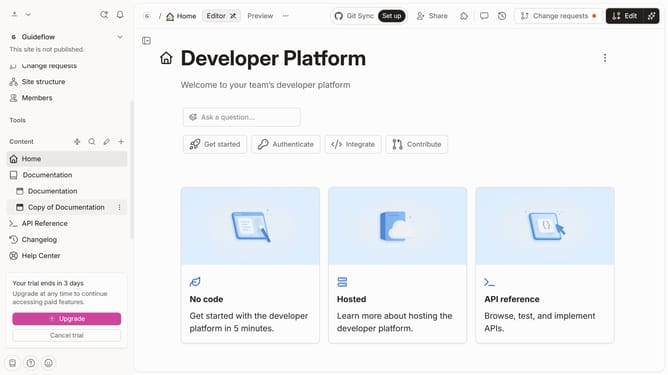
- First click on "Help Center" in the sidebar menu
- Then click on the "Edit" button in the header
- Next, click on the three dots icon to open the field options
- Then, click on "Manage options" from the pop up menu
- After that, click on the option you want to delete
- Then, click on the "Delete" option
- Then, click on the "Delete" button in the confirmation dialog
- Finally, click on the arrow next to the "Merge" button
Why should you delete options in selector field in a help center category in Gitbook
Gitbook is a dynamic platform designed to streamline the process of creating and sharing knowledge through beautifully simple documentation.
In managing a help center category, being able to delete options in a selector field gives you the flexibility to keep your resources relevant and up-to-date. This feature allows you to remove outdated options, which can help clarify choices for your users, ensuring a smoother and more intuitive experience.
Using this capability helps maintain the quality of your content and enhances user satisfaction by avoiding confusion during navigation. It's an efficient way to manage and optimize your document's layout, harnessing the full potential of Gitbook’s collaborative strengths.
Last update