How to delete table row in help center in Gitbook
Here is how to delete table row in help center in gitbook
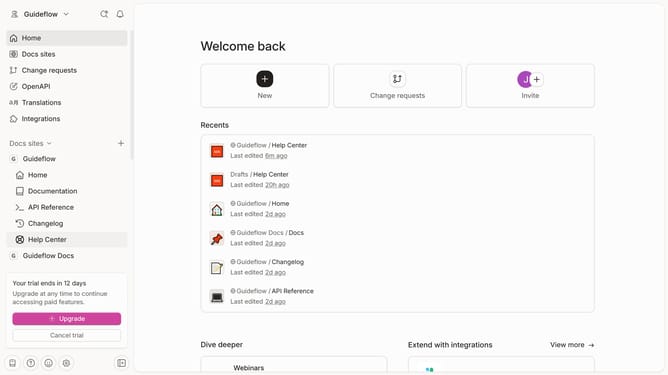
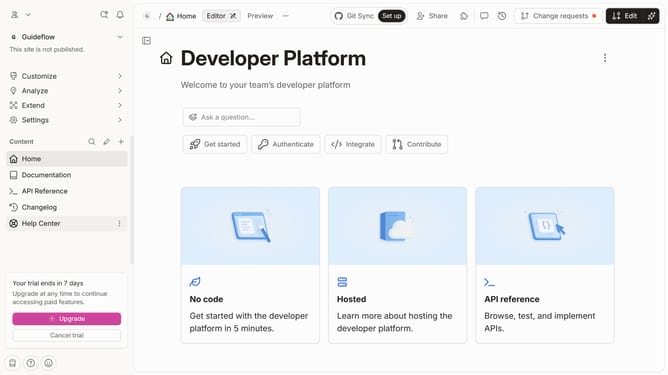
- First click on "Help Center" in the left sidebar
- Then click on the "Edit" button in the header
- Next, click on the three dots icon to open row options
- After that, select "Delete row" from the options menu
- Finally, click on the "Merge" button in the header
Why should you delete table row in help center in Gitbook
Gitbook is a collaborative platform designed to create, manage, and streamline digital documentation.
One of its intuitive features is the ability to effortlessly delete table rows in the help center.
This functionality ensures your documentation stays relevant and clutter-free, enhancing both readability and user experience.
Maintaining clean, accurate tables improves comprehension and saves time for those seeking information, making Gitbook an invaluable tool for organized and effective documentation.
Last update