How to hide page actions of a content in a docs site in GitBook
Here is how to hide page actions of a content in a docs site in gitbook
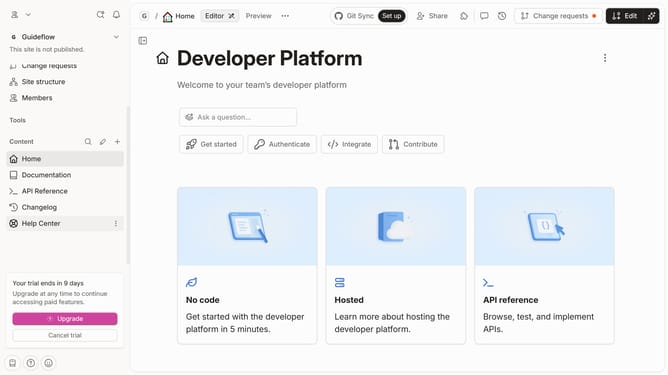
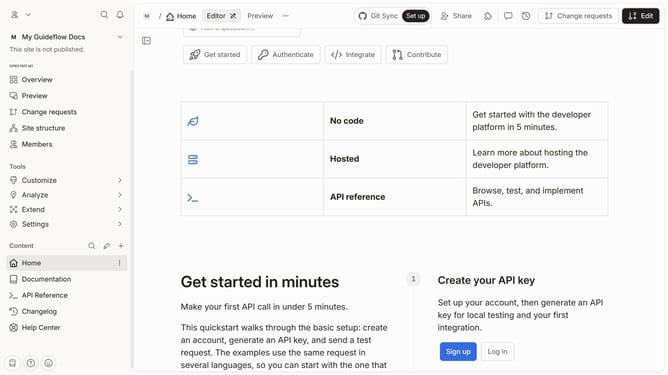
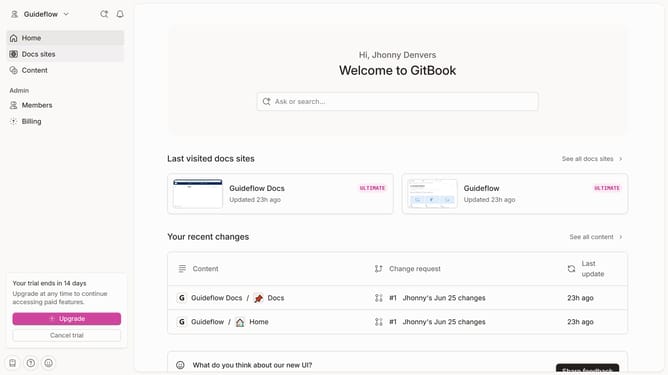
- First click on the content you want to manage in the left sidebar
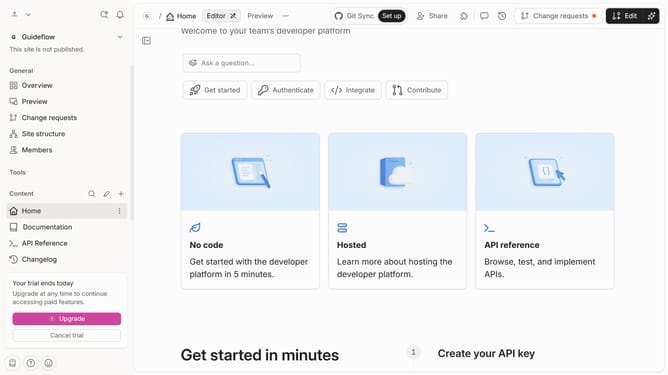
- Then click on "Edit" button in the header
- Next click on "Page options" button
- Then toggle the switch OFF to hide page actions
- Finally click on "Merge" button
Why should you hide page actions of a content in a docs site in GitBook
GitBook is a versatile platform designed to help you easily create and maintain documentation.
One insightful feature is the ability to hide page actions on a docs site, significantly enhancing the user experience.
This functionality provides a cleaner interface, allowing readers to focus solely on the content, free from clutter or distraction.
Ultimately, using this feature can lead to a more professional and streamlined presentation of your documentation.
Last update