How to unfreeze header in a table in homepage in Gitbook
Here is how to unfreeze header in a table in homepage in gitbook
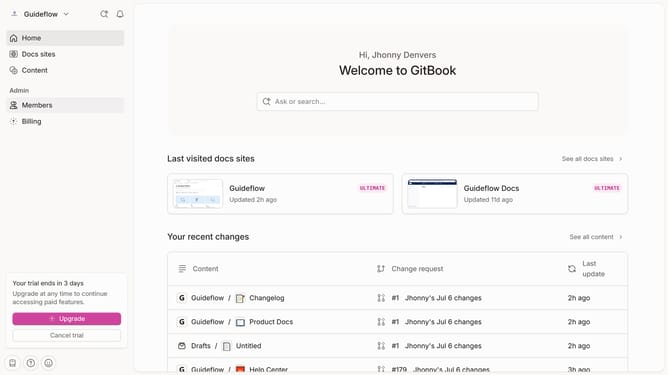
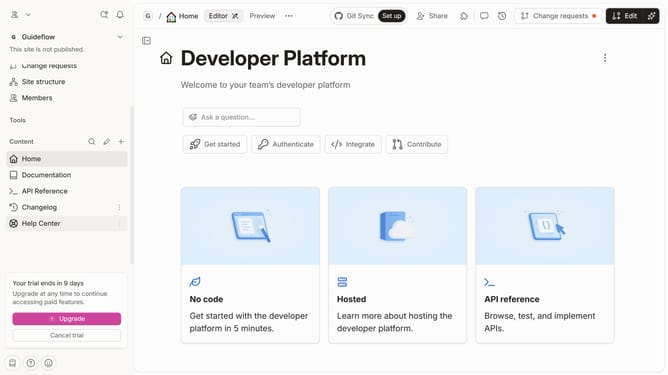
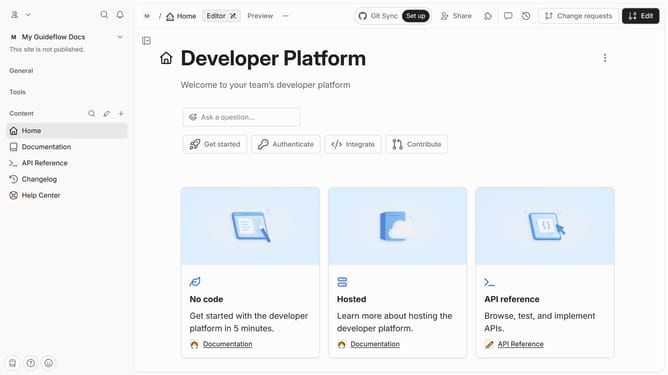
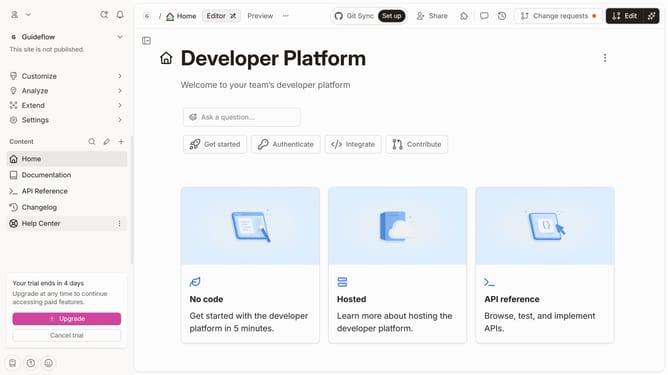
- First click on "Home" item in the left sidebar
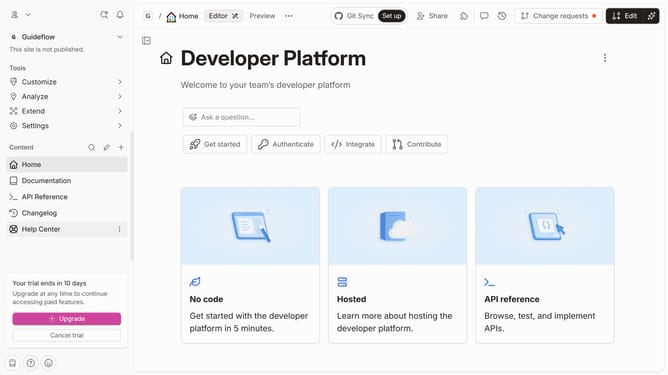
- Then click on the "Edit" button in the top header
- Next, click on the dot menu icon at the left side of the table
- Then select "Header options" from the dropdown menu
- Next, select "Freeze header" from the "Header options" submenu
- Finally click on the "Merge" button in the top menu
Why should you unfreeze header in a table in homepage in Gitbook
Gitbook is an intuitive platform designed to create and share beautiful documentation easily and efficiently.
The ability to control table header settings on your homepage in Gitbook offers a streamlined workflow for users who frequently manage large sets of data. Unfreezing the header can provide a broader view of your table content, enhancing oversight and data management.
This feature is particularly beneficial when reviewing comprehensive datasets, allowing users to note trends or discrepancies without the distraction of stationary headers. This level of flexibility ensures an adaptable and user-friendly documentation experience.
Last update