How to add a bulleted list in a tab in help center in Gitbook
Here is how to add a bulleted list in a tab in help center in gitbook
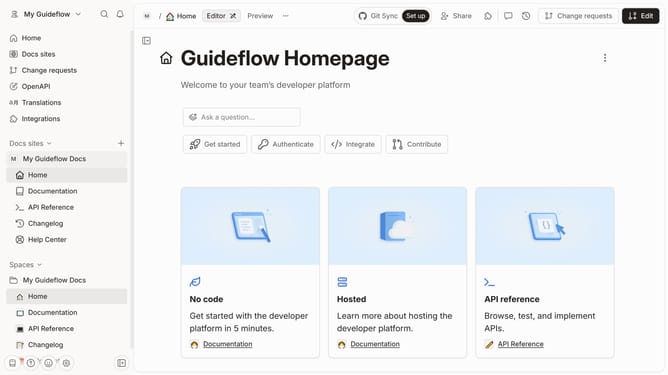
- First click on "Help Center" in the left sidebar
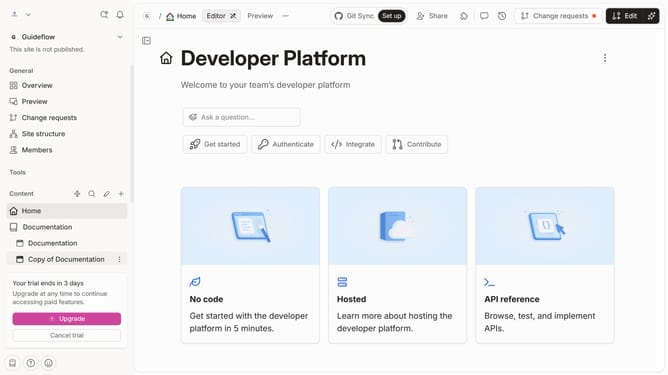
- Then click on the "Edit" button in the top header
- Then click on the "block options" icon
- Then click on "More blocks" in the options menu
- Then select "Unordered List" from the blocks menu
- Next enter the text input field and enter your list
- Finally click on the "Merge" button in the top header
Why should you add a bulleted list in a tab in help center in Gitbook
GitBook is an intuitive platform that enables teams to document information effortlessly.
Adding a bulleted list in a tab in GitBook's help center enhances clarity, ensuring information is easily digestible. This feature promotes organization, allowing users to break down complex data into bite-sized, comprehensible points.
The beauty of using bulleted lists lies in their ability to streamline content, making it visually appealing and straightforward. This fosters a user-friendly environment, enhancing both comprehension and retention.
Last update