How to hide page metadata in homepage in Gitbook
Here is how to hide page metadata in homepage in gitbook
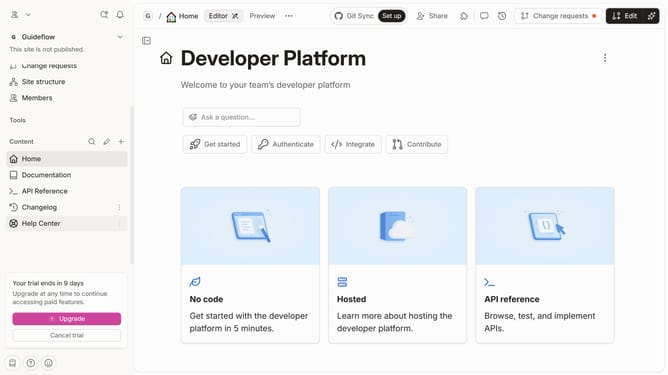
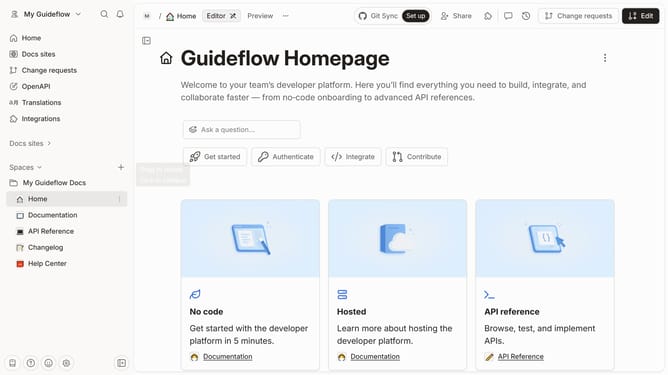
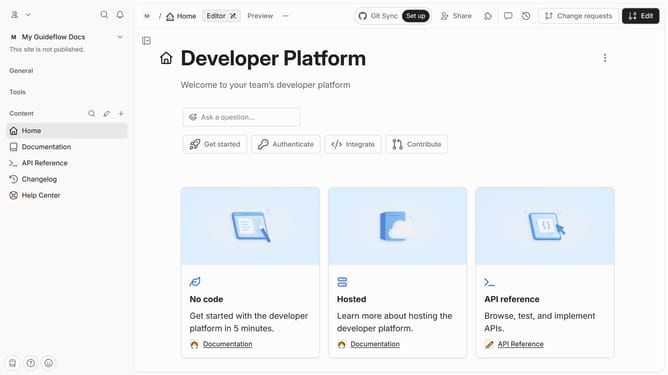
- First click on the "Home" item in the sidebar
- Then click on the "Edit" button in the header
- Next click on the "Page options" button
- . Then toggle the switch ON across "Page metadata" to enable it
- Finally click on the "Merge" button in the header
Why should you hide page metadata in homepage in Gitbook
GitBook is a versatile platform designed for creating beautiful documentation with ease.
A feature that users often seek out is the ability to hide page metadata on the homepage. This ensures a cleaner and more streamlined appearance, enhancing the visual appeal of your documentation.
By opting to hide metadata, creators can maintain a focus on the content itself, offering readers a more engaging and uninterrupted experience.
This approach not only elevates the professional look of the documentation but also aids in maintaining reader attention and comprehension.
Last update