How to show tags in homepage in Gitbook
Here is how to show tags in homepage in gitbook
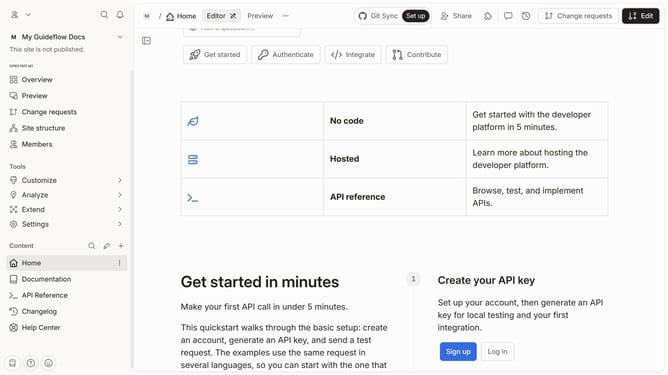
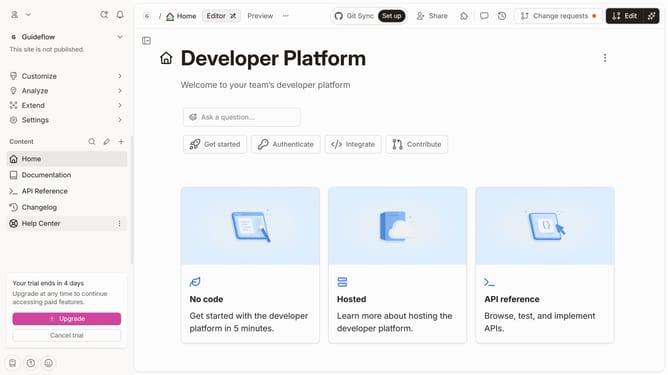
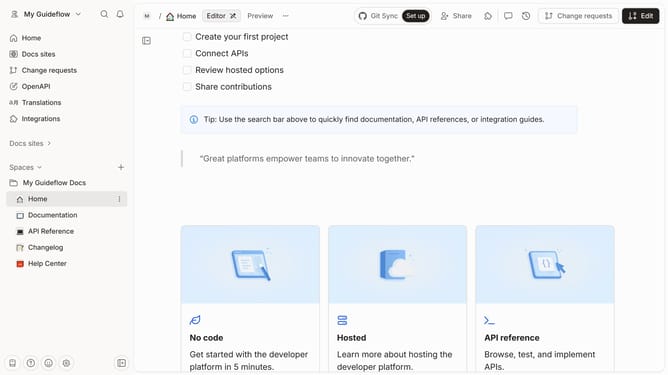
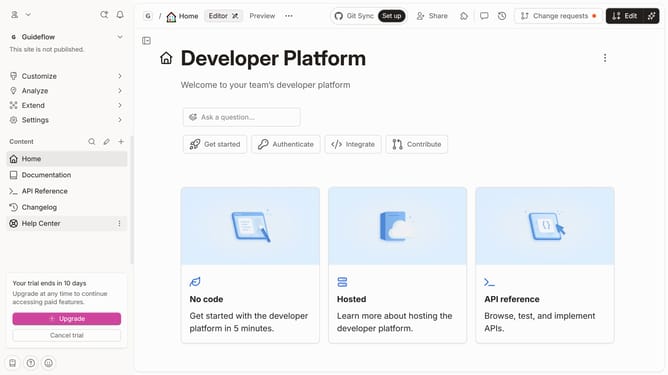
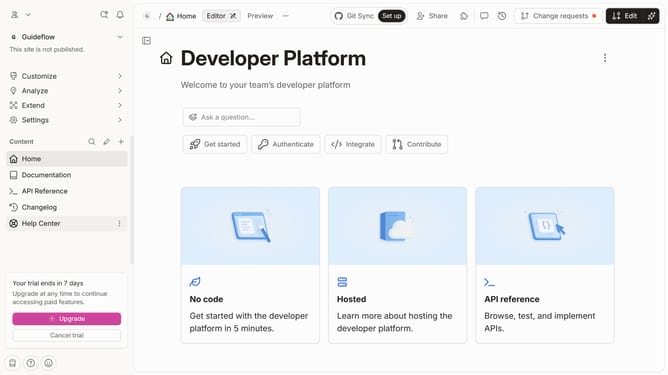
- First click on the "Home" item in the left sidebar
- Then click on the "Edit" button in the top header
- Next click on the "Page options" button
- Then click on the toggle switch ON to enable "Show tags on page"
- Finally click on the "Merge" button in the top header
Why should you show tags in homepage in Gitbook
GitBook is a dynamic platform designed for creating and sharing knowledge through well-organized and interactive documentation.
Showing tags on the homepage in GitBook enhances user navigation by categorizing content effectively. This feature streamlines access to related topics and enriches the user experience by providing immediate context.
With tags displayed prominently, users can quickly identify and jump to sections of interest, making information retrieval more efficient and enjoyable. This seamless organization supports a more intuitive browsing journey on GitBook.
Last update