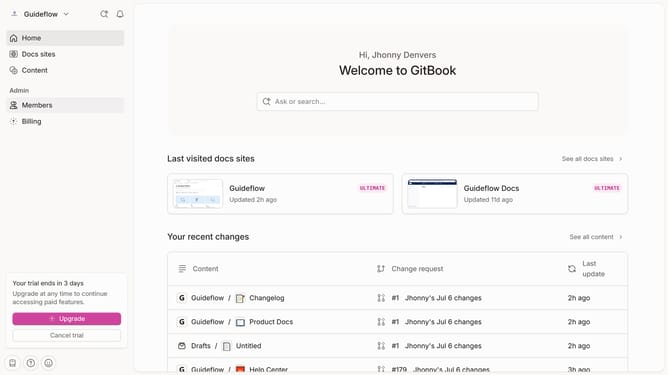
How to add a number field in a help center category in Gitbook
Here is how to add a number field in a help center category in gitbook
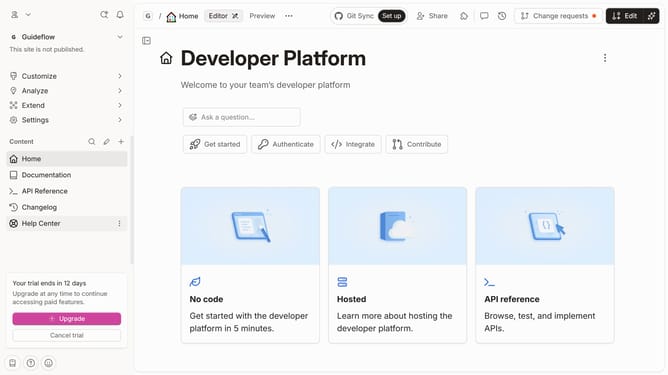
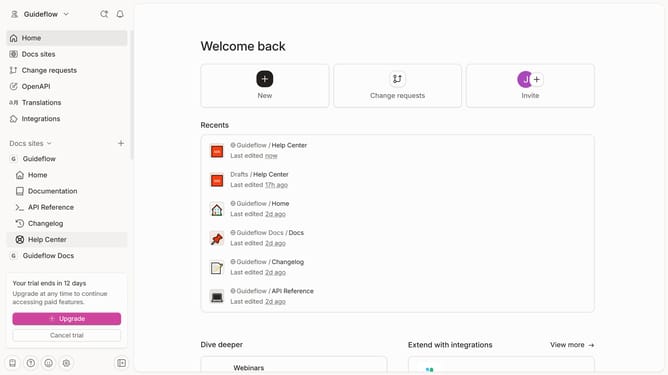
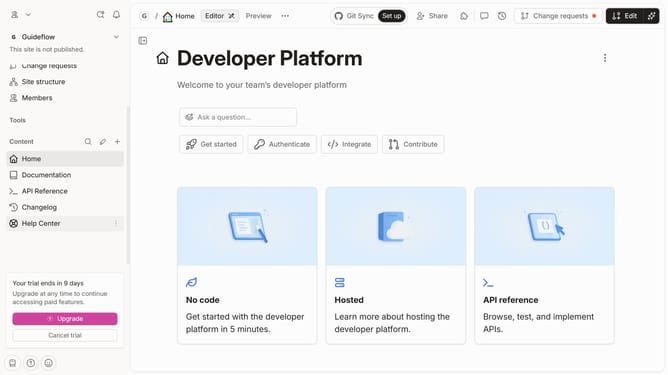
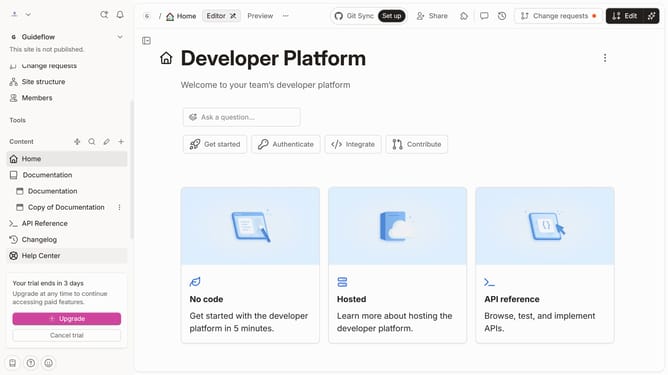
- First click on "Help Center" option in the left sidebar
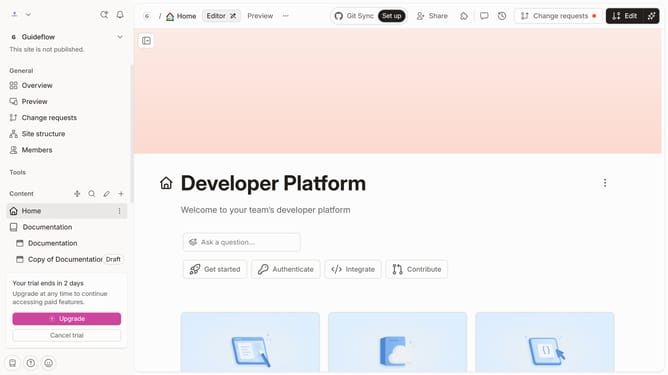
- Then click on the "Edit" button in the top menu bar
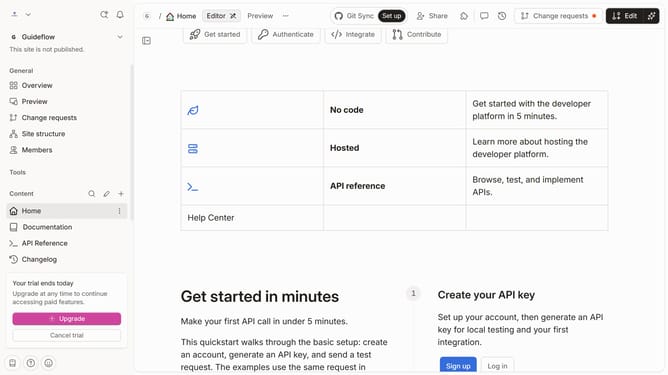
- Next click on "Add field" button under the categoty
- Then select "Number" from the dropdown menu
- Enter a number in the newly added field
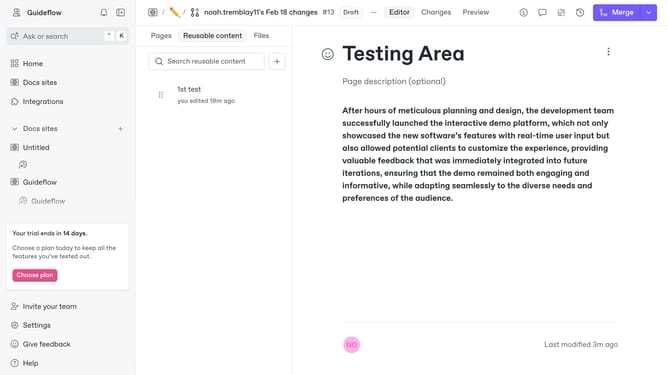
- Finally click on the "Merge" button in the top menu bar
Why should you add a number field in a help center category in Gitbook
GitBook serves as a collaborative platform for creating and managing documentation with ease and efficiency.
Adding a number field in a help center category in GitBook is a feature that enhances your documentation experience by allowing for organized and structured content management.
This feature provides a systematic way to categorize information, making it user-friendly for readers to navigate and comprehend complex details effortlessly.
With a numbered approach, users can effortlessly pinpoint specific topics in large datasets, enhancing overall accessibility and clarity.
Last update