How to insert inline images in Gitbook
Here is how to insert inline images in gitbook
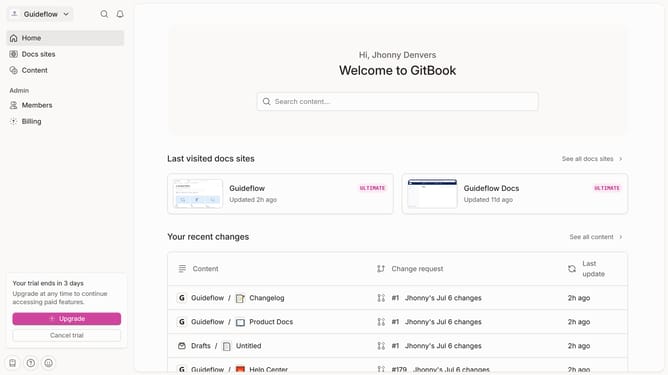
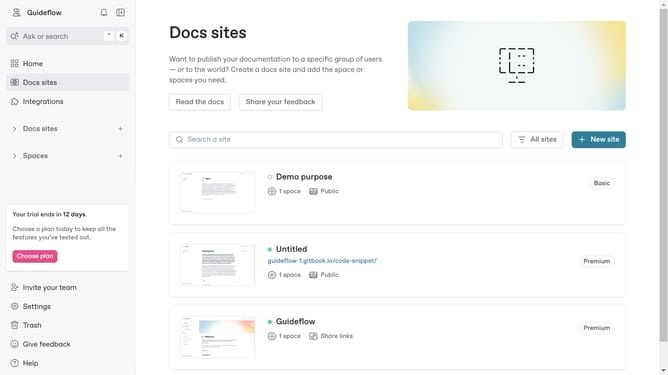
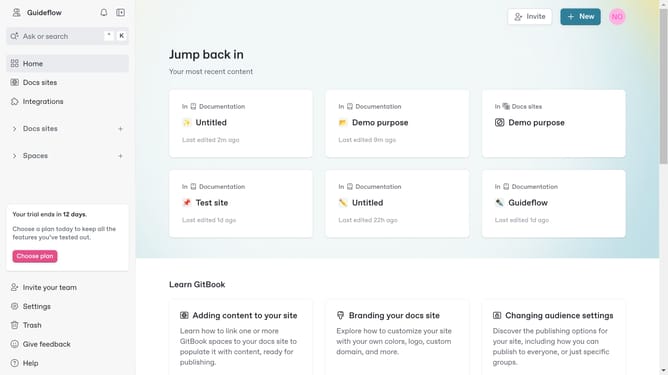
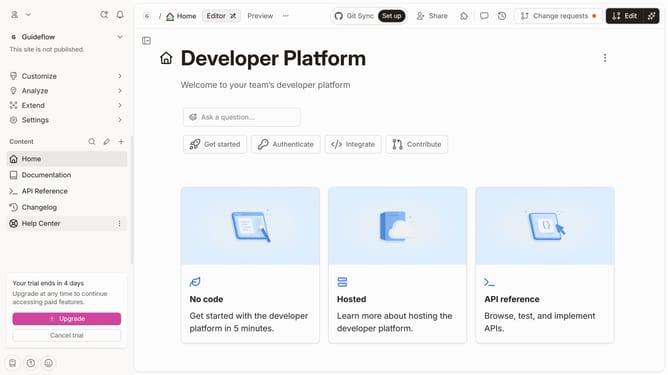
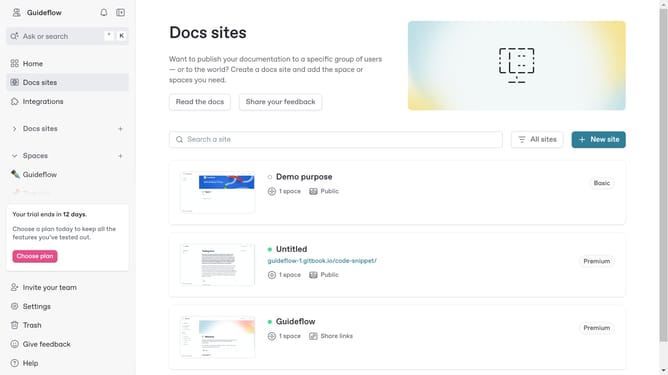
- First click on the site card in the main content area
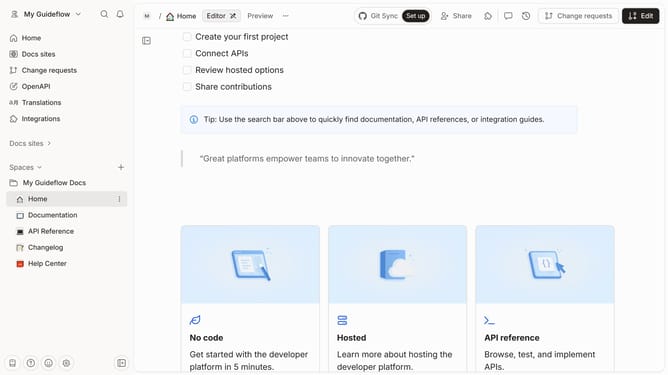
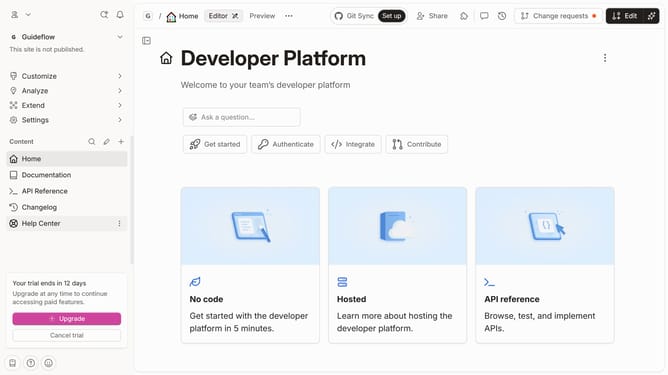
- Then click on the "Start editing content" button in the site overview section
- Next click on the content input field and type "/"
- Then click on the "Insert images" option in the insert block menu
- Finally upload the image you want to use or use an existing image in your library
Why should you insert inline images in Gitbook
GitBook is a modern platform designed to streamline the collaborative creation of beautiful documentation.
Inserting inline images in GitBook enhances the visual appeal and improves the comprehensibility of your documentation. This feature allows you to seamlessly embed images within the text, creating a richer reading experience.
Utilizing inline images can drastically improve the way information is conveyed, making complex concepts easier to grasp at a glance. It elegantly elevates your content, ensuring readers remain engaged and informed.
Last update