How to insert a tab in homepage in Gitbook
Here is how to insert a tab in homepage in gitbook
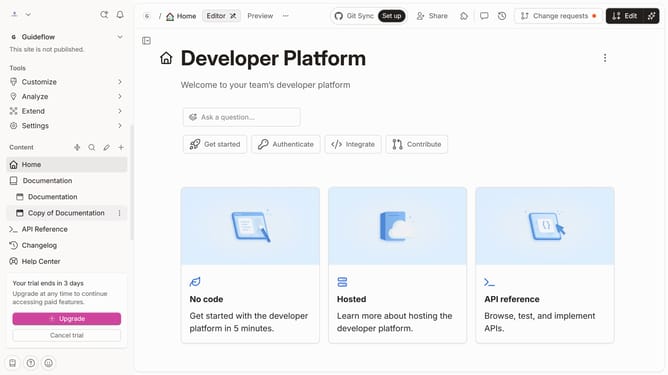
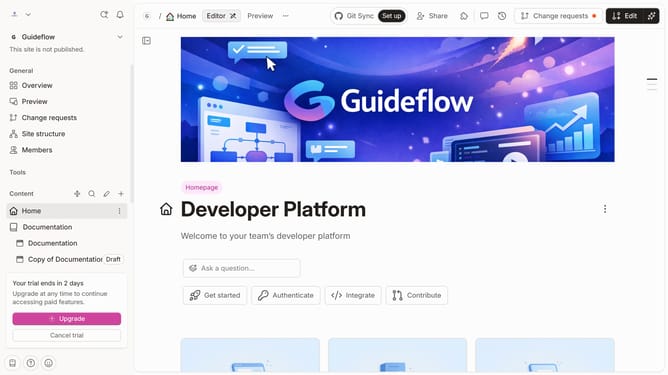
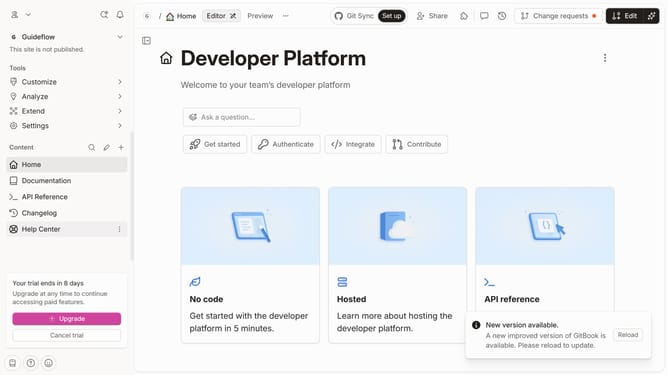
- First click on "Home" item in the left sidebar
- Click on the "Edit" button in the top right header
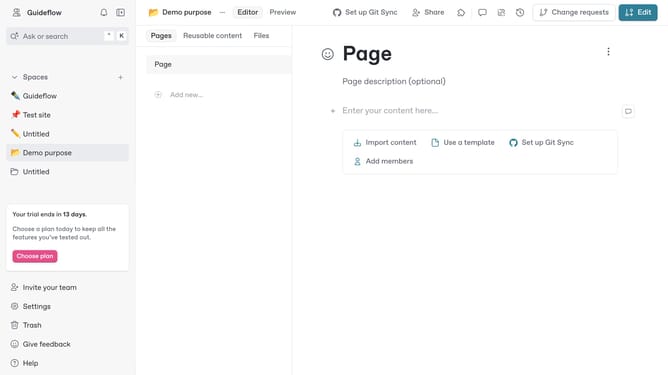
- Click on the "Click for block options" icon
- Then click on "More blocks" from the displayed list
- Then select "Tabs" item from the submenu
- Finally, click on the "Merge" button in the top menu
Why should you insert a tab in homepage in Gitbook
Gitbook is a versatile platform designed to seamlessly create and publish dynamic online documentation.
Adding a tab to your homepage in Gitbook enhances user navigation, allowing for a cleaner and more organized presentation of content. This feature provides the ability to categorize sections, making it intuitively easy for readers to find pertinent information.
Utilizing tabs promotes a structured and aesthetically pleasing layout, which can significantly improve user engagement and comprehension. Ultimately, it empowers creators to deliver a more focused and user-friendly documentation experience.
Last update