How to insert table in help center in Gitbook
Here is how to insert table in help center in gitbook
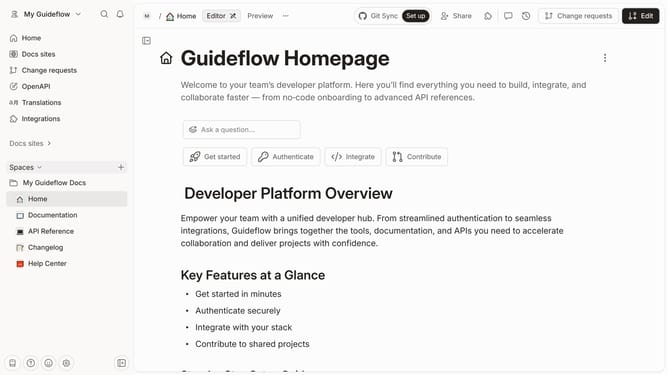
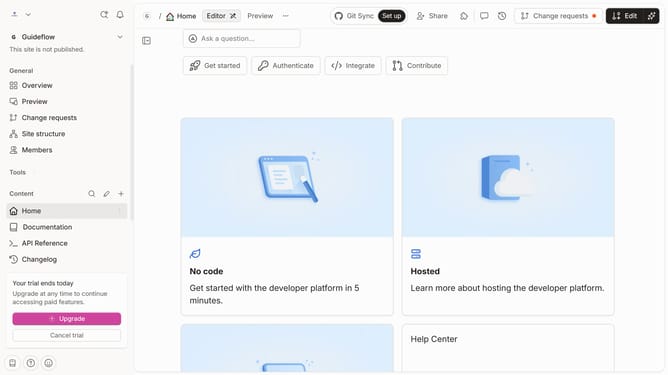
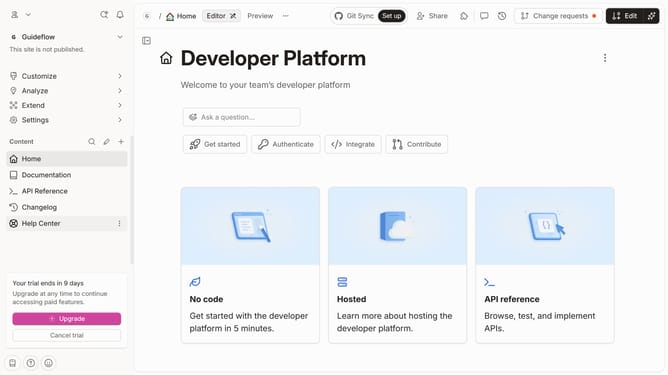
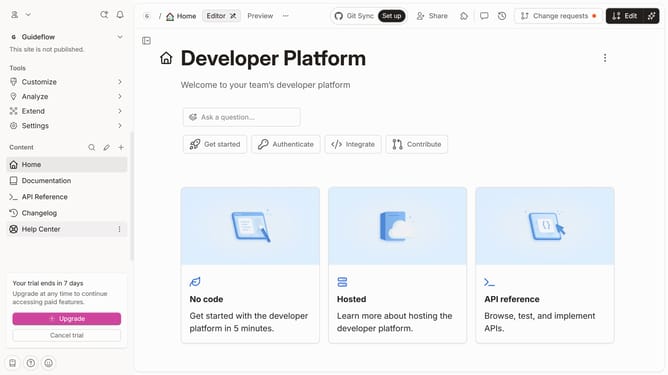
- First click on the "Help Center" in the sidebar
- Then click on the "Edit" button in the top header
- Next, click on the "+" icon to add a new element
- Then click on the "Caption" icon
- Then write "Write a caption" in the text field
- Finally, select "Table" from the dropdown menu in the left sidebar
Why should you insert table in help center in Gitbook
Gitbook is a powerful platform designed to streamline the creation and management of documentation.
Adding tables to your help center in Gitbook makes complex information more accessible, allowing you to present data concisely and clearly.
By structuring important information into tables, you enhance user experience, making it easier for readers to comprehend details at a glance. The table feature in Gitbook is a valuable asset for organizing your help center content seamlessly, ensuring that your documentation is both informative and visually engaging.
Last update