How to insert link in help center table in Gitbook
Here is how to insert link in help center table in gitbook
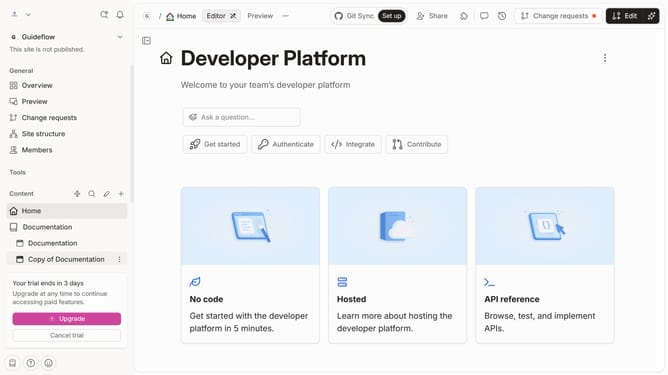
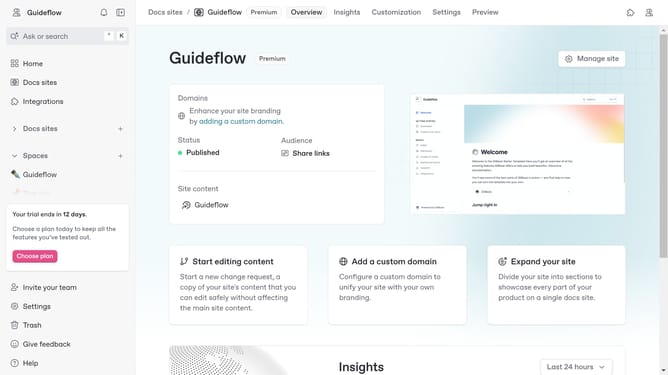
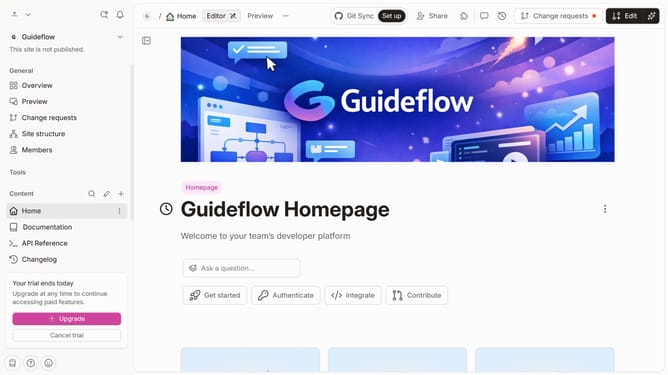
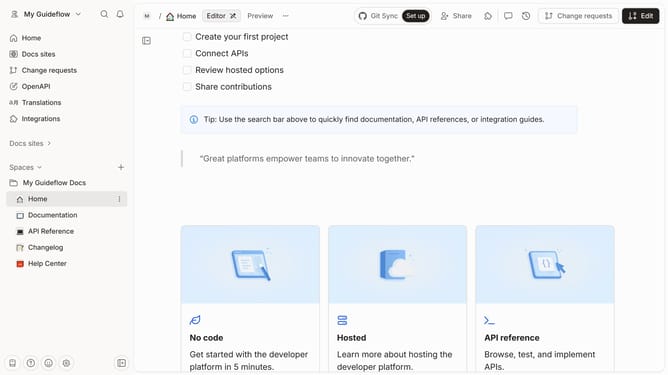
- First click on "Help Center" in the left sidebar
- Then click on the "Edit" button in the top header
- Then click on the "+" icon to add a new link
- Then type your URL into the URL input field
- Then click on the link button
- Finally click on the "Merge" button in the top right corner
Why should you insert link in help center table in Gitbook
GitBook is a modern platform designed to simplify and enhance the process of creating and sharing interactive documentation.
One beneficial feature you can utilize is inserting links in the help center table. By incorporating links, you ensure that users have quick access to additional details and resources, enriching their understanding and providing seamless navigation.
Using links in tables elevates the user experience, making the help center not only informative but also highly interactive and connected, reflecting well on your documentation quality.
Last update