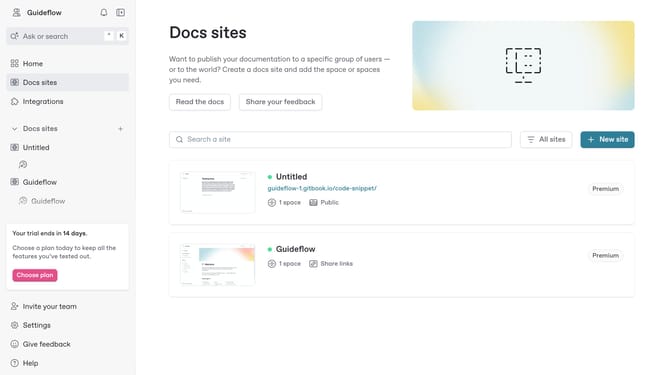
How to show page metadata of a content in a docs site in Gitbook
Here is how to show page metadata of a content in a docs site in gitbook
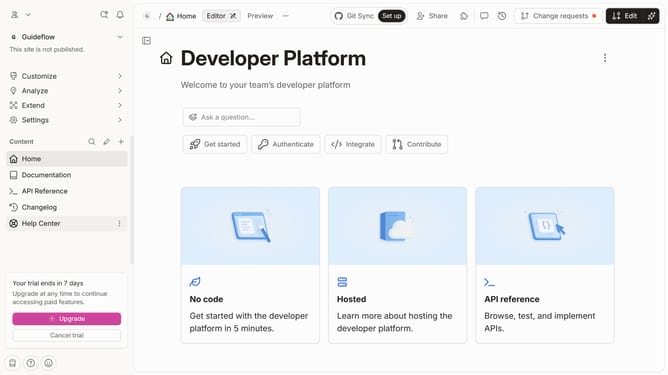
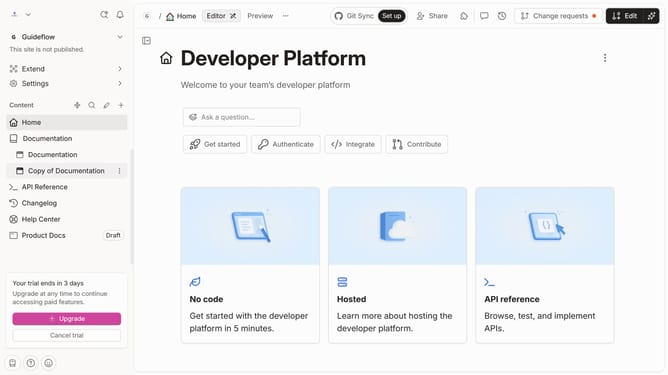
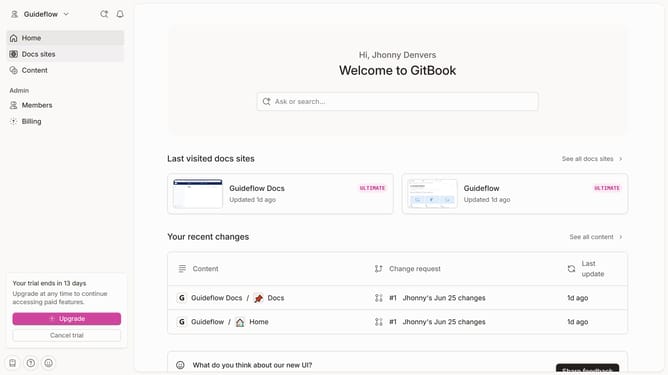
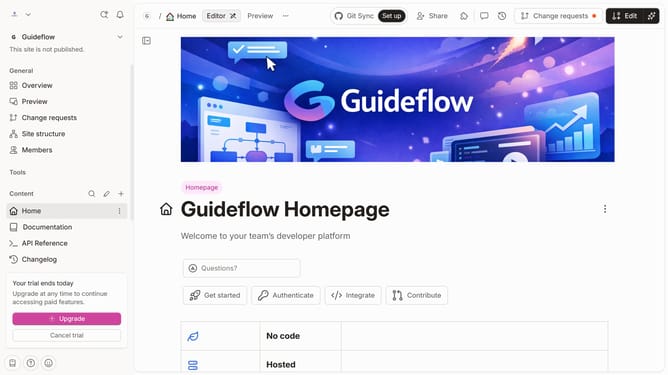
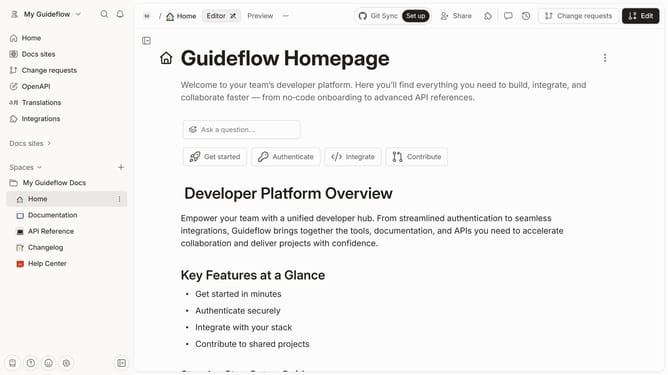
- First click on the content you want to manage in the left sidebar
- Then click on the "Edit" button in the top menu
- Next, click on "Page options" in the editor view
- Then, toggle the switch to the ON position for "Page metadata"
- Finally, click on the "Merge" button in the header
Why should you show page metadata of a content in a docs site in Gitbook
GitBook is a versatile platform designed to effortlessly create and manage documentation collaboratively.
Displaying page metadata in a GitBook documentation site enhances navigation and usability by providing valuable context about the content. This feature allows users to view essential information such as the last updated date, author details, and version history directly on the page.
Utilizing page metadata ensures transparency in content updates, fostering trust and facilitating seamless collaboration among team members. It's an efficient way to keep users informed and engaged, ultimately contributing to a more organized and user-friendly documentation experience.
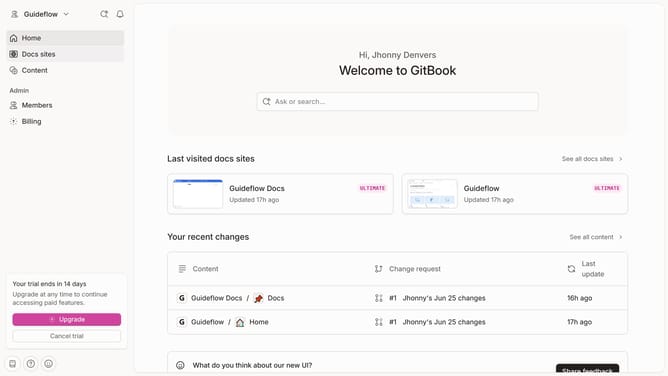
Last update