How to revoke a share link in Gitbook
Here is how to revoke a share link in gitbook
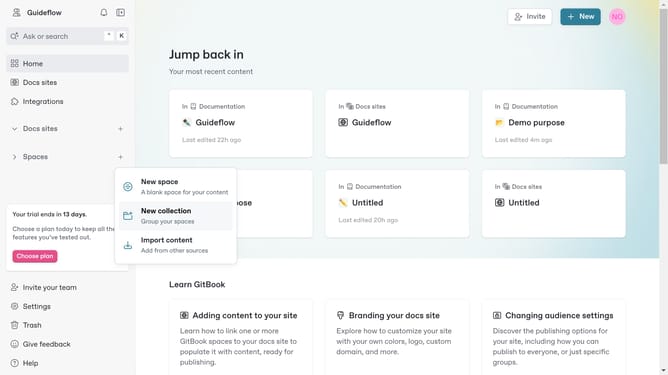
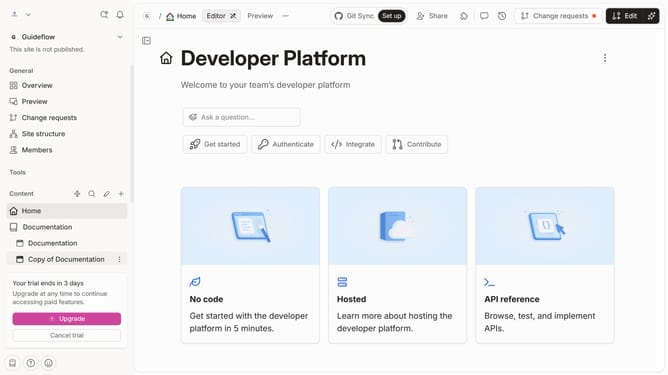
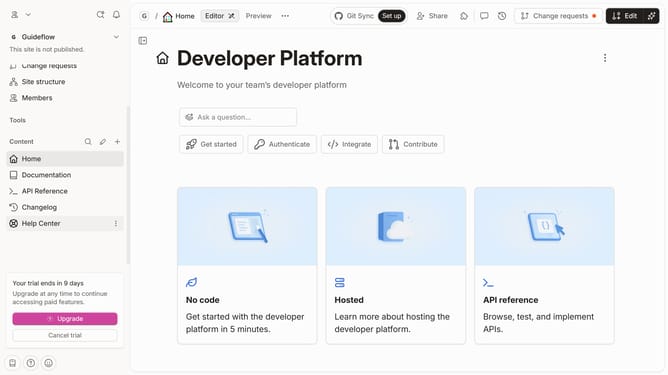
- First click the docs site card you want to revoke a share link
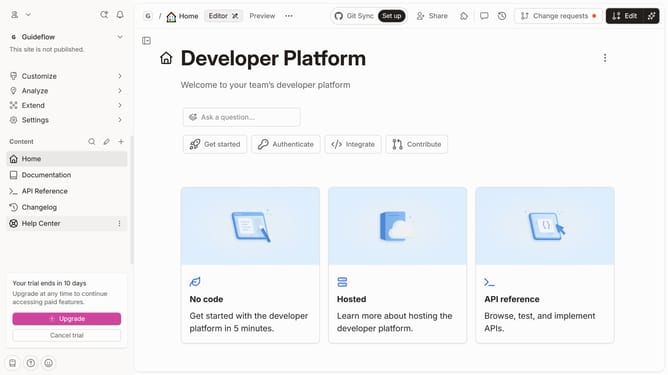
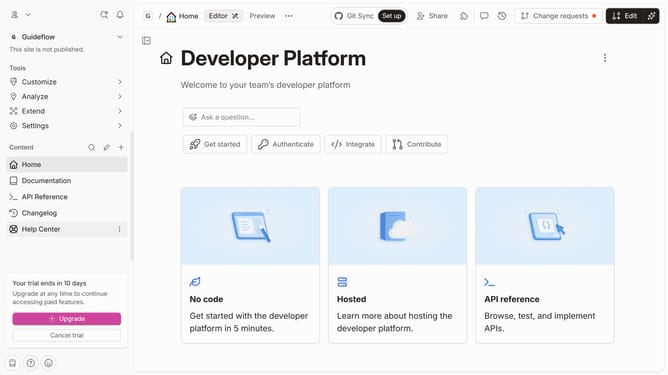
- Then click on the "Settings"
- Next click on the "Audience" tab in the left settings menu
- Then click on the "Revoke" button
- Finally click on the "Revoke" option in the audience settings panel to confirm the selection
Why should you revoke a share link in Gitbook
Gitbook is an innovative platform designed for creating and sharing comprehensive, interactive documentation.
One of its valuable features is the ability to revoke a share link, providing users with control over document access.
This feature is essential for maintaining the confidentiality and integrity of your content, allowing you to easily manage who can view your private information.
By revoking a share link, you ensure that outdated or sensitive information is no longer accessible, enhancing security and ensuring peace of mind.
Last update