How to change help center category icon color in Gitbook
Here is how to change help center category icon color in gitbook
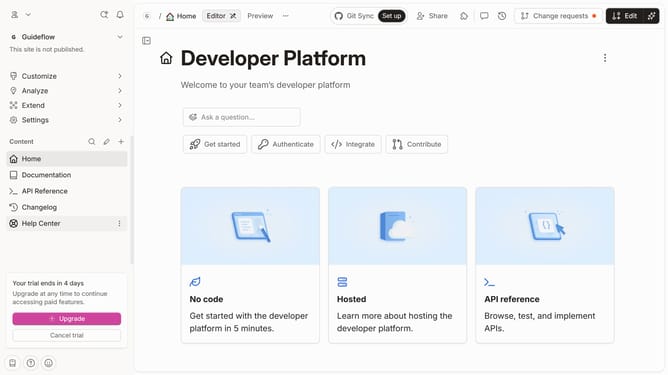
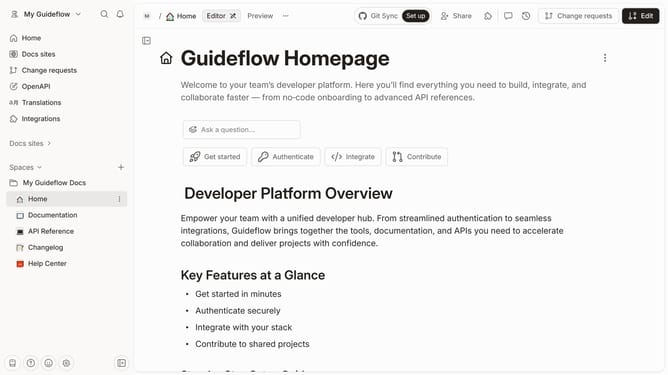
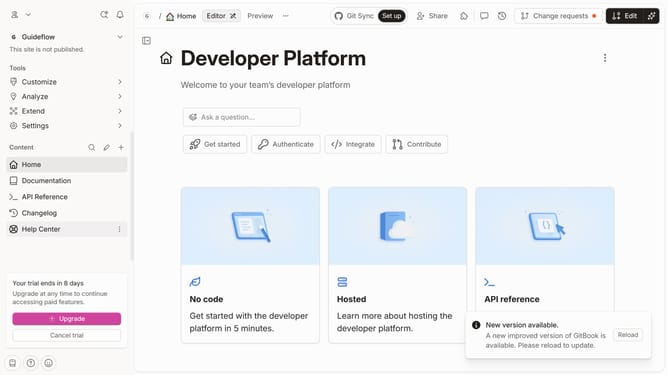
- First click on "Help Center" item in the left sidebar
- Then click on the "Edit" button in the header
- Next, click on the category icon you want to edit
- Then click on a square icon in the edit icon menu
- Finally click on the "Merge" button in the header
Why should you change help center category icon color in Gitbook
GitBook is a versatile platform designed to effortlessly organize, collaborate, and present content.
One standout feature is the ability to change help center category icon colors. This customization enhances the visual appeal of your help center.
By leveraging this feature, you can create a cohesive brand identity and improve user navigation.
Enhanced aesthetics lead to a better user experience, making it easier for visitors to find the information they need quickly.
Last update