How to add emojis to your content in Gitbook
Here is how to add emojis to your content in gitbook
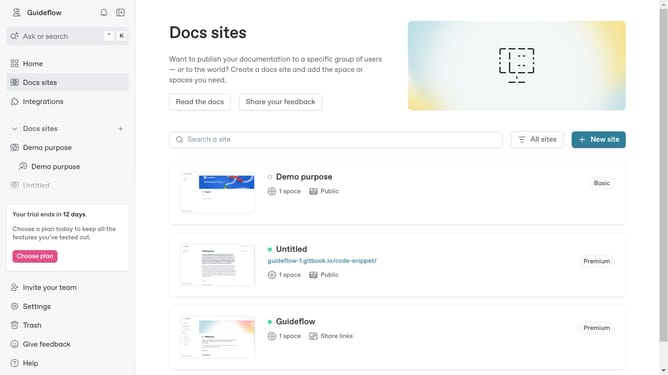
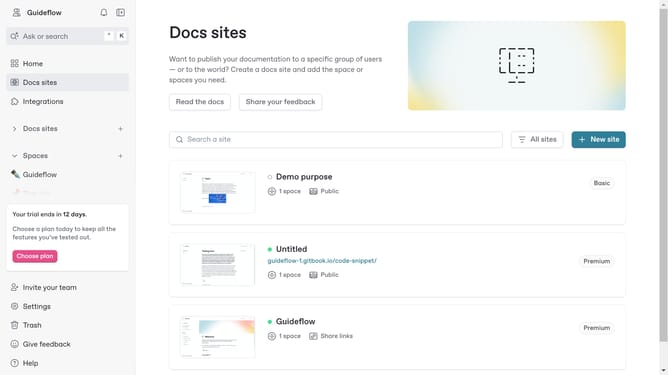
- First click on the site card in the main content area
- Then click on the "Start editing content" button in the overview section
- Next click on the content input field and type ":emoji_name:"
- While typing the name of the emoji you want to use, a popup will appear with emoji suggestions
Why should you add emojis to your content in Gitbook
Gitbook is an intuitive platform designed for creating comprehensive and organized documentation.
Incorporating emojis into Gitbook content can enrich the user experience by adding visual interest and emotional context.
Emojis offer a unique way to break up text, making documentation more engaging and easier to digest.
By using emojis, writers can emphasize key points or add a touch of personality, helping readers connect more deeply with the content.
Last update