How to show page metadata in homepage in Gitbook
Here is how to show page metadata in homepage in gitbook
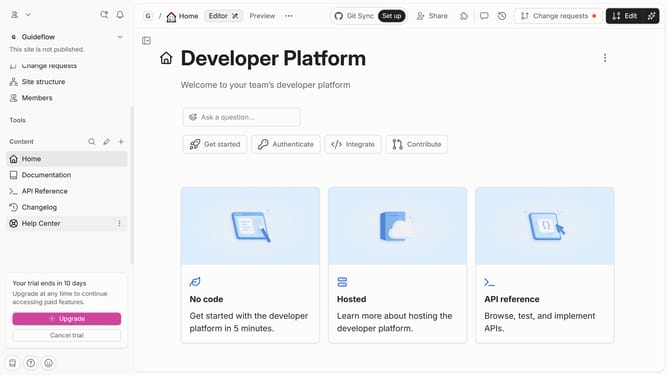
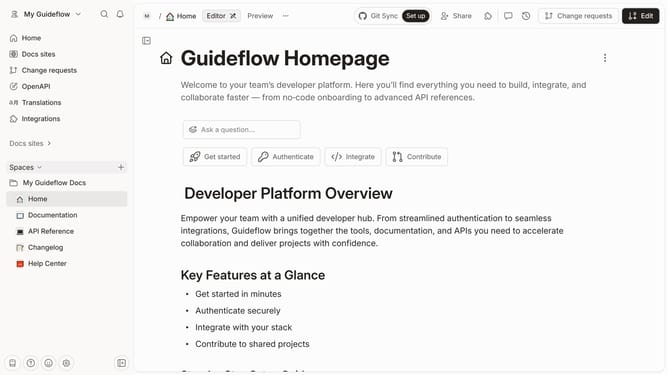
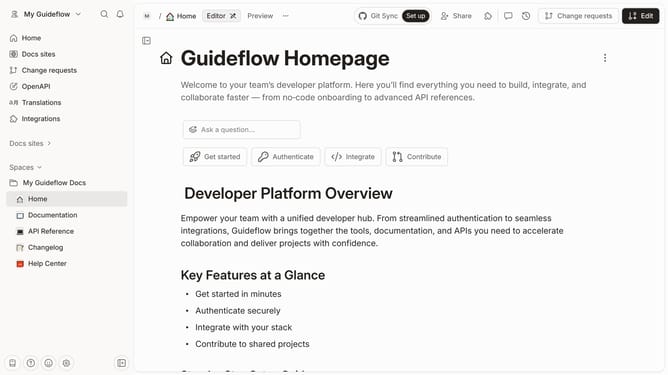
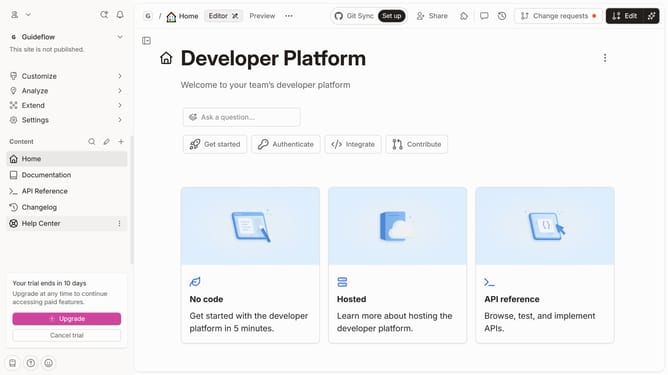
- First click on the "Home" item in the sidebar
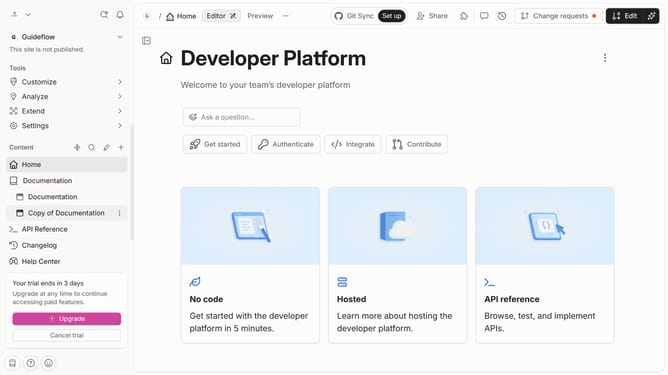
- Then click on the "Edit" button in the header
- Next click on the "Page options" button
- . Then toggle the switch ON across "Page metadata" to enable it
- Finally click on the "Merge" button in the header
Why should you show page metadata in homepage in Gitbook
GitBook is a dynamic platform designed to effortlessly document your projects and knowledge.
Displaying page metadata on the homepage in GitBook allows you to present crucial information at a glance, setting a clear context for your audience. This feature enhances transparency by showcasing the latest updates, authors, or key focus points right from the start.
By utilizing page metadata, you encourage a more engaging, informed experience for your readers, keeping them connected and invested in your content.
Last update