How to delete file in a help center in Gitbook
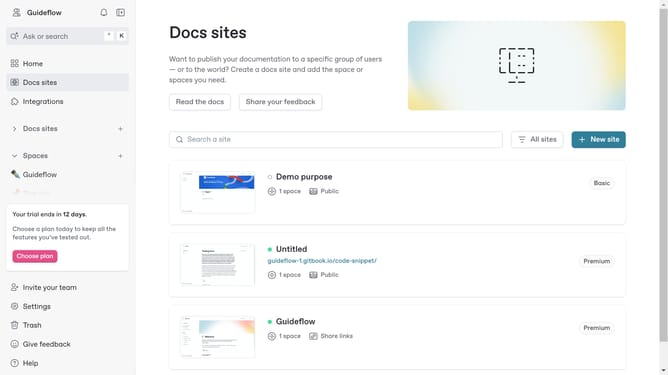
Here is how to delete file in a help center in gitbook
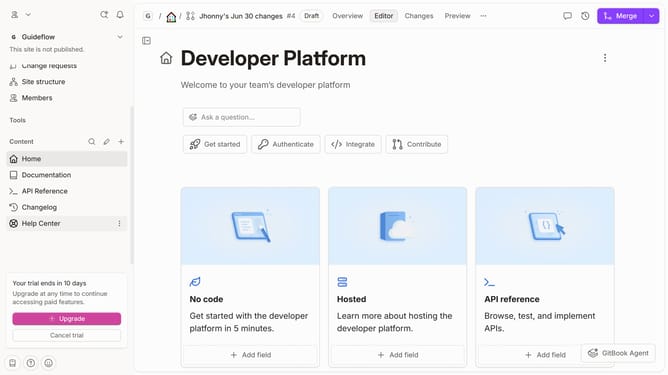
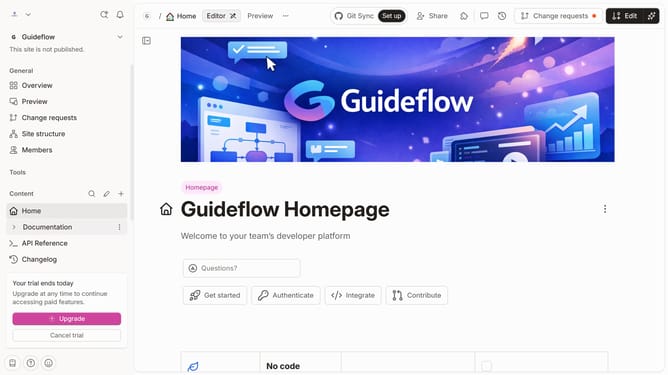
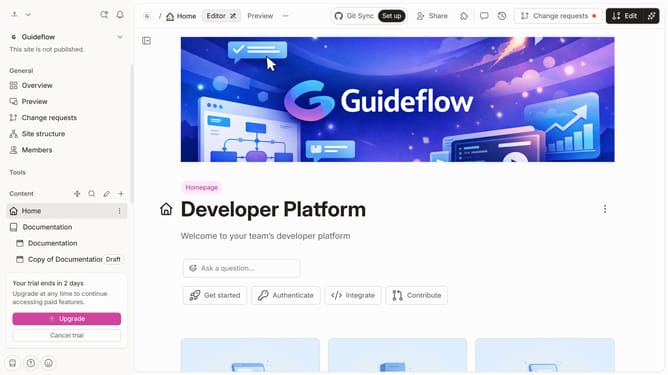
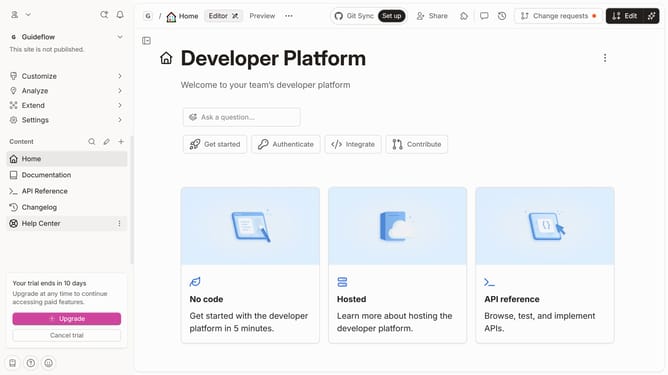
- First click on "Help Center" item in the left sidebar
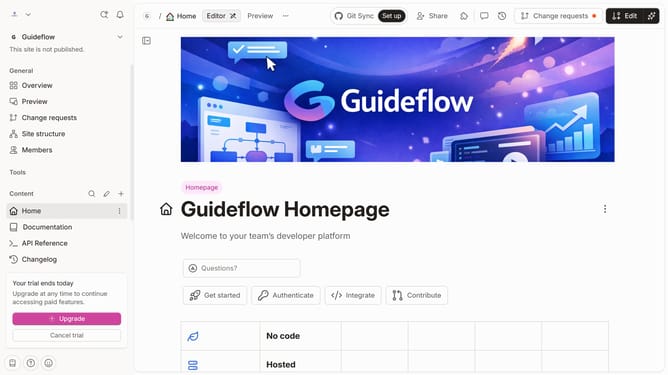
- Then click on the "Edit" button in the top menu
- Next, click on the "click for block options" icon
- Then select "Delete" option from the dropdown menu
- Finally click on the "Merge" button in the top menu
Why should you delete file in a help center in Gitbook
GitBook is a dynamic platform for creating, organizing, and managing documentation effortlessly.
Deleting a file in a GitBook help center is a straightforward process that enhances content management by allowing users to keep information current and relevant.
This feature ensures your documentation remains clutter-free, helping users easily find pertinent data while maintaining a streamlined look.
Incorporating file deletion capabilities aids in preserving an efficient workflow, enabling users to focus on content that truly matters.
Last update