How to duplicate image in help center in Gitbook
Here is how to duplicate image in help center in gitbook
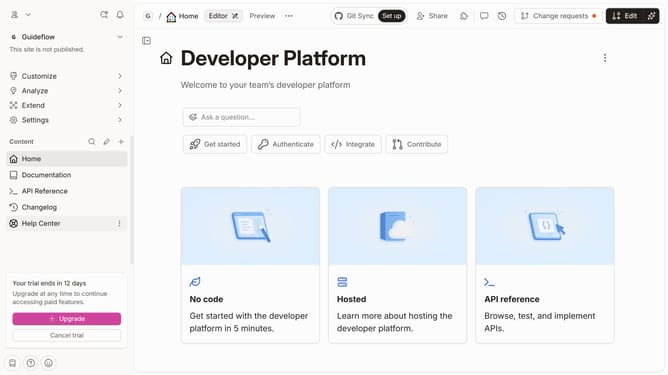
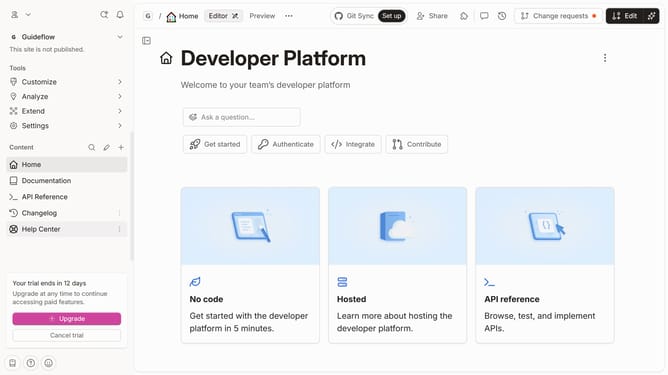
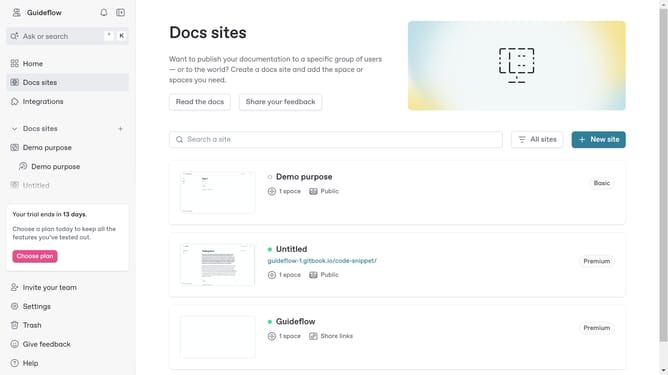
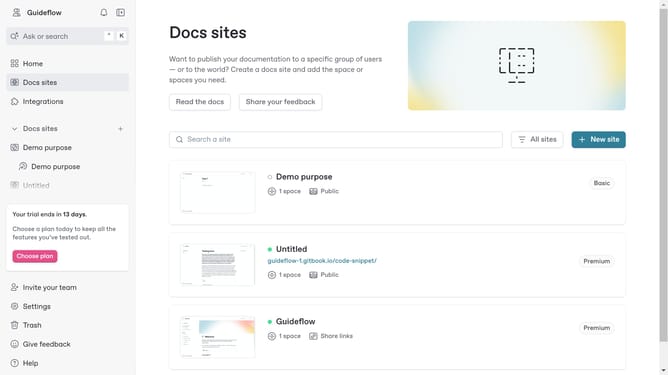
- First click on the "Help Center" item in the left sidebar
- Then click on the "Edit" button in the top menu
- Next, click on the block options icon (four dots) to reveal more options
- Then select the "Duplicate" option from the dropdown menu
- Finally, click on the "Merge" button in the top right corner
Why should you duplicate image in help center in Gitbook
GitBook is a powerful tool that helps teams document their processes and knowledge in an organized and accessible way.
The “duplicate image” feature in GitBook's Help Center makes reproducing visuals remarkably easy. By allowing users to replicate images effortlessly, it ensures that visual content can be reused across different pages without the need to upload the same file repeatedly.
This not only saves valuable time but also helps maintain consistency in documentation. Utilizing this feature can enhance the efficiency of information presentation, making your help center more cohesive and user-friendly.
Last update