How to add external links to your table of contents in Gitbook
Here is how to add external links to your table of contents in gitbook
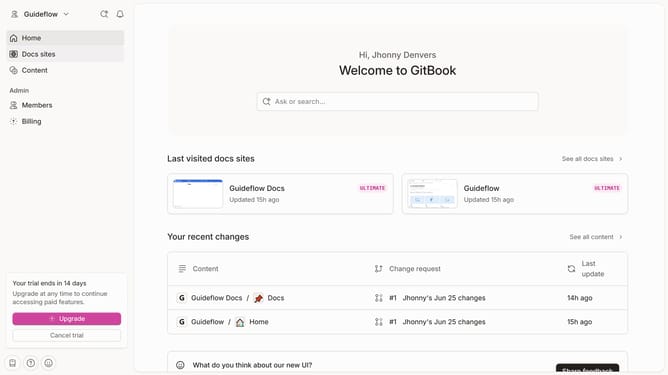
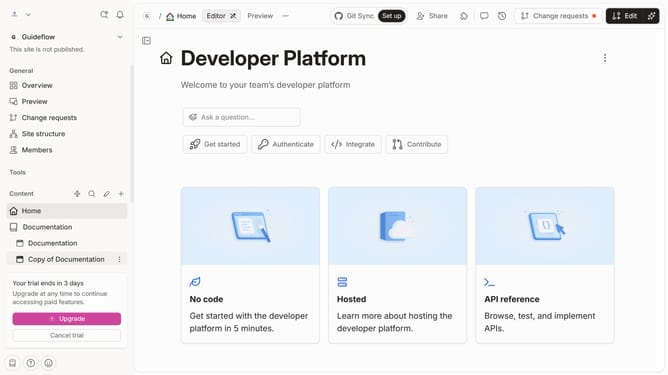
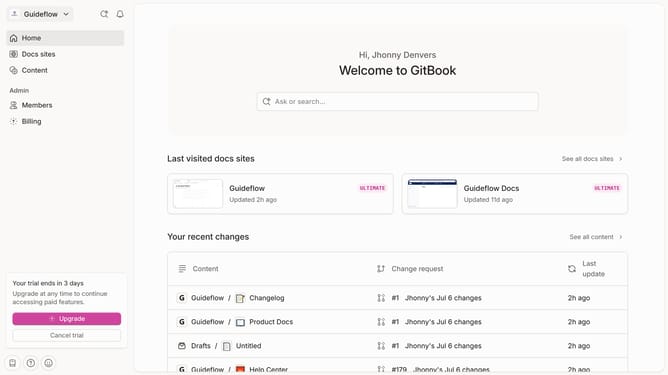
- First click the site card you want to use in the content area
- Then click on "Start editing content" button in the main section
- Next click on "Add new..." button in the left sidebar
- Then select "External link" option from the dropdown menu
- Next click on the title input field to enter your title
- Then paste your URL here in the input field
- Click on the link preview text "Link to confirm URL
- Finally click the "Insert" button in the "Insert external link" dialog
Why should you add external links to your table of contents in Gitbook
Gitbook is an intuitive platform designed for creating comprehensive and easy-to-navigate digital documentation.
By adding external links to your table of contents in Gitbook, you can seamlessly connect your readers to additional resources or related content outside your main documentation. This feature enhances user experience by providing instant access to extra information, ensuring readers find everything they need without hassle.
Utilizing external links not only enriches your documentation but also fosters a more dynamic and interconnected learning environment for your audience.
Last update