How to delete team in Gitbook
Here is how to delete team in gitbook
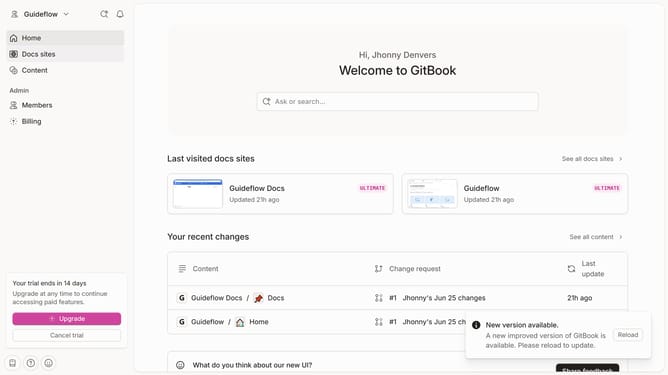
- First click on the dropdown in the top header
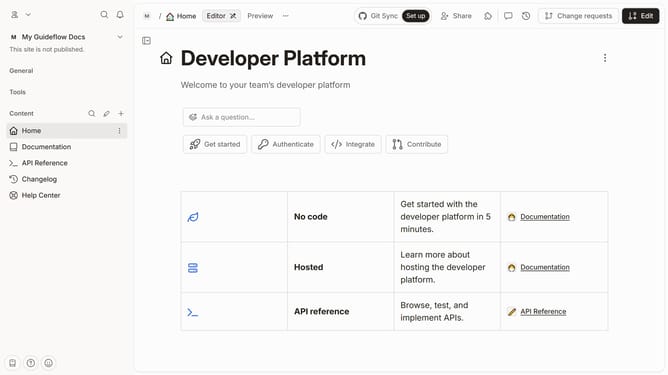
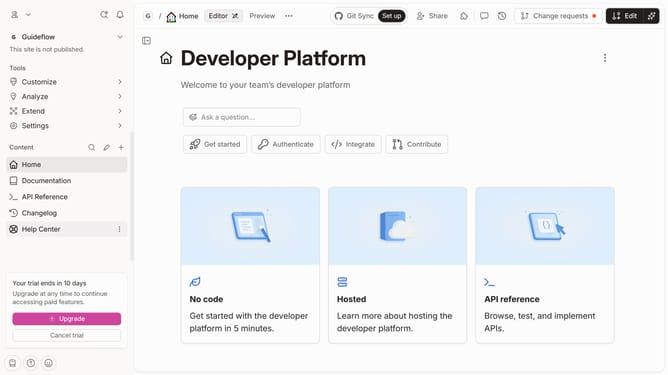
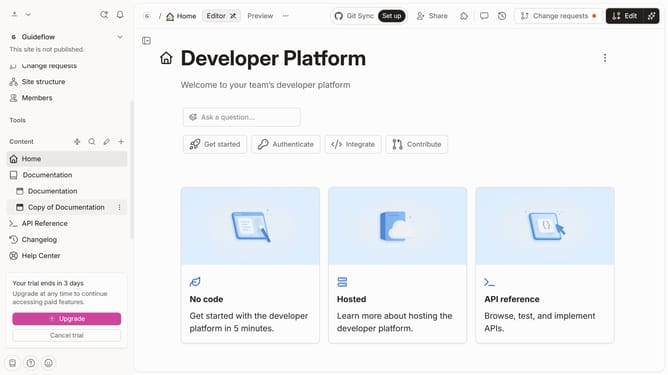
- Then click on the "Settings" option in the sidebar
- Next, click on "Teams" in the "Organization" section
- After that, click on the "three dots" icon next to the team that you want to delete
- Then select the "Remove team" option from the dropdown menu
- Finally click on the "Delete" button to confirm the team removal
Why should you delete team in Gitbook
GitBook is a collaborative platform designed to streamline the documentation process for developers and teams.
The ability to delete a team in GitBook allows users to effectively manage and organize their workspace by removing outdated or obsolete groups.
This feature ensures that your workspace remains clutter-free, optimizing navigation and resource access.
By maintaining only the relevant teams, it enhances productivity and collaboration, fostering an efficient and streamlined documentation environment.
Last update