How to duplicate a table in homepage in Gitbook
Here is how to duplicate a table in homepage in gitbook
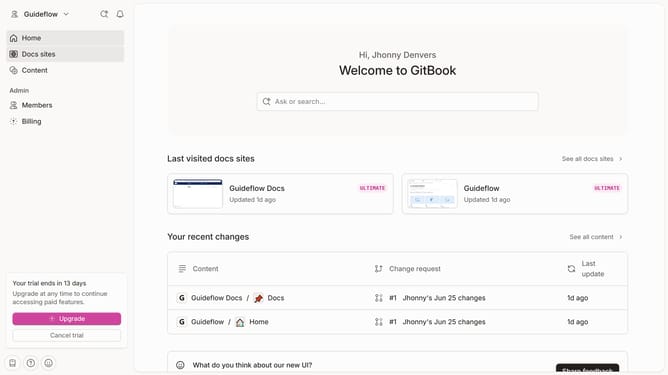
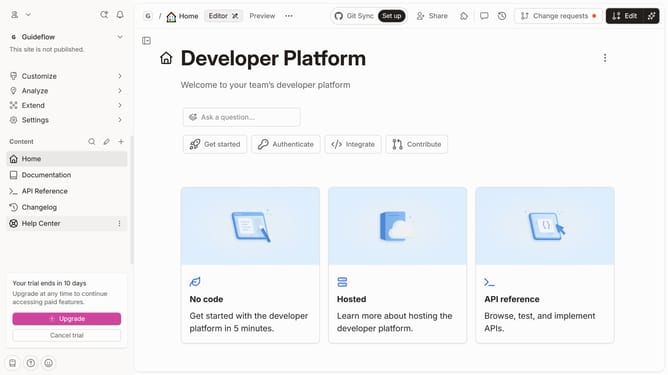
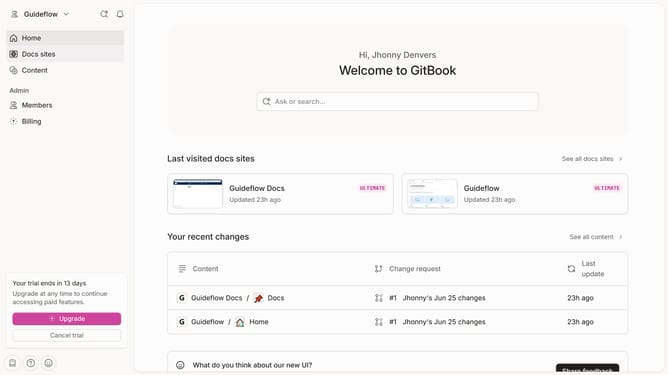
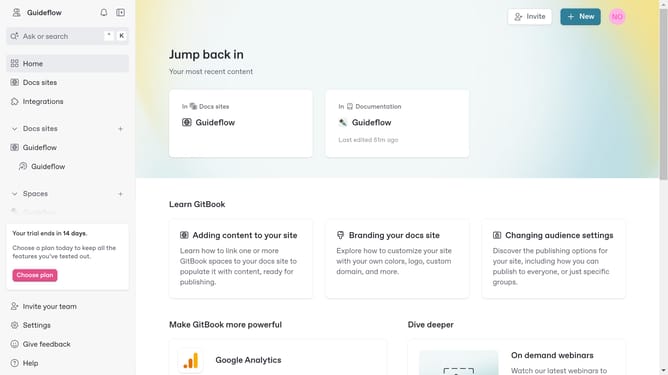
- First click on "Home" item in the sidebar
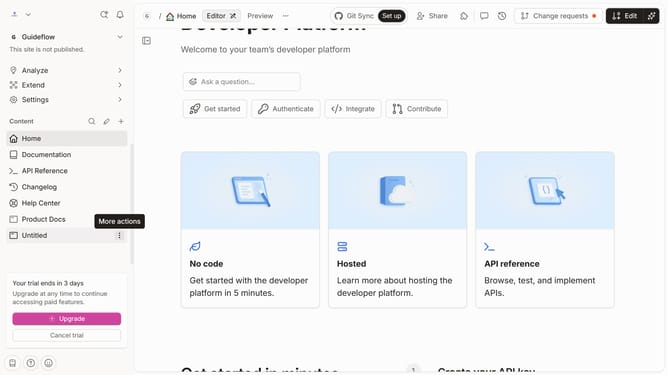
- Then click on "Edit" button in the header
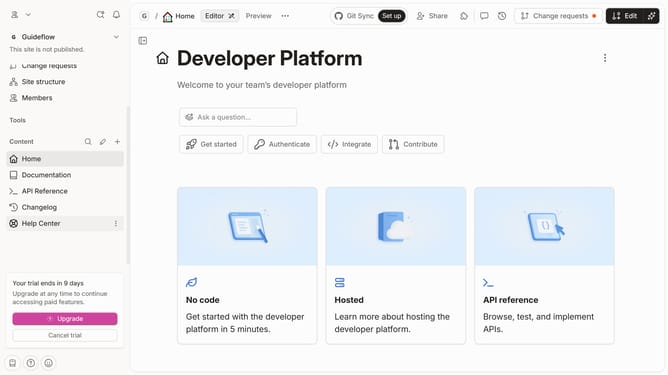
- Next click on the block options icon
- Then select "Duplicate" from the dropdown menu
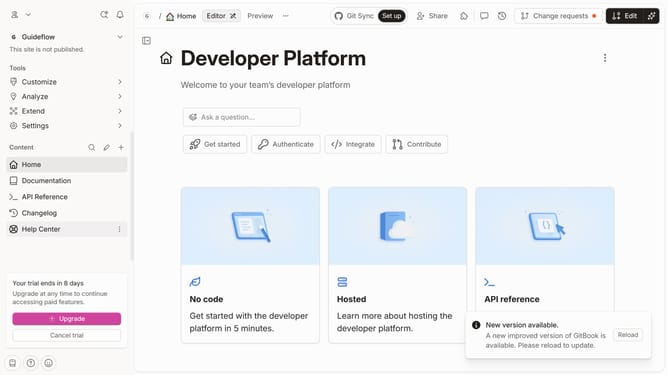
- Finally click on the "Merge" button in the header
Why should you duplicate a table in homepage in Gitbook
GitBook is a modern documentation platform designed to facilitate collaboration and knowledge sharing.
Duplicating a table in the homepage of GitBook offers a streamlined method for maintaining consistency across your documentation. It empowers users to quickly replicate crucial data, ensuring that all important information remains accessible and uniform throughout the platform.
This feature is particularly beneficial for teams working on dynamic projects, allowing them to update and refine data without the need to manually recreate each table. Efficiently duplicating tables saves time and minimizes errors, promoting a smooth workflow and enhancing overall productivity.
Last update