How to add heading blocks to a page in Gitbook
Here is how to add heading blocks to a page in gitbook
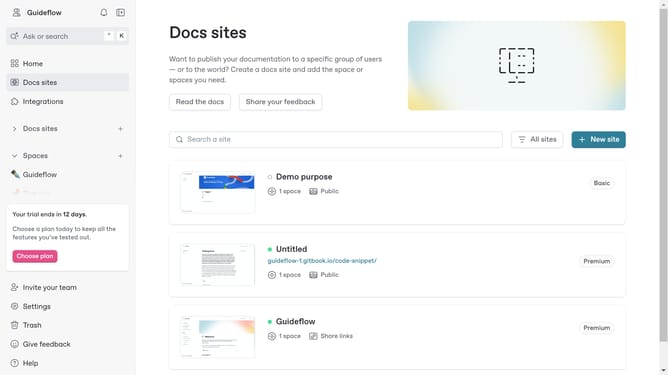
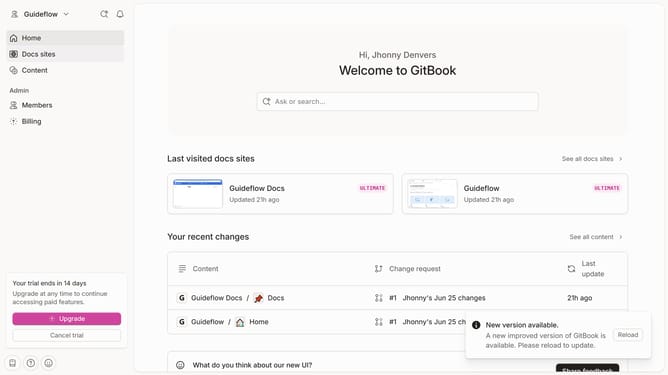
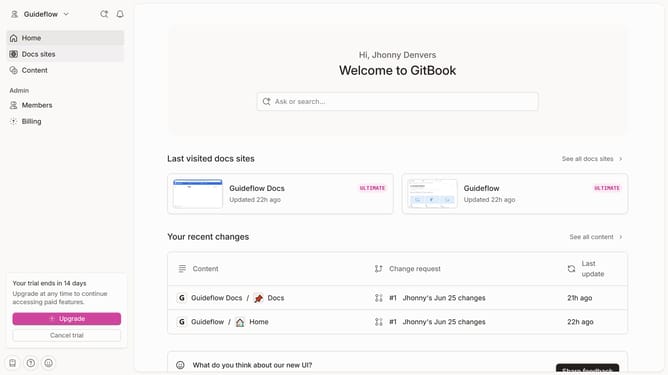
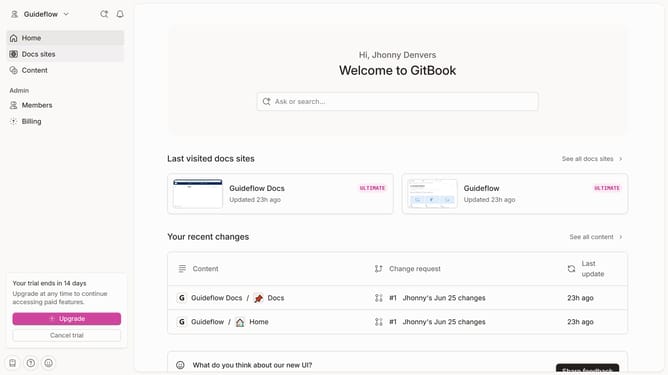
- First click site card you want to use
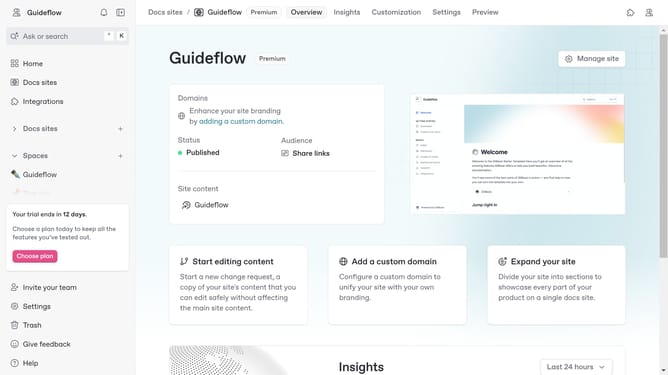
- Then click on "Start editing content" card in the main content area
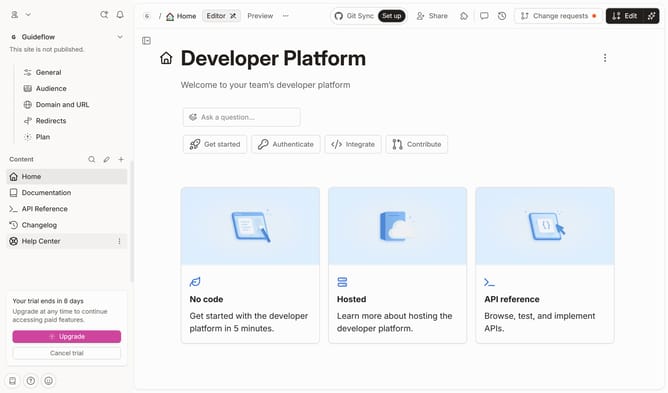
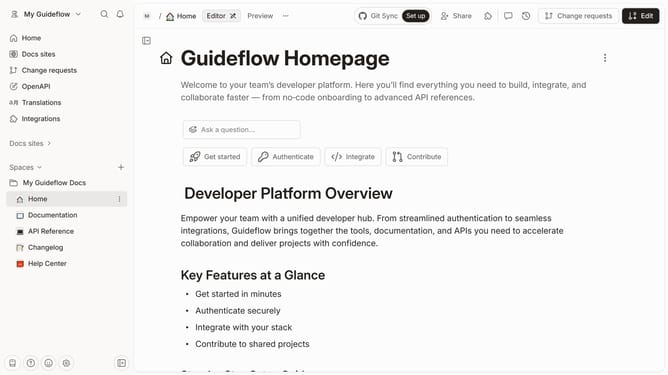
- Click on the "Edit" button in the top toolbar
- Click the "+" button to add a new block below
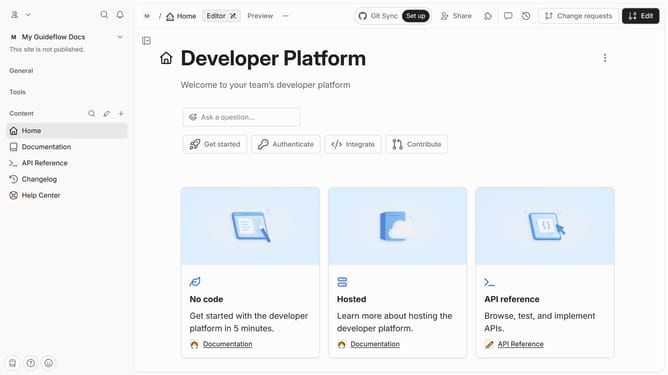
- Here you will have different choices of "Heading"
- Click the newly created block to edit it
- After editing, you will find an "#" sign meaning you have created an anchor link
- Finally click on the "Merge" button at top toolbar area to save your work
Why should you add heading blocks to a page in Gitbook
Gitbook serves as a collaborative platform designed to streamline the creation and sharing of accessible documentation.
Adding heading blocks to a page in Gitbook enhances the overall structure and readability of your content. This feature allows you to clearly organize ideas and create a natural flow for your readers, ensuring they can easily navigate through complex information.
Utilizing heading blocks not only improves the user's experience but also boosts search engine optimization by making your content more scannable and enriching its hierarchy.
Last update