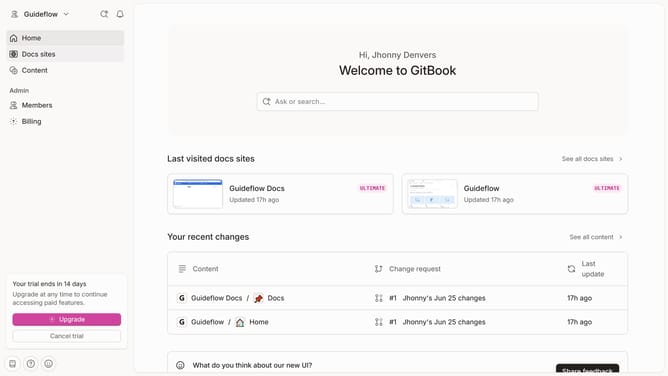
How to add strikethrough to words inside help center table in Gitbook
Here is how to add strikethrough to words inside help center table in gitbook
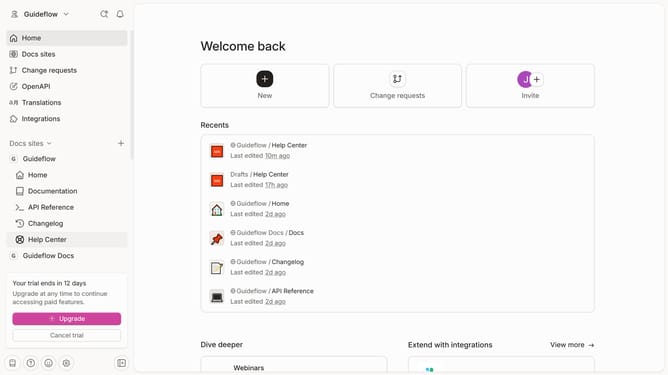
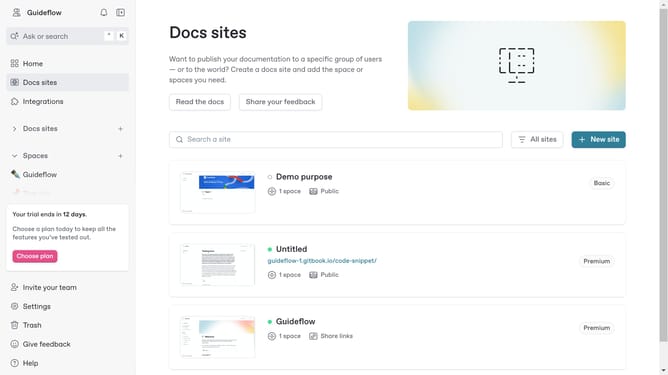
- First click on "Help Center" in the sidebar
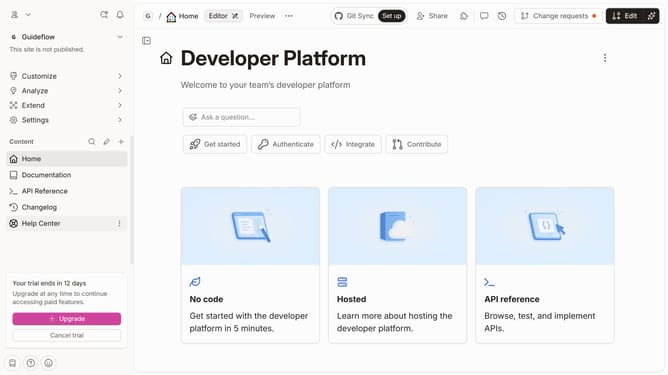
- Then click on "Edit" button in the top menu
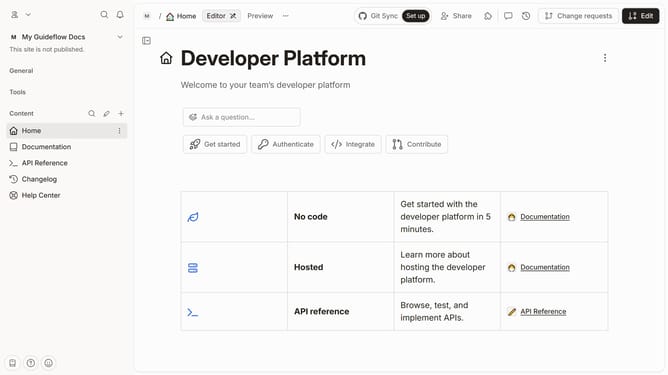
- Next, click on the text to highlight it in the content editor
- Then click on the "Strikethrough" icon
- Finally click on the "Merge" button in the top menu
Why should you add strikethrough to words inside help center table in Gitbook
GitBook is a versatile platform designed for creating and sharing knowledge bases with ease and efficiency.
One useful feature within GitBook's help center is the ability to add strikethrough formatting to words in a table. This feature allows users to visibly cross out outdated or erroneous information without deleting it, maintaining transparency and clarity in communications.
Using strikethrough in tables helps ensure content is visually organized and reader-friendly, enhancing the user experience by clearly indicating changes while keeping the original text accessible.
Last update