How to manage site editing permissions in Gitbook
Here is how to manage site editing permissions in gitbook
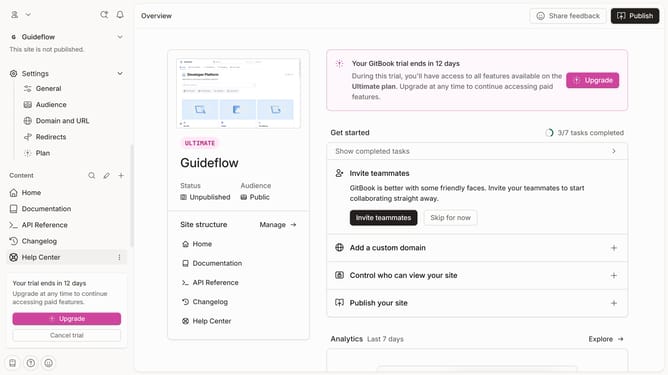
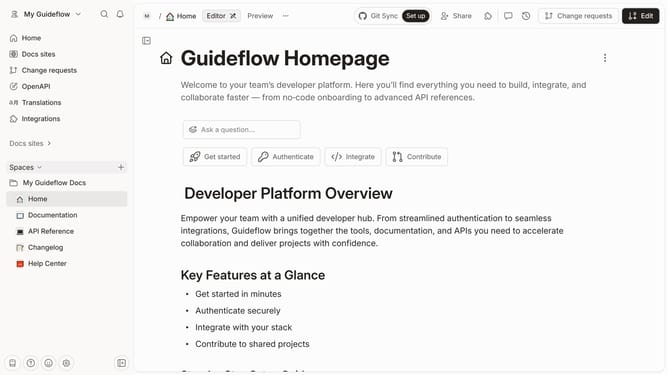
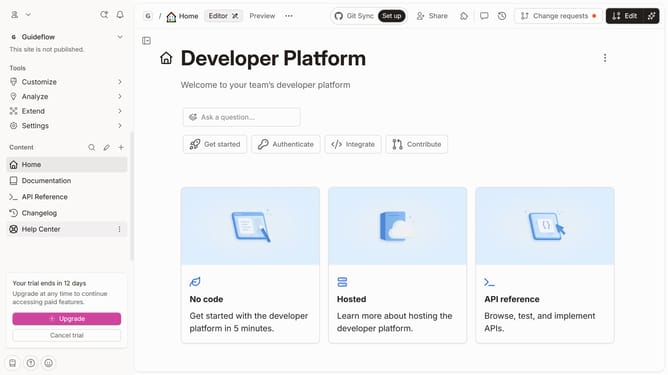
- First click on the "Settings" button in the left sidebar
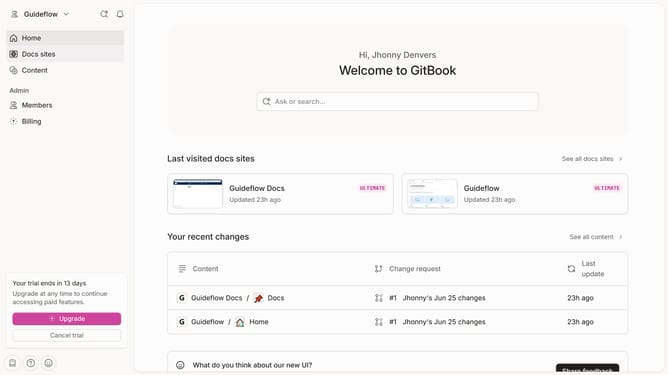
- Then click on "Organization settings" in the profile menu dropdown
- Next click on the "Members" option in the left settings sidebar
- Here, you will find a list of the members in your team and their respective roles
- Next click on the dropdown button to edit the role
- Different roles come with varying permissions when it comes to managing the site
Why should you manage site editing permissions in Gitbook
Gitbook is a collaborative platform designed to transform documentation into an engaging and interactive experience.
Managing site editing permissions in Gitbook allows teams to efficiently control who can modify content, ensuring that only the right people have editing access. This feature is crucial for maintaining the integrity of your documentation, as it minimizes the risk of unauthorized or accidental changes.
By managing permissions effectively, organizations can foster a collaborative environment where contributors are empowered to share their expertise while maintaining high standards of content quality.
Last update