How to add a users field in a help center category in Gitbook
Here is how to add a users field in a help center category in gitbook
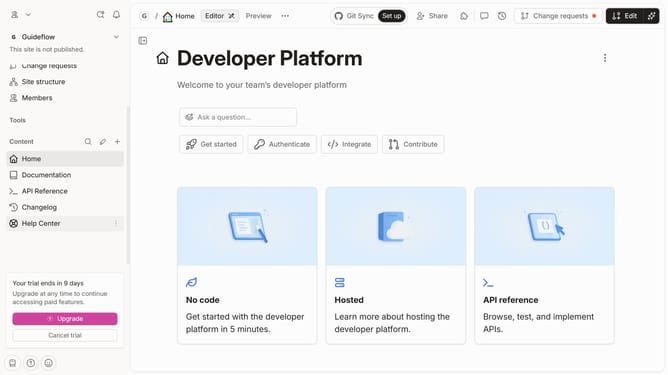
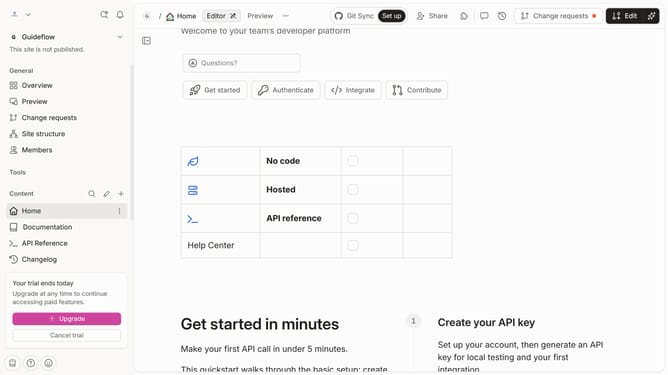
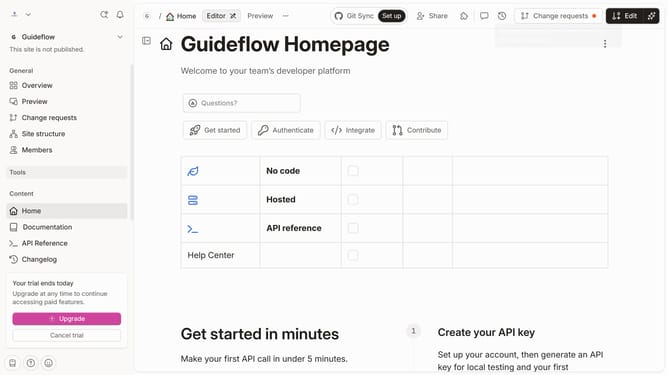
- First, click on the "Help Center" link in the left sidebar
- Then, click on the "Edit" button in the topbar
- Next, click on the "+ Add field" button in the category card
- Then, select the "Users" option from the dropdown menu
- Finally, click on the "Merge" button in the topbar
Why should you add a users field in a help center category in Gitbook
GitBook simplifies the creation and sharing of documentation.
Adding a users field in a help center category in GitBook enhances collaboration by allowing specific users to manage and contribute to particular sections. This feature encourages streamlined communication and task delegation, ensuring that your help center is efficient and organized.
Utilizing this function allows designated team members to update and access relevant content effortlessly, leading to improved information consistency and user satisfaction. Enhanced user assignments make knowledge sharing within your team more effective and results-driven.
Last update