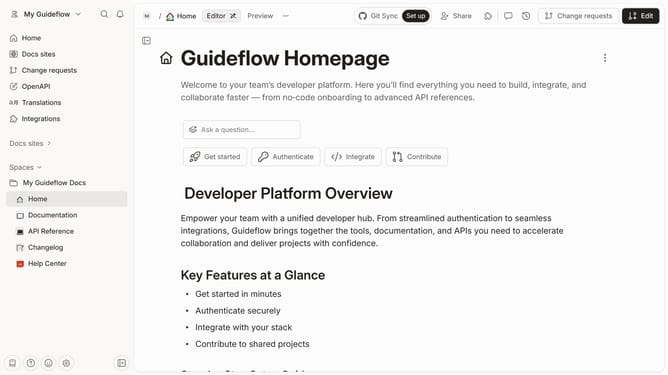
How to add a table rating column in help center in Gitbook
Here is how to add a table rating column in help center in gitbook
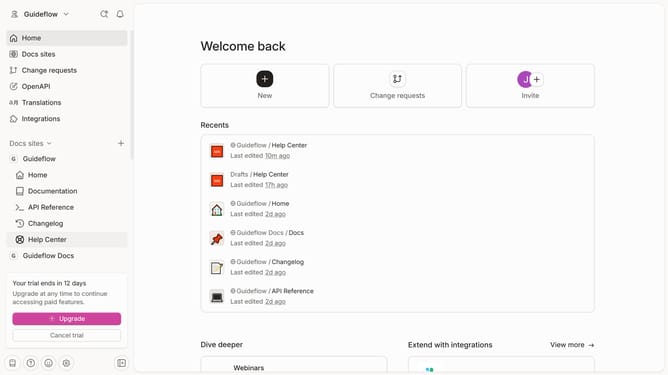
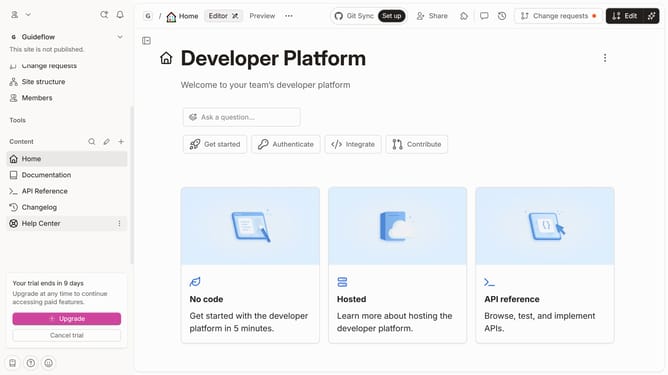
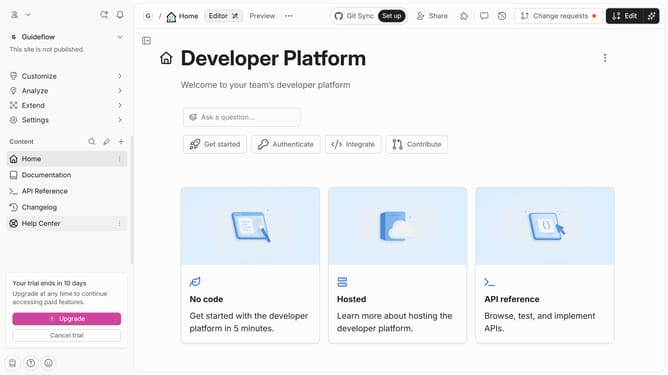
- First click on "Help Center" in the sidebar
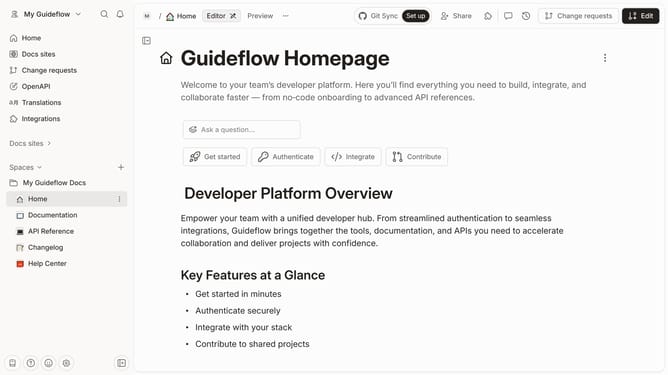
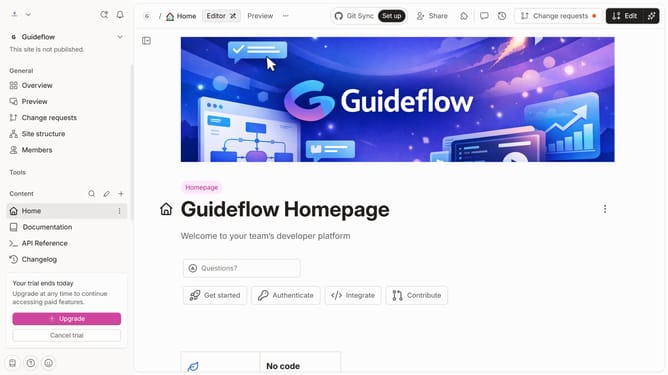
- Then click on the "Edit" button in the header
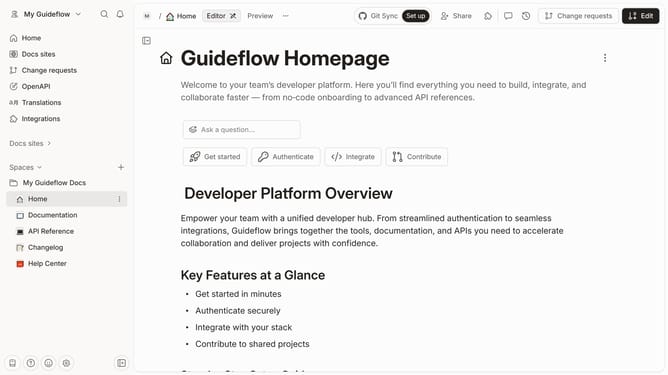
- Next click on the dots icon to open block options
- Then select "Add column" from the menu
- Then select "Rating" from the dropdown menu
- Finally click on the "Merge" button
Why should you add a table rating column in help center in Gitbook
Gitbook is a powerful platform designed for creating and organizing documentation seamlessly.
Adding a table rating column in Gitbook's help center enhances the way users can interact with content, allowing them to quickly convey feedback on its value and clarity. This feature empowers authors to gauge the effectiveness of their documents, prompting improvements based on real user input.
Ultimately, it fosters a better understanding of user needs and preferences, leading to enhanced documentation that serves its audience more effectively.
Last update