How to add a heading 3 in homepage in Gitbook
Here is how to add a heading 3 in homepage in gitbook
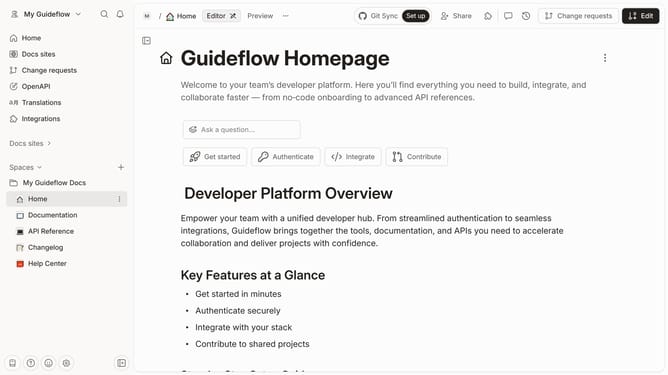
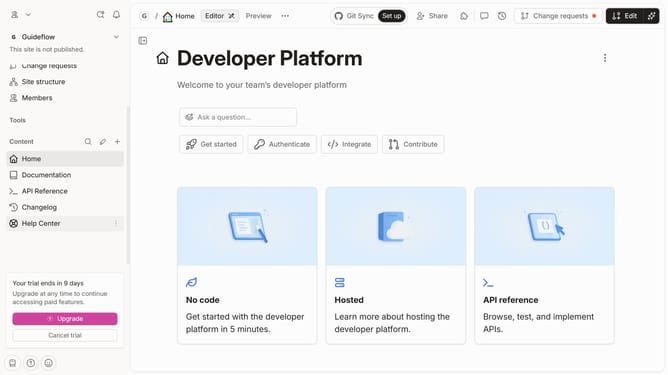
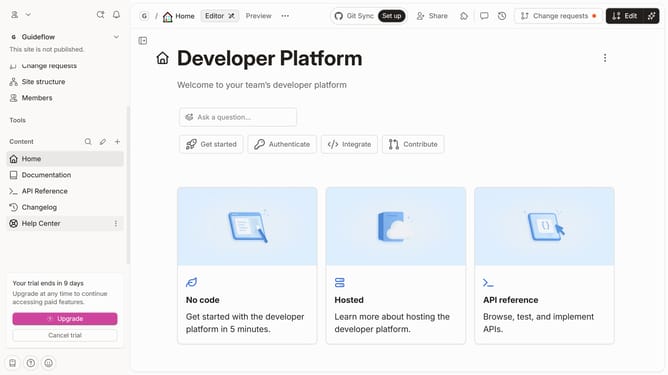
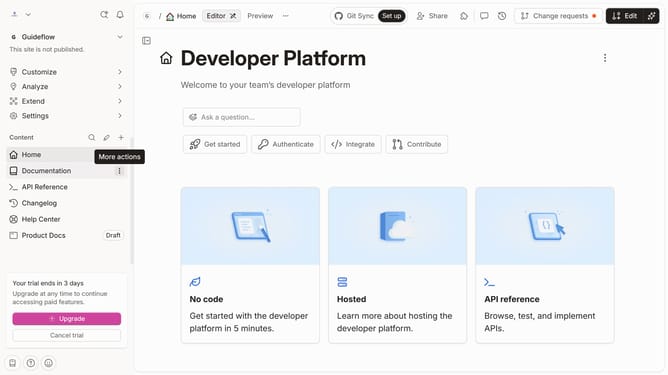
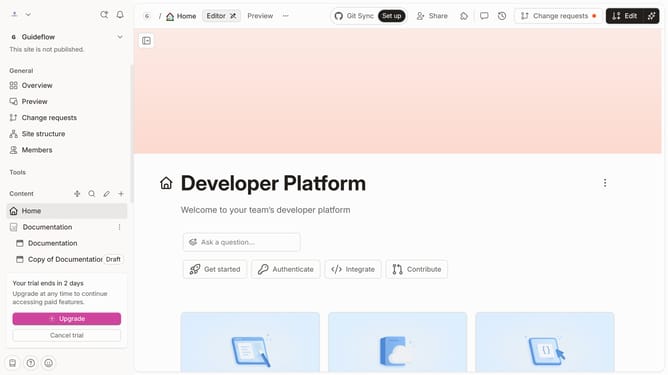
- First click on the "Home" item in the left sidebar
- Then, in the top menu, click on the "Edit" button
- Next, click on the "Click for block options" icon
- Then, select "Heading 3" from the block options menu
- Next, click on the text input field to edit it
- Finally, click on the "Merge" button in the top menu
Why should you add a heading 3 in homepage in Gitbook
GitBook is a powerful tool for creating well-organized documentation and knowledge bases that promote clarity and efficiency.
Adding a heading 3 to your homepage in GitBook allows you to structure content effectively, guiding your readers seamlessly through different sections. This feature is vital for breaking down complex information into digestible parts, enhancing user experience.
Utilizing heading 3 ensures your documentation is easy to navigate, demonstrating a professional approach to content management and elevating the overall quality of your project documentation.
Last update