How to delete image in help center in Gitbook
Here is how to delete image in help center in gitbook
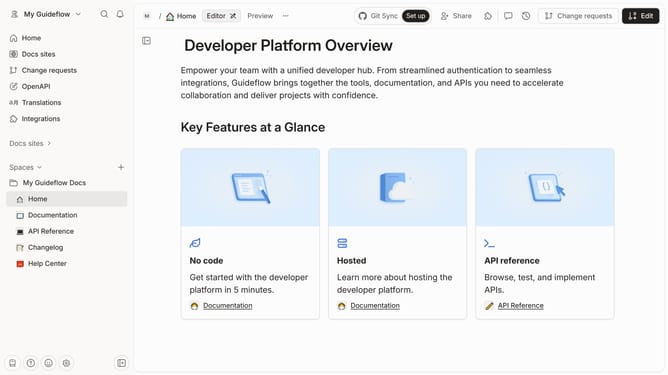
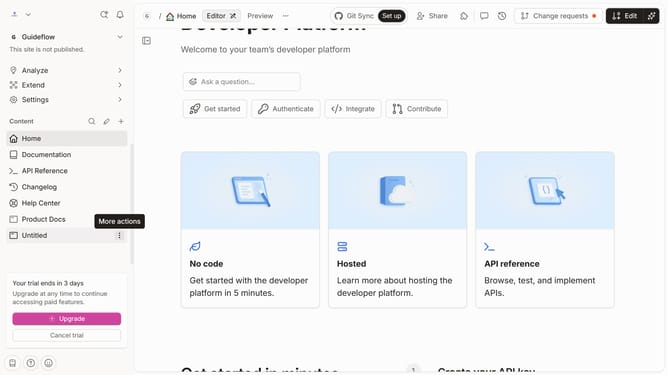
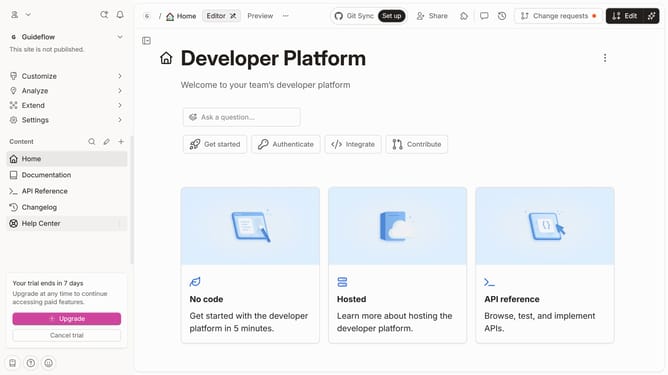
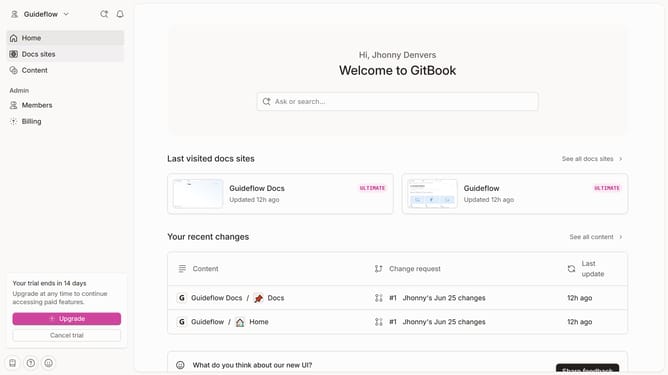
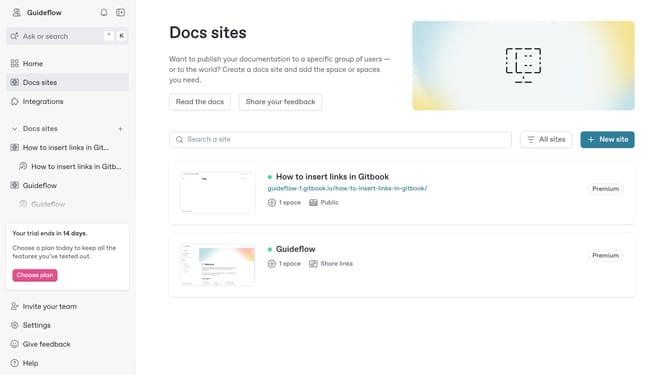
- First click on the "Help Center" link in the sidebar
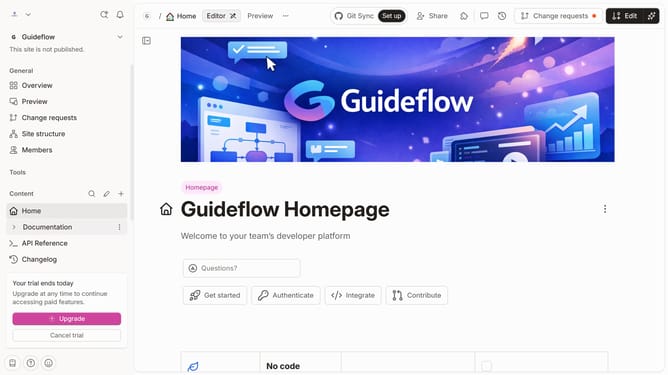
- In the header menu, click on the "Edit" button
- Click on the "more options" icon to show other options
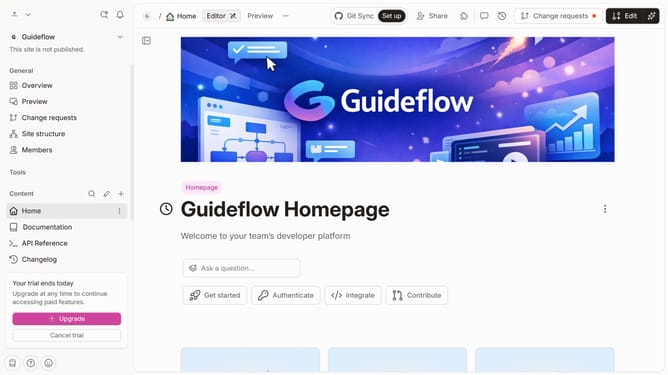
- In the displayed menu, click on the "Delete" option
- Finally click on the "Merge" button in the top header
Why should you delete image in help center in Gitbook
GitBook is a streamlined platform designed to help teams document and share knowledge effectively.
One of the insightful features in GitBook is the ability to delete images from the help center, ensuring that your content stays relevant and up-to-date.
Removing outdated or unnecessary images keeps your documentation clean and professional, enhancing user experience.
This feature allows teams to maintain clarity in their guides, ultimately improving the overall quality and usability of the information provided.
Last update