How to add a numbered list in a tab in help center in Gitbook
Here is how to add a numbered list in a tab in help center in gitbook
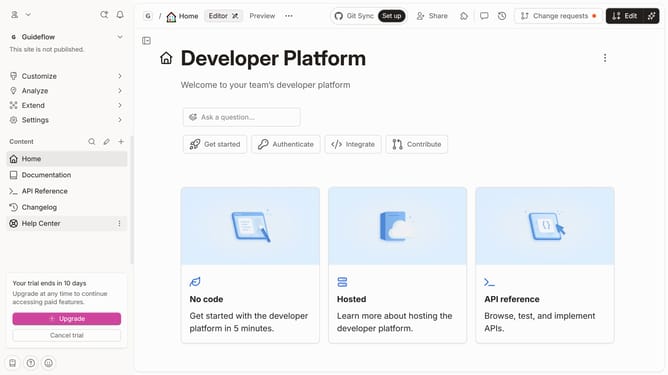
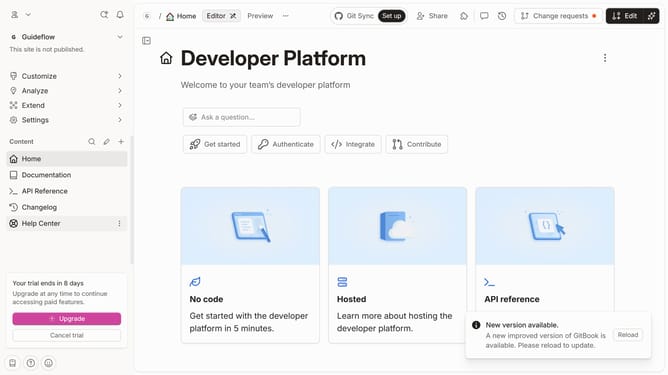
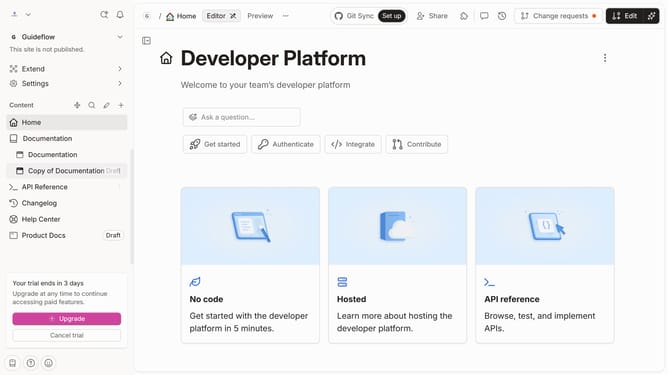
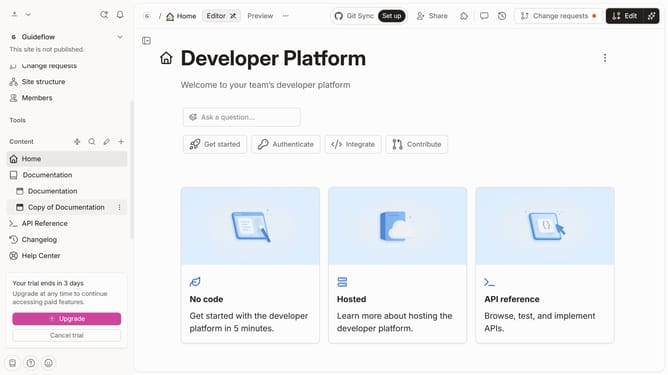
- First click on "Help Center" in the left sidebar
- Then click on the "Edit" button in the header
- Then click on the dots icon to open the block menu
- Then select "More blocks" from the dropdown menu
- Then select "Ordered List" from the "List" submenu
- Then click on "Click Sign Up" in the "Step-by-Step Setup Process" section
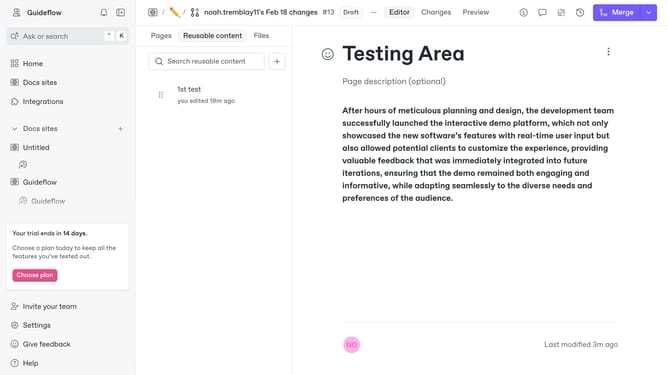
- Finally click on the "Merge" button in the top right corner
Why should you add a numbered list in a tab in help center in Gitbook
GitBook is an innovative platform designed to facilitate collaborative documentation for teams and projects.
Incorporating a numbered list in the help center tab of GitBook is a feature that enhances clarity and organization. It allows users to systematically present information, making it easier for readers to digest complex data.
This feature is particularly beneficial for step-by-step guides, as it provides a clear structure that enhances user understanding and retention. Using numbered lists in GitBook not only improves the readability of documentation but also contributes to a seamless user experience.
Last update