How to set page width of a content in a docs site in GitBook
Here is how to set page width of a content in a docs site in gitbook
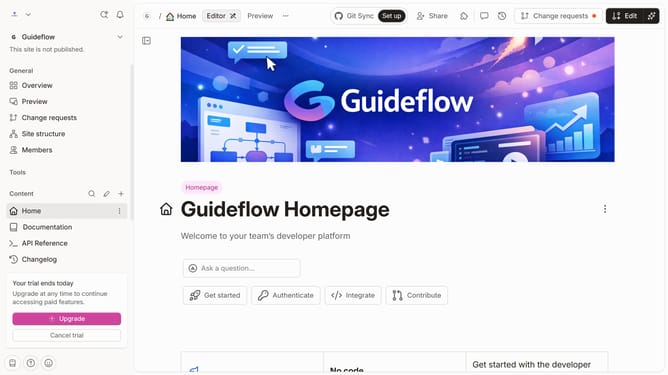
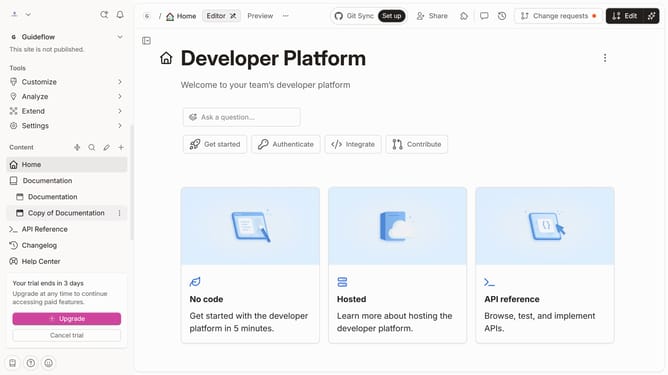
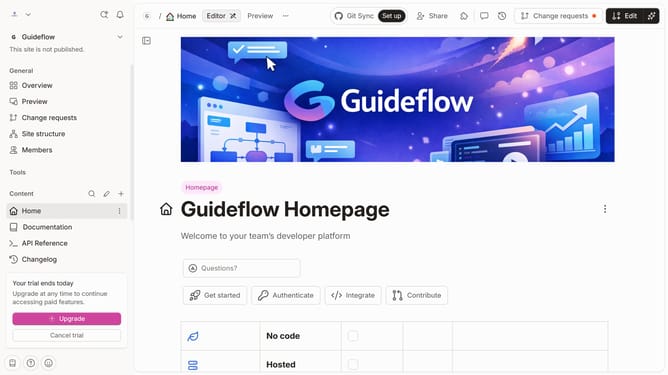
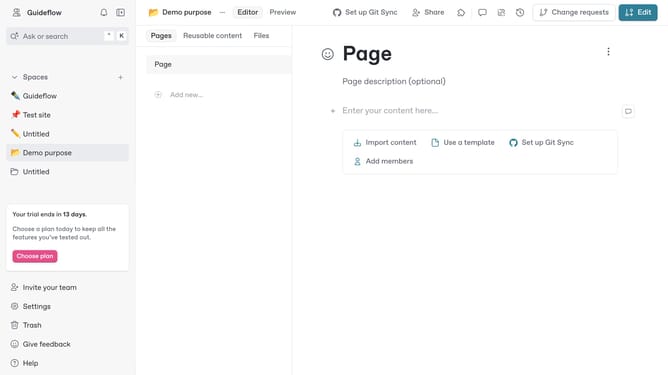
- First click on the the content link in the left sidebar
- Then click on the "Edit" button in the header
- Next, click on the "Page options" button
- Then select the "Wide" option under "Page width" in the "Page options" panel
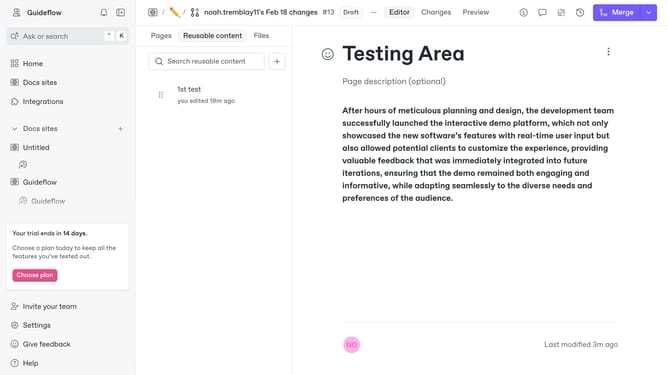
- Finally, click on the "Merge" button in the header
Why should you set page width of a content in a docs site in GitBook
GitBook is a powerful platform designed for creating and sharing beautiful documentation effortlessly.
One of the standout features in GitBook is the ability to set the page width of your content. Adjusting page width enables a tailored reading experience, matching the aesthetics and accessibility needs of your documentation site.
By customizing the page width, you enhance readability, helping ensure that content is displayed in a visually pleasing and easy-to-digest manner, which keeps your audience engaged and informed.
Ultimately, managing page width contributes to user satisfaction, showing your commitment to providing a professional and polished documentation experience.
Last update