How to show page description of a content in a docs site in GitBook
Here is how to show page description of a content in a docs site in gitbook
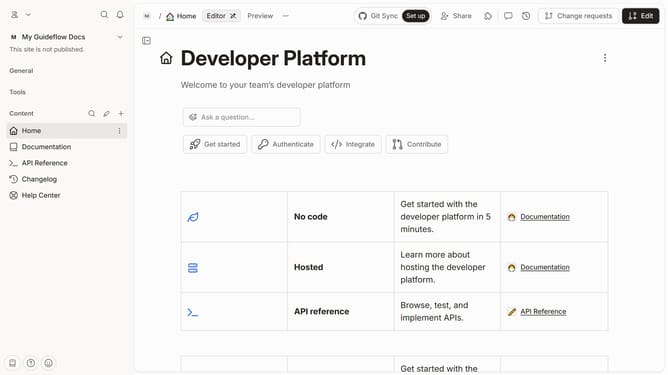
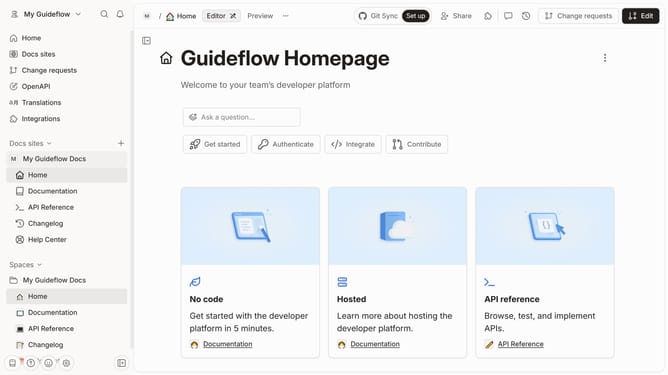
- First click on the content you want to manage in the left sidebar
- Then click on "Edit" button in the top right corner
- Next click on "Page options" button
- Then click on the toggle switch ON for "Page description hidden"
- Finally click on the "Merge" button in the top menu
Why should you show page description of a content in a docs site in GitBook
GitBook is an intuitive and efficient platform designed for creating and sharing documentation.
One standout feature of GitBook is its ability to display a page description for content in a documentation site. This feature succinctly summarizes the key points of each document, aiding users in rapidly understanding the essentials of the content.
Utilizing the page description enhances user navigation and improves overall user experience by providing quick insights, thereby making documentation more accessible and engaging.
Last update