How to delete a table in homepage in Gitbook
Here is how to delete a table in homepage in gitbook
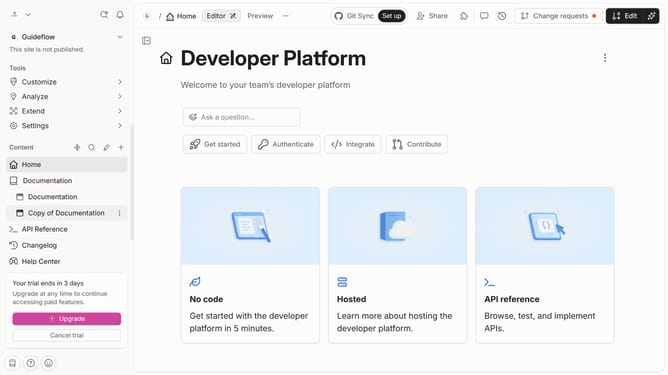
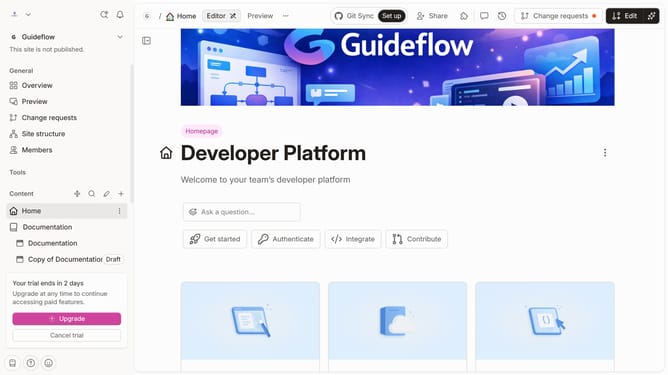
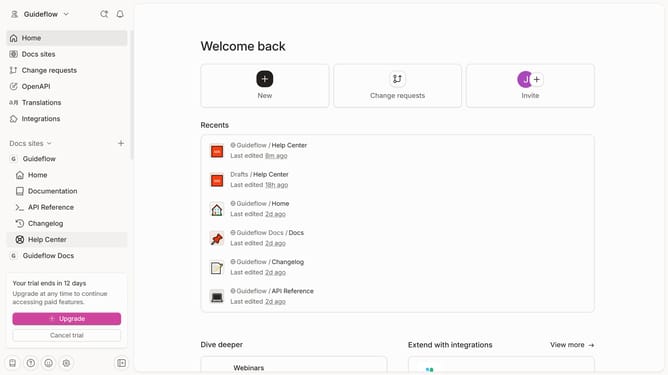
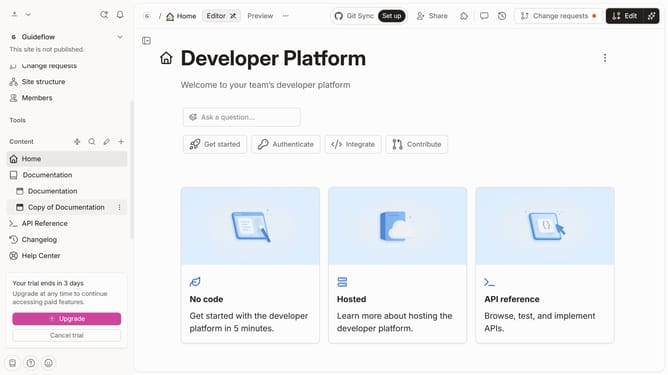
- First, click on the "Home" item in the sidebar
- Then, click on the "Edit" button in the top menu bar
- Next, click on the block options icon
- After that, click on the "Delete" option in the context menu.
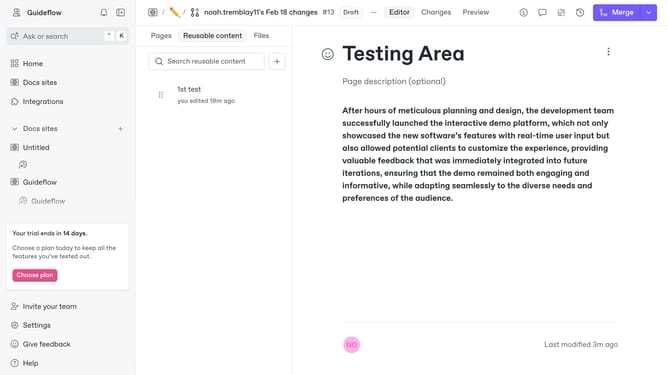
- Finally, click on the "Merge" button in the top menu bar
Why should you delete a table in homepage in Gitbook
Gitbook is an intuitive platform designed for creating and sharing beautiful documentation in a collaborative space.
Deleting a table from the homepage in Gitbook is a straightforward feature that ensures your content remains relevant and streamlined. By removing unnecessary tables, you can maintain a clean and focused layout that enhances readability for your audience.
This feature helps in optimizing the visual appeal of your documentation, ensuring key information is easily accessible without distraction. The ability to effortlessly manage and update content underscores the platform’s flexibility, accommodating evolving project needs with ease.
Last update