How to hide page metadata of a content in a docs site in Gitbook
Here is how to hide page metadata of a content in a docs site in gitbook
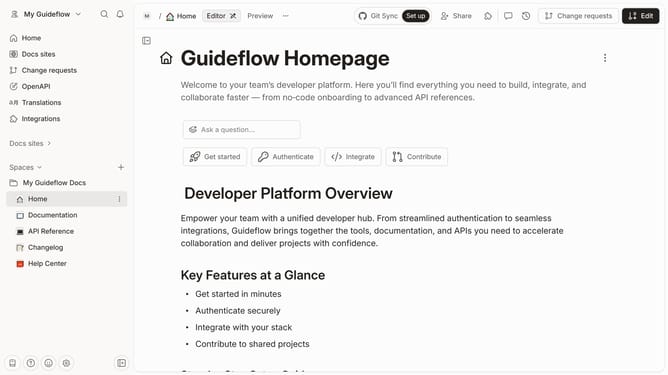
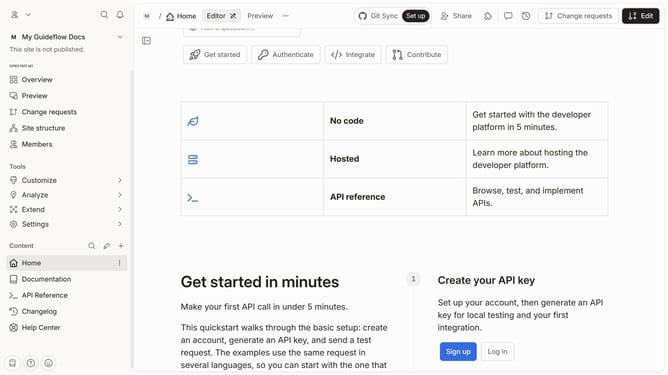
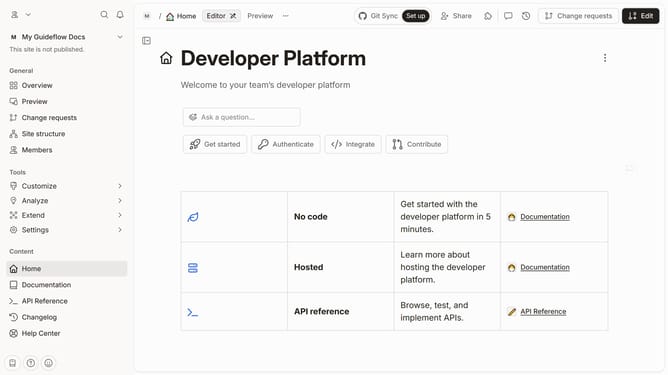
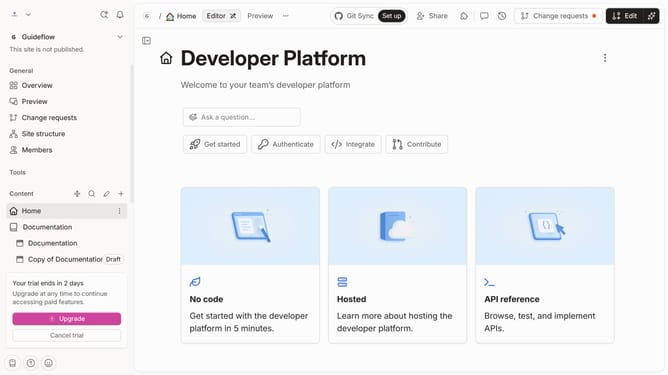
- First click on "Documentation" in the left sidebar
- Then click on the "Edit" button in the top right corner
- Next click on "Page options"
- Then toggle the switch OFF next to "Page metadata"
- Finally click on the "Merge" button in the top menu
Why should you hide page metadata of a content in a docs site in Gitbook
Gitbook is an intuitive platform designed to create and manage comprehensive documentation effortlessly.
A handy feature in Gitbook is the ability to hide page metadata for clear, reader-focused content. By concealing metadata, you can maintain a cleaner and more professional presentation, ensuring that unnecessary information doesn't distract visitors.
This enhances readability and keeps your documentation streamlined, helping users focus on the important content without hidden distractions. Such refinement can greatly improve user engagement and comprehension.
Last update