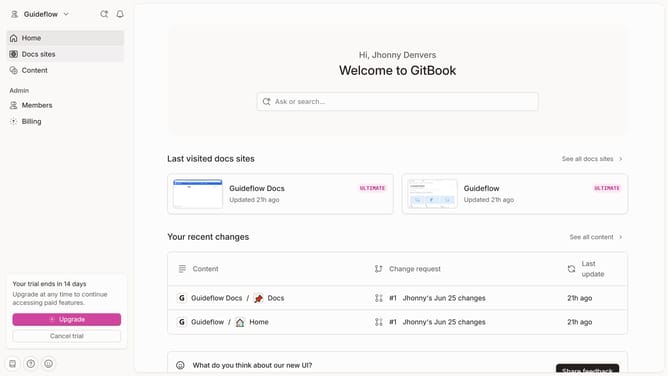
How to show cover image for homepage in Gitbook
Here is how to show cover image for homepage in gitbook
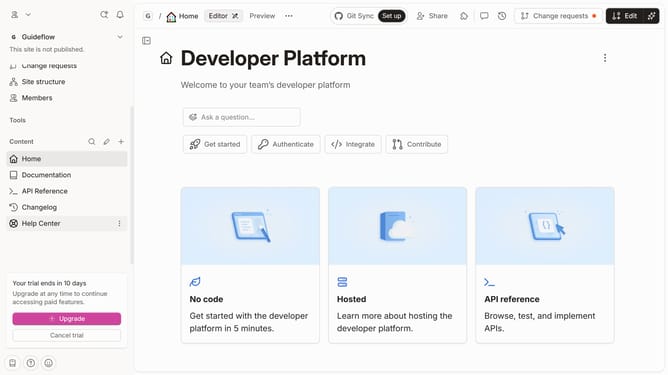
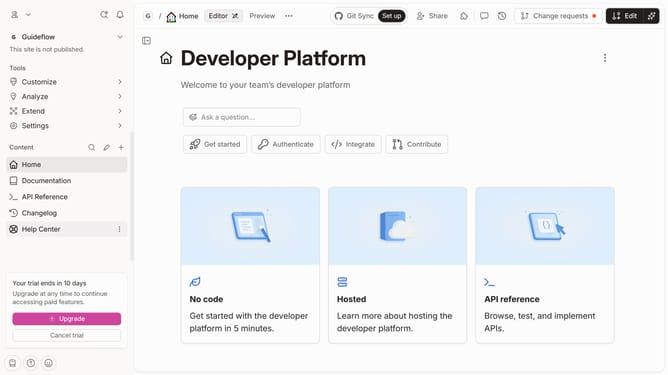
- First click on the "Home" item in the sidebar
- Then click on the "Edit" button in the header
- Next click on the "Page options" button
- Then click on the toggle switch ON next to "Cover image"
- Finally click on the "Merge" button in the top menu
Why should you show cover image for homepage in Gitbook
Gitbook is a dynamic platform designed for creating, managing, and sharing documentation effortlessly.
The feature of displaying a cover image on the homepage in Gitbook enhances the visual appeal of your documentation space.
By utilizing this feature, you create a strong first impression, instantly conveying the essence of your content to your audience.
Consequently, using a cover image not only improves aesthetics but also aids in branding and provides clarity, making your documents more engaging and memorable.
Last update