How to add frame to image in help center in Gitbook
Here is how to add frame to image in help center in gitbook
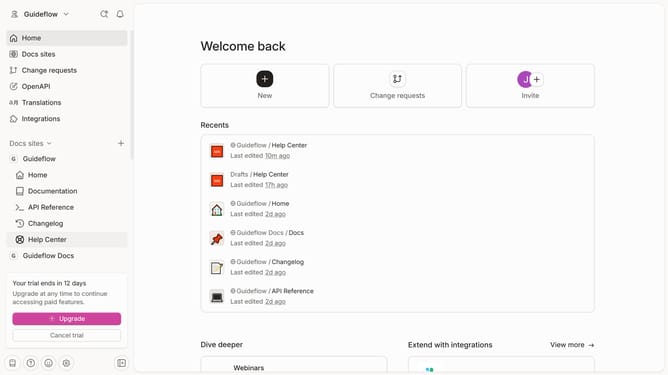
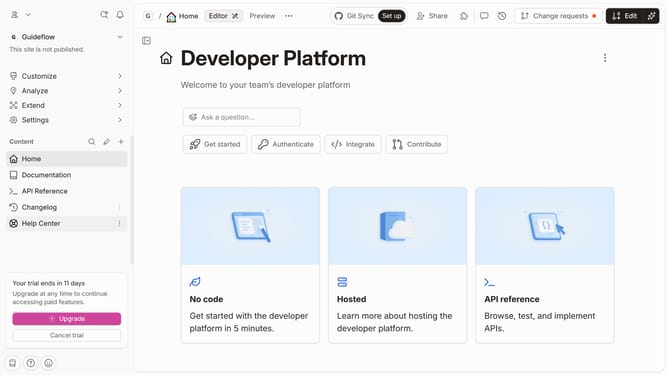
- First click on the "Help Center" in the left sidebar
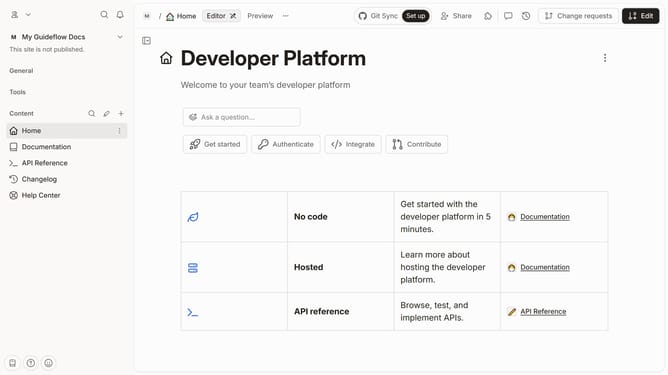
- Then click on the "Edit" button in the top menu
- Next, click on the block options icon to reveal more options
- In the dropdown menu, select "With frame"
- Finally, click on the "Merge" button in the top right corner
Why should you add frame to image in help center in Gitbook
GitBook is a versatile platform designed to simplify the creation and management of documentation.
Adding a frame to an image within GitBook's help center enhances visual appeal and creates a more organized look.
This feature allows users to emphasize important visuals, making documentation more engaging and easier to navigate.
Ultimately, framed images can significantly improve the user's reading experience by creating a polished and professional presentation.
Last update