How to change table into cards in homepage in Gitbook
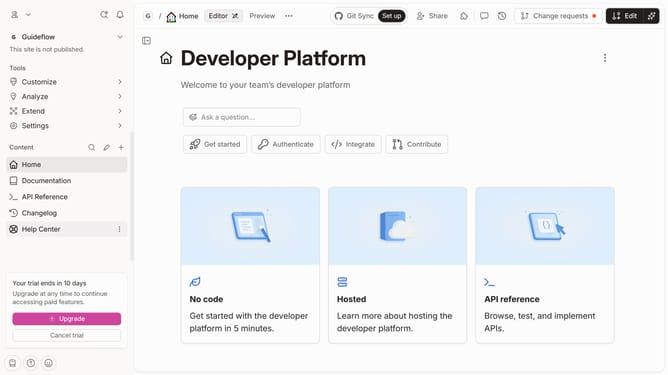
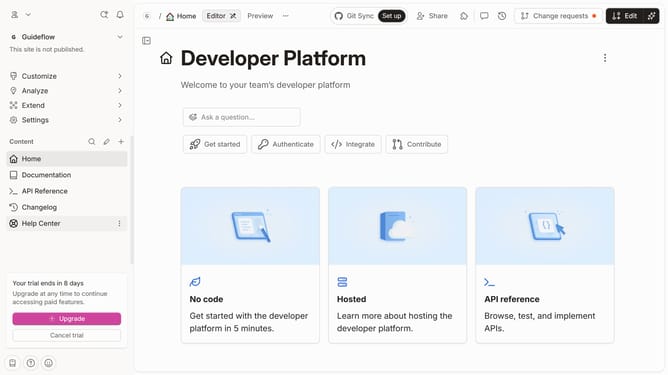
Here is how to change table into cards in homepage in gitbook
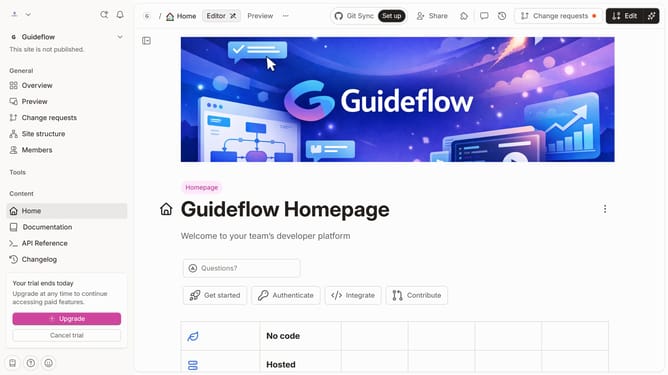
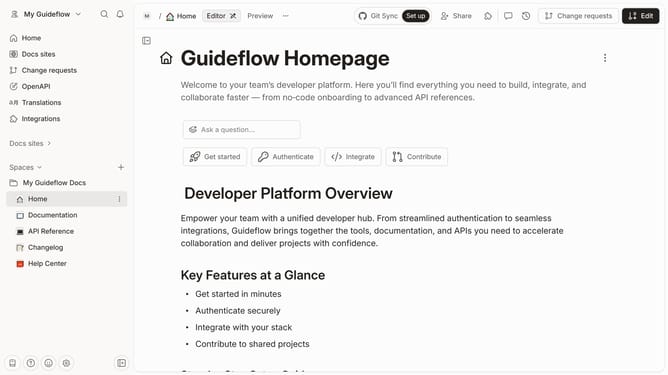
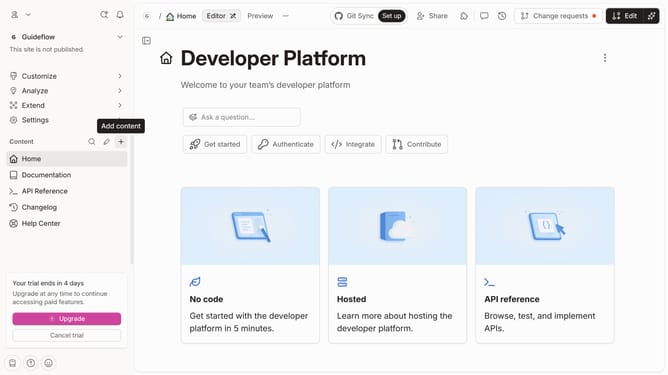
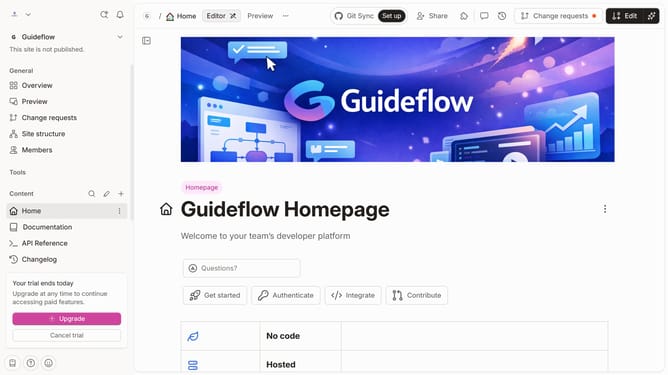
- First, click on the "Home" item in the sidebar
- Then, click on the "Edit" button in the top menu bar
- Next, click on the block options icon to reveal block options
- After that, click on the "Delete" option in the context menu.
- Finally, click on the "Merge" button in the top menu bar
Why should you change table into cards in homepage in Gitbook
Gitbook is an innovative platform designed to facilitate seamless collaboration and documentation.
One of the standout features is the ability to transform tables into card layouts on your homepage. This feature enhances the visual appeal and makes content more easily digestible compared to traditional tables.
Cards provide a modern and intuitive way to display information, allowing users to quickly grasp key points. Utilizing this function can significantly improve the accessibility and engagement of your documentation.
Last update