How to add a row in a table in homepage in Gitbook
Here is how to add a row in a table in homepage in gitbook
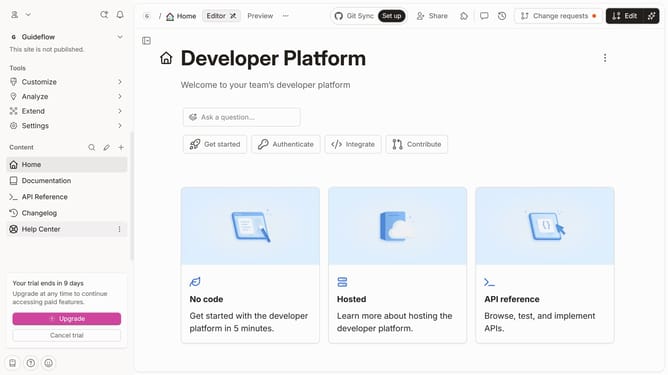
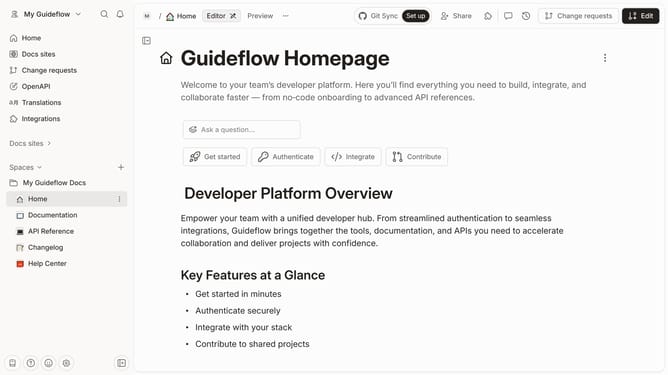
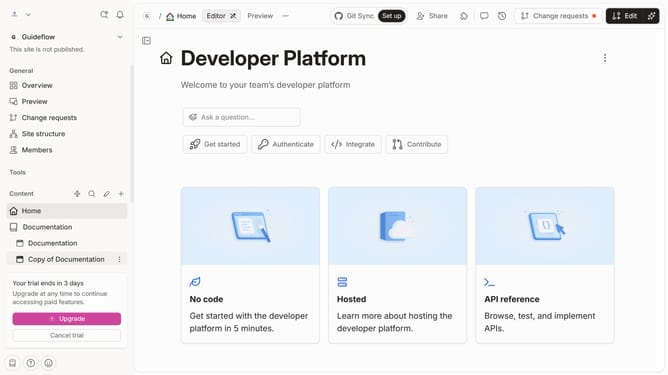
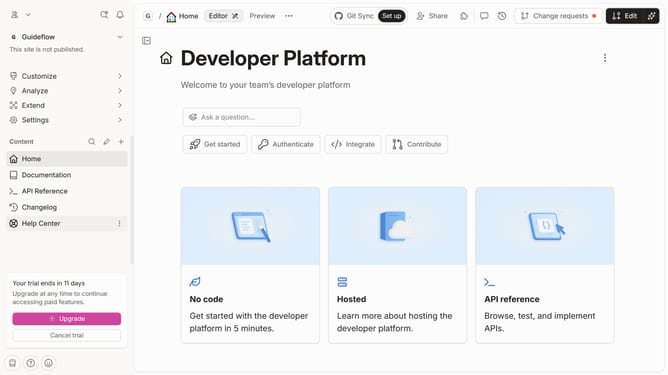
- First, click on the "Home" link in the left sidebar
- Then, click on the "Edit" button in the header
- Next, click on the "Click for block options" icon
- After that, click on the "Insert row" option in the left sidebar
- Finally, click on the "Merge" button in the header
Why should you add a row in a table in homepage in Gitbook
Gitbook is a powerful platform designed to streamline the creation and sharing of knowledge through dynamic and intuitive documentation.
One standout feature is the ability to seamlessly add a row to a table on the homepage. This enhances the organization and presentation of information, allowing users to structure content efficiently.
Incorporating new rows in tables can significantly improve clarity and accessibility, making complex data more digestible and ensuring that key insights are prominently displayed. This fosters a better reading experience and enhances the overall effectiveness of your documentation.
Last update