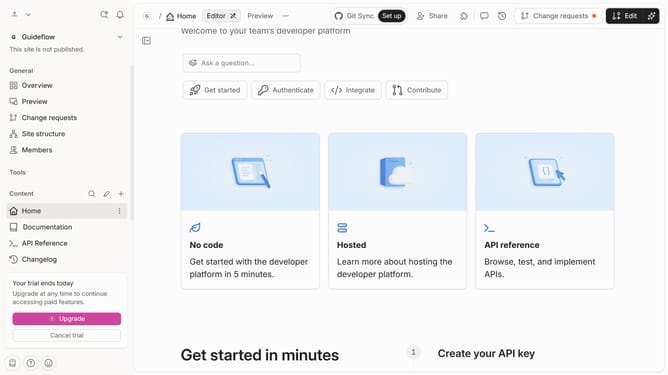
How to italicize help center category title in Gitbook
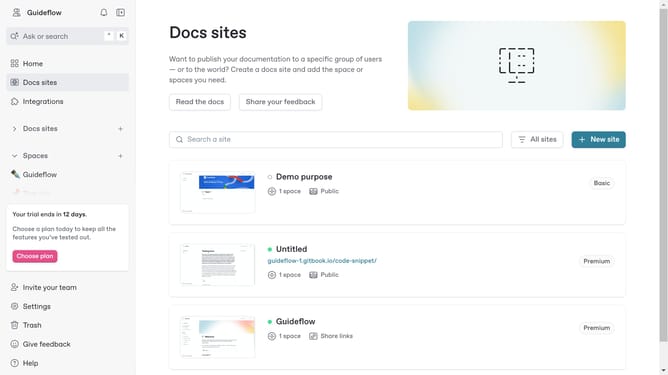
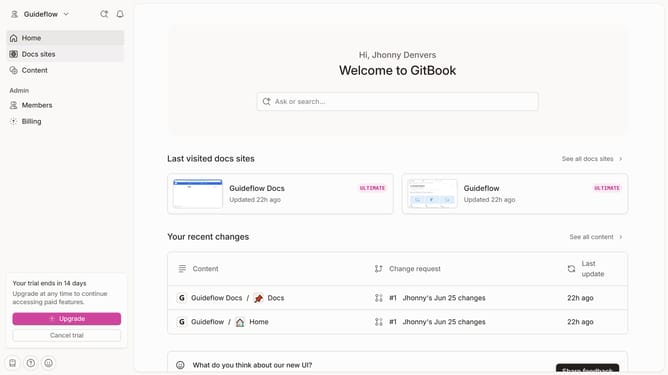
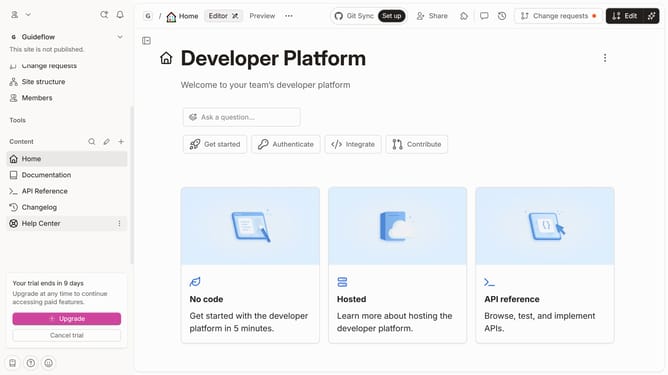
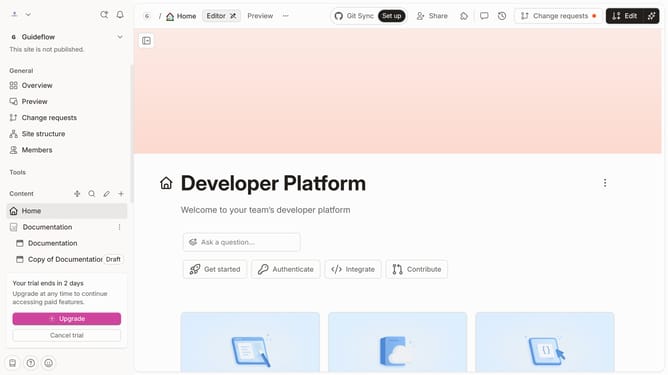
Here is how to italicize help center category title in gitbook
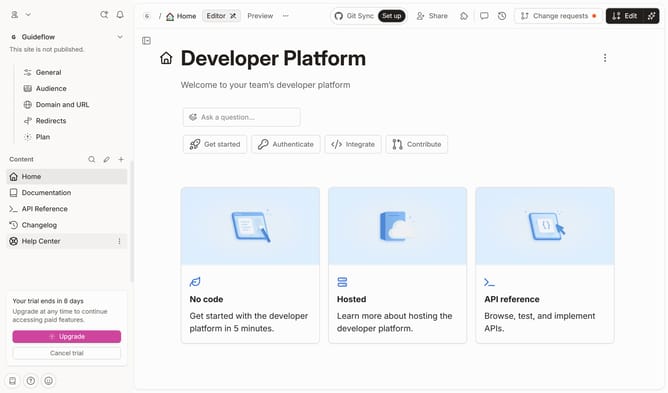
- First click on "Help Center" in the left sidebar
- Next, click on the "Edit" button in the top right menu
- Next, click on the header text input area
- Next click on the "I" icon to italicize text
- Finally click on the "Merge" button in the top right menu to save changes
Why should you italicize help center category title in Gitbook
Gitbook is a streamlined platform designed to empower documentations and collaborative writing with clarity and efficiency.
Italicizing the help center category title in Gitbook provides a unique way to emphasize information, making it stand out and easier on the eyes.
This feature enhances readability and the user experience by allowing readers to quickly identify and focus on important topics.
By implementing italics, you not only improve the aesthetics of your documentation but also aid in guiding users through your content more intuitively.
Last update