How to remove tag in homepage in Gitbook
Here is how to remove tag in homepage in gitbook
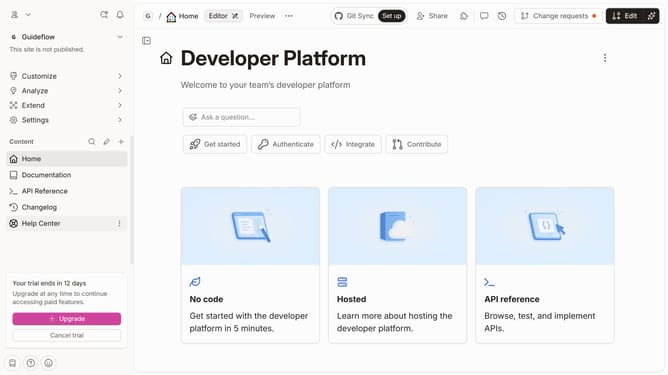
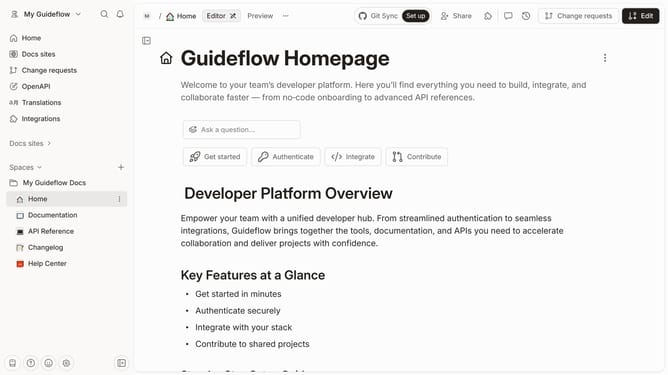
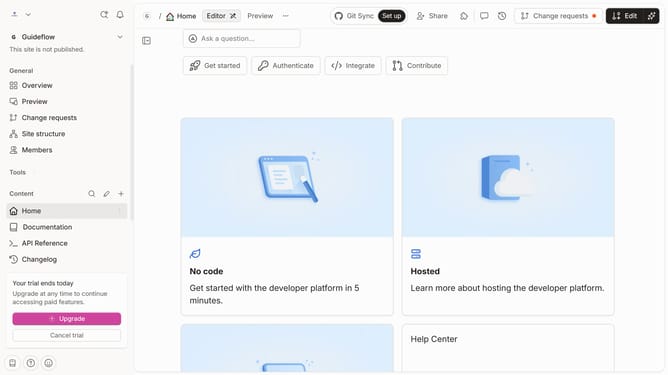
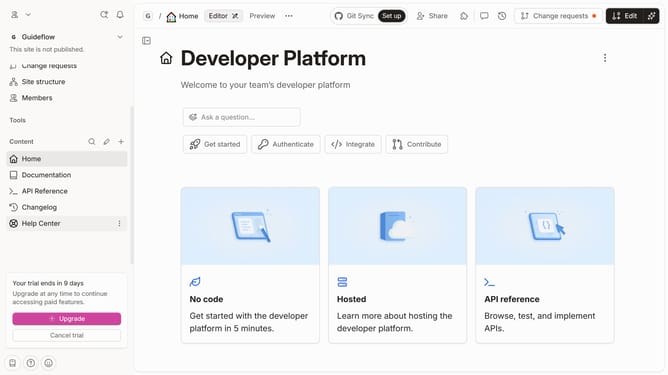
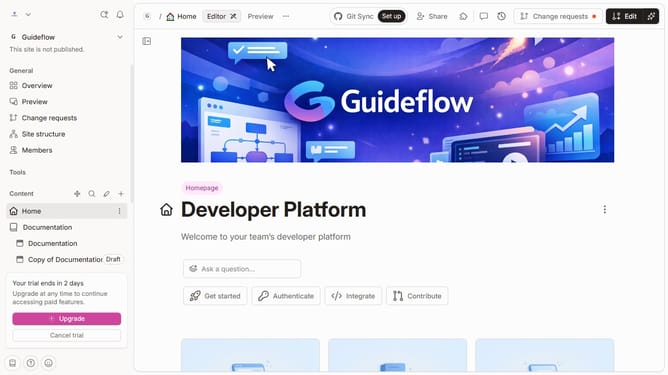
- First click on "Home" in the left sidebar
- Then click on the "Edit" button in the header
- Next click on the "Tags" button
- Then uncheck the tag that you wanted to remove from the dropdown menu
- Finally click on the "Merge" button
Why should you remove tag in homepage in Gitbook
GitBook is a collaborative platform designed to empower teams to document their knowledge in an accessible, dynamic way.
The feature of removing tags from the homepage in GitBook is there to help you customize the appearance and focus of your documentation.
By eliminating unnecessary tags, you can streamline the look of your homepage and enhance user experience by showcasing the most relevant information upfront.
This feature not only aids in organizing content but also ensures that users can navigate your workspace efficiently, leading to higher productivity and clarity.
Last update