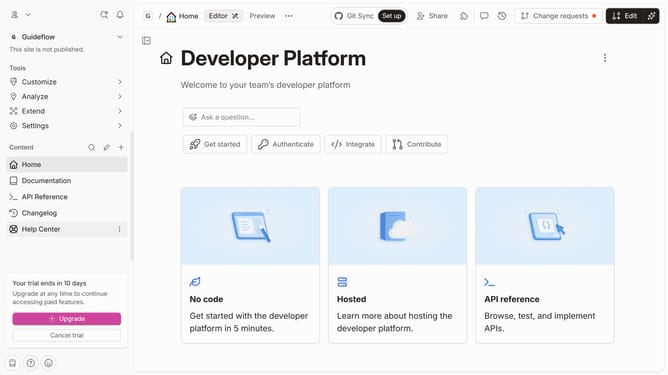
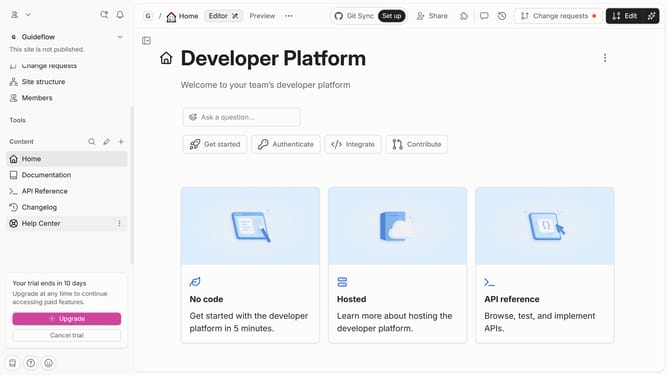
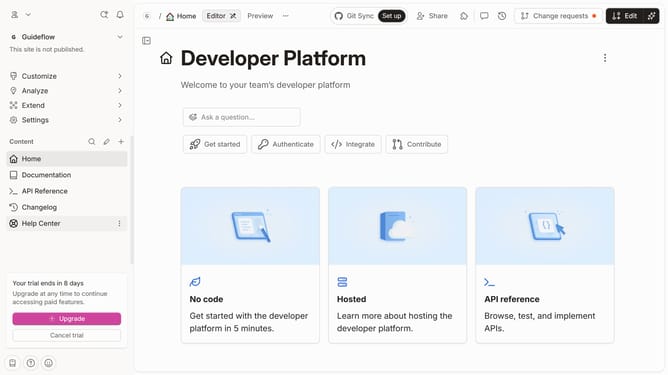
How to add a paragraph block in Gitbook
Here is how to add a paragraph block in gitbook
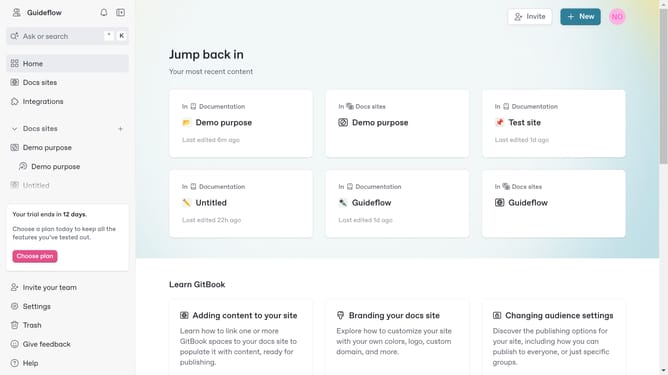
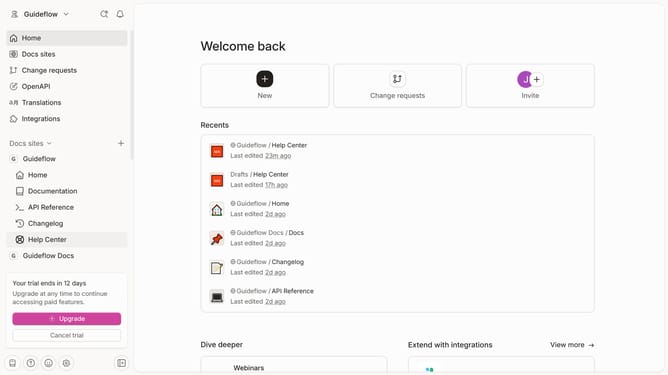
- First click the site card you want to use in the main content area
- Then click on the "Start editing content" button in the overview section
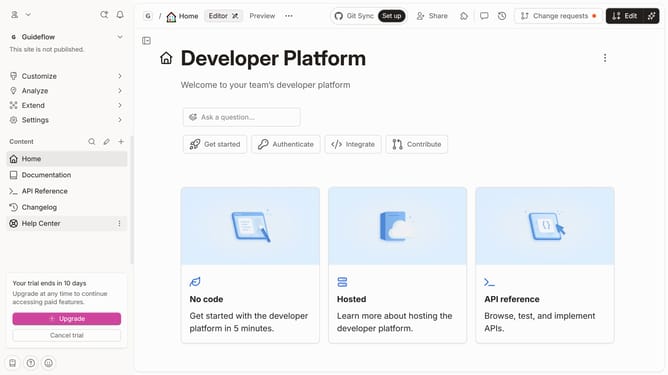
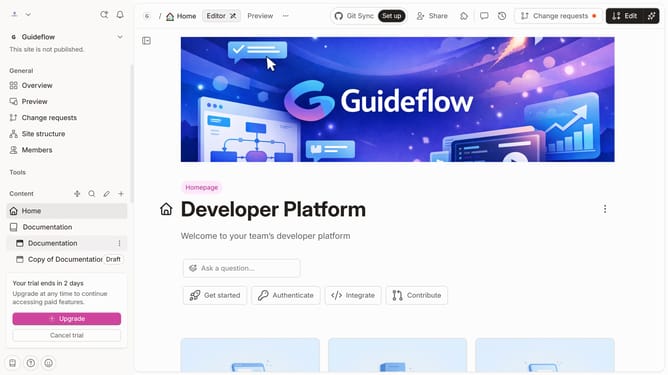
- Next click on the "Edit" button in the top navigation bar
- Click on the "+" button to add a new block below
- Select "Paragraph" from the basic blocks menu
- Click on the newly created to edit it
- Finally click on the "Merge" button in the top right corner of the editor
Why should you add a paragraph block in Gitbook
GitBook is an intuitive platform designed for creating and editing collaborative documentation projects.
Adding a paragraph block in GitBook is a seamlessly integrated feature that enhances the clarity and organization of your content. By using paragraph blocks, your documentation gains a structured flow, making it easier for readers to digest complex information.
This feature enables authors to emphasize key points effectively and maintain a consistent presentation style. In turn, well-organized content fosters an engaging reading experience, allowing teams to communicate more efficiently and sustainably.
Last update