How to set icon in a tab in help center in Gitbook
Here is how to set icon in a tab in help center in gitbook
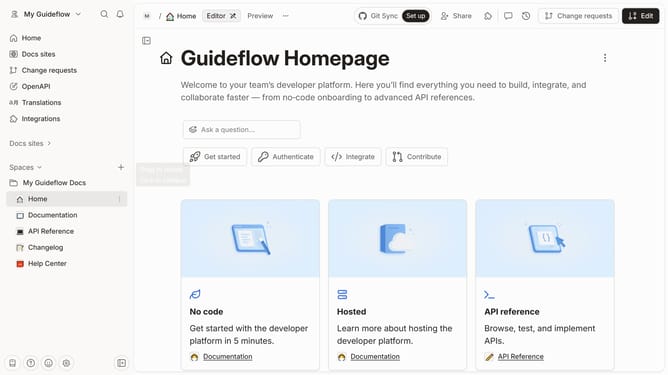
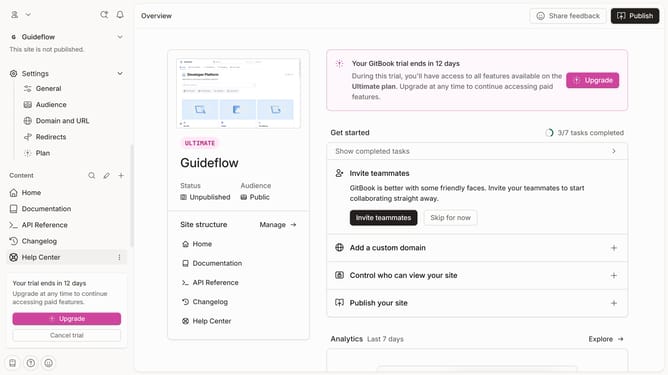
- First click on "Help Center" in the left sidebar
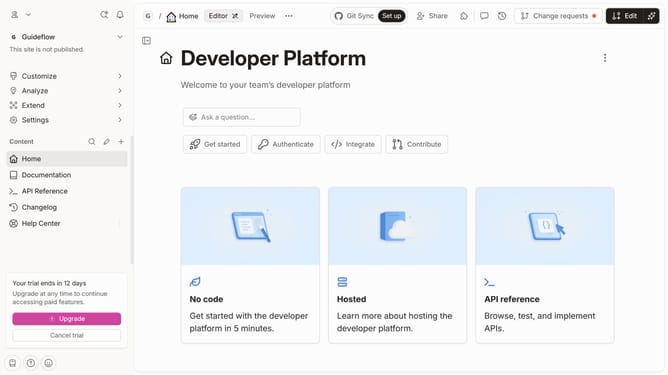
- Then click on the "Edit" button in the top menu
- Then click on the dots icon next to the tab name
- After that, select "Set icon" from the dropdown menu
- Then select an icon from the icon selection grid
- Finally, click on the "Merge" button in the top menu
Why should you set icon in a tab in help center in Gitbook
Gitbook is an intuitive platform designed to effortlessly create and share documentation.
Setting an icon in a tab within Gitbook's help center offers a visually appealing way to organize content, allowing users to quickly identify different sections at a glance.
This feature enhances user experience by providing easily recognizable cues that guide them through complex documentation, making the navigation process smoother and more intuitive.
By employing custom icons, creators can personalize and enhance the aesthetic appeal of their help centers, reinforcing their brand identity while improving accessibility.
Last update