How to set page covers in Gitbook
Here is how to set page covers in gitbook
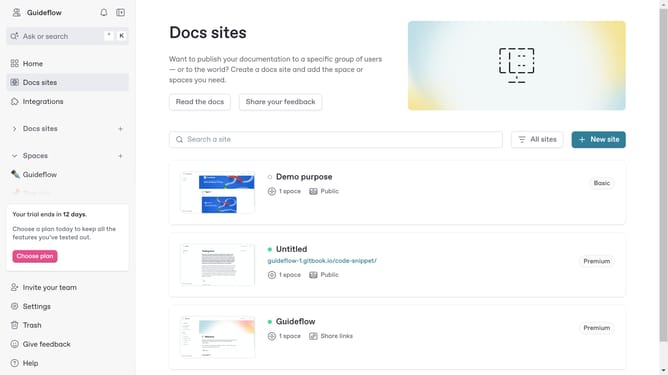
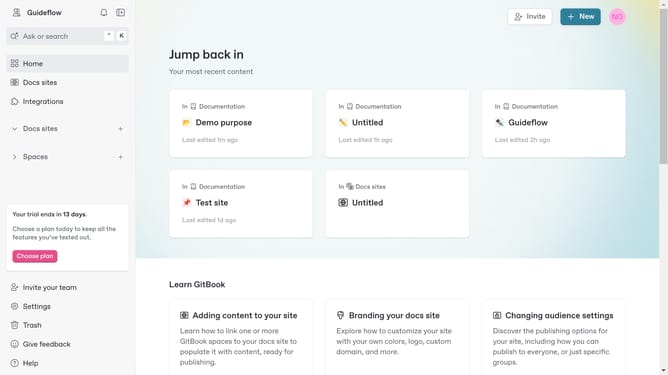
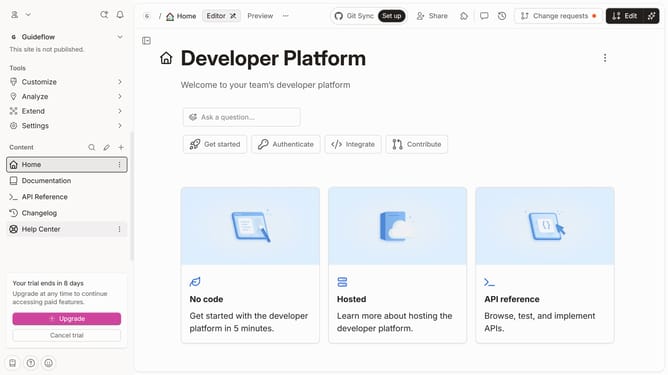
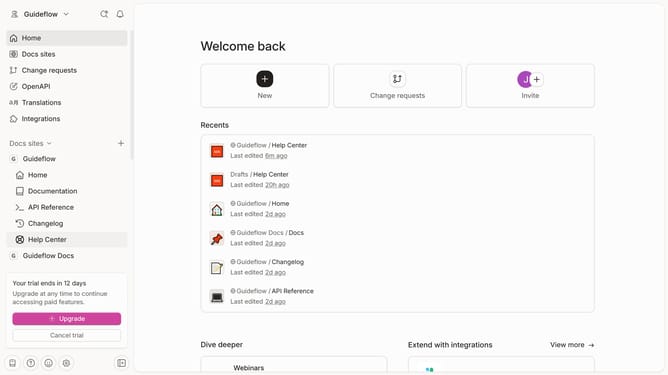
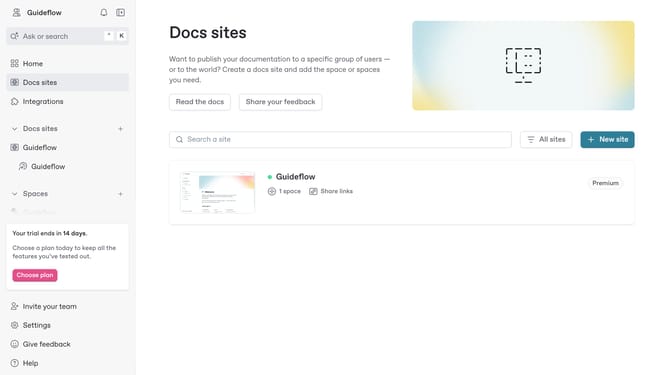
- First click the site card you want to use in the main content area
- Then click on the "Start editing content" button in the overview section
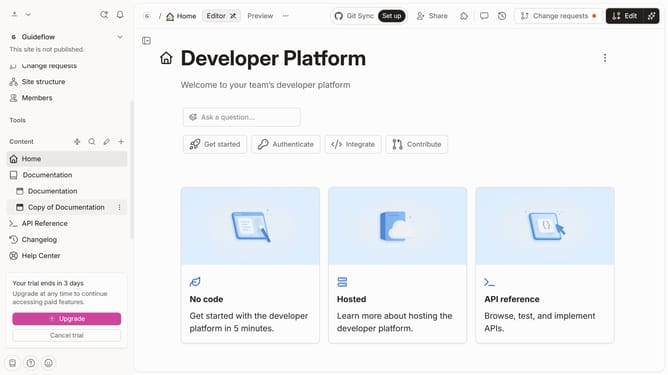
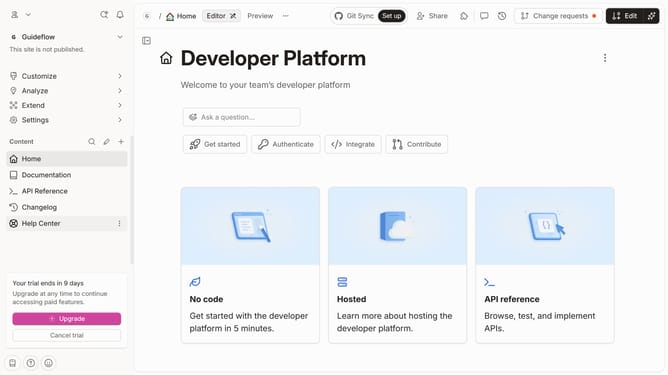
- Next click on the options menu (three dots) in the pages list
- Then select "Add cover" from the dropdown menu
- Click on the "Change cover" to edit your cover
- Finally update the photo you want to use
Why should you set page covers in Gitbook
GitBook is an intuitive platform designed to enhance documentation creation and collaboration.
Setting page covers in GitBook allows for an engaging way to visually represent your content, making your projects instantly recognizable and memorable.
By employing page covers, you give readers an aesthetic introduction to your documentation, which helps in distinguishing sections and improving the user experience.
This feature not only creates a visually cohesive look but also enhances reader engagement and content retention.
Last update