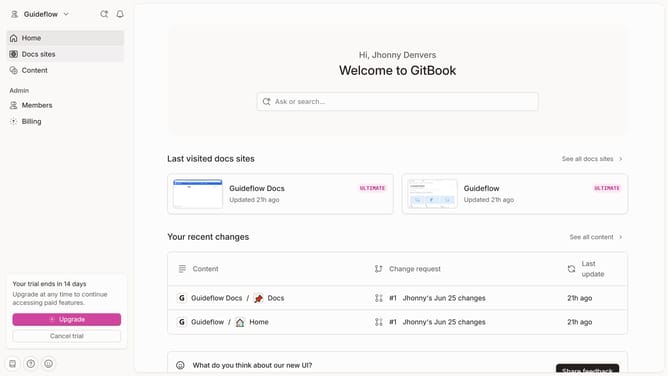
How to manage access and permissions for share links in Gitbook
Here is how to manage access and permissions for share links in gitbook
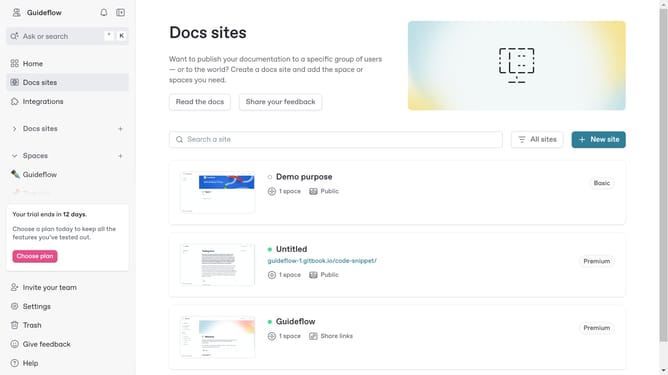
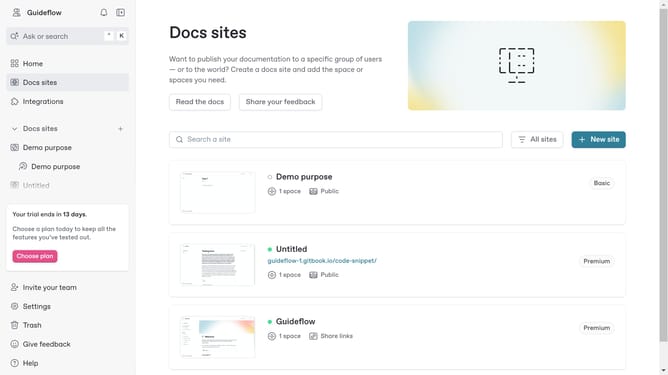
- First click the site card you want to use in the main content area
- Then click the "Settings" tab in the top navigation menu
- Next click the "Audience" option in the left settings menu
- Here you will find different options on who can see your content
- You can also click here to create a new link for your content
- Click the dropdown to view more option
- Here you can choose for your link to be active or inactive
- Finally you can also revoke your link anytime you want
Why should you manage access and permissions for share links in Gitbook
Gitbook is a versatile platform designed to streamline team documentation and collaboration.
Managing access and permissions for share links in Gitbook ensures that your documents are shared securely and only with intended collaborators. This feature provides control over who can view or edit your documentation.
Using this feature increases the security of your shared content, preventing unauthorized access and maintaining the integrity of your collaborative efforts.
It is an essential tool for any team looking to manage their content effectively while granting appropriate access to their shared knowledge base.
Last update