How to show page title of a content in a docs site in GitBook
Here is how to show page title of a content in a docs site in gitbook
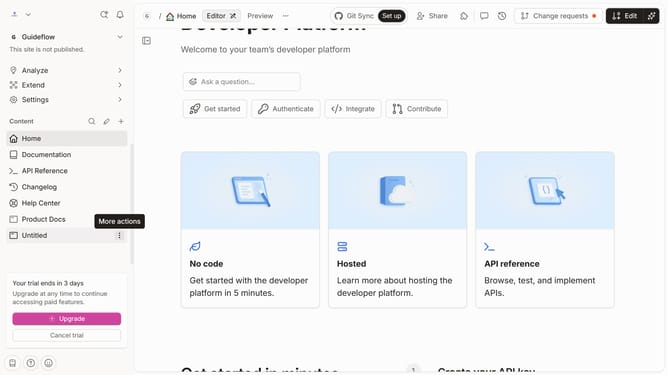
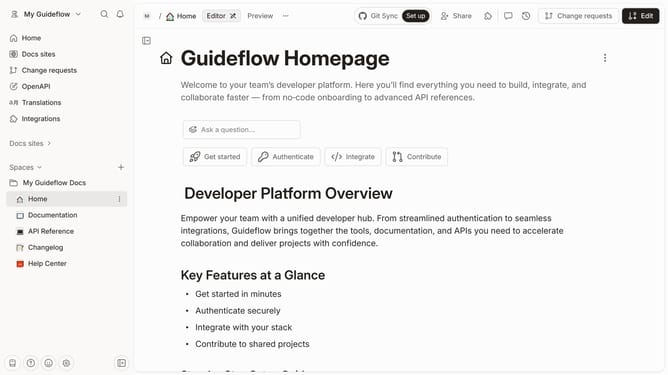
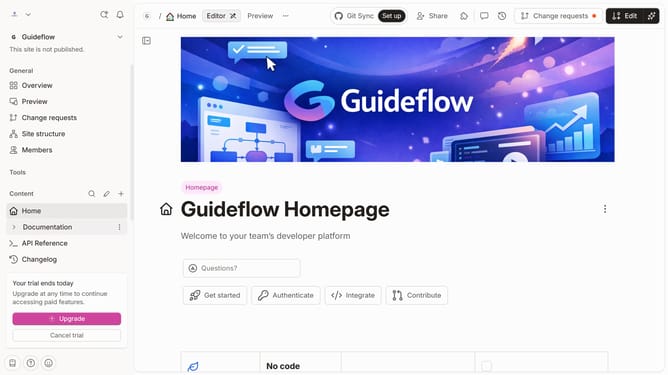
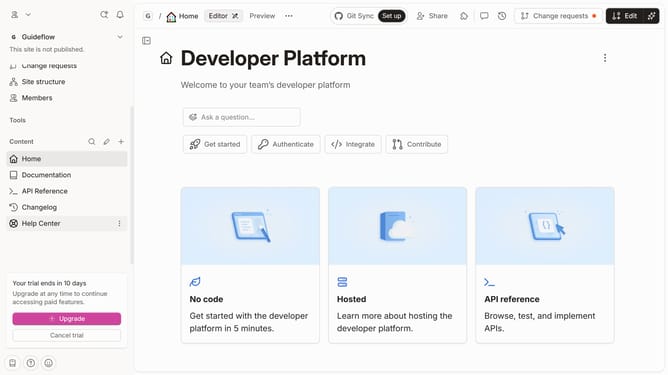
- First click on the content you want to manage in the left sidebar
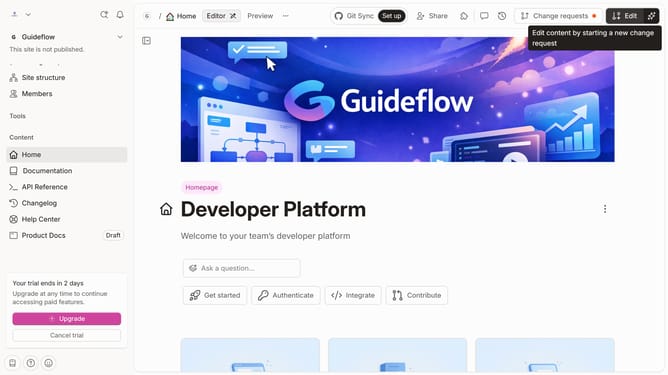
- Then click on the "Edit" button in the header
- Next click on "Page options" in the editor menu
- Then click on the toggle switch ON to change the layout
- Finally click on the "Merge" button in the header
Why should you show page title of a content in a docs site in GitBook
GitBook is an intuitive platform designed to streamline the creation and sharing of documentation.
One standout feature is the ability to show the page title of content within a docs site. This feature plays a crucial role in maintaining clear navigation and enhancing user experience. By consistently displaying the page title, users can easily identify their current location within the documentation.
Utilizing this feature not only improves accessibility but also makes your docs site more organized and professional. It supports users in their quest for information, leading to more efficient and enjoyable interactions.
Last update