How to add image in a help center category in Gitbook
Here is how to add image in a help center category in gitbook
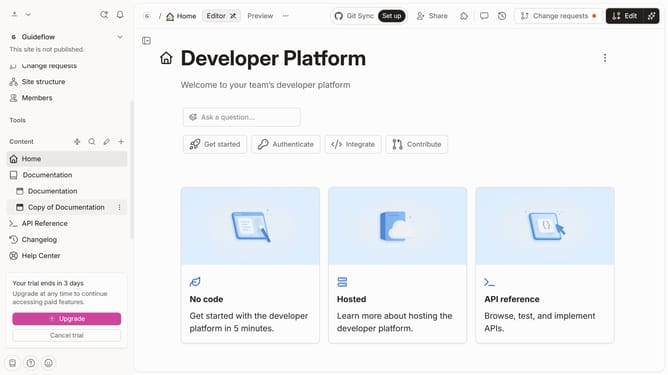
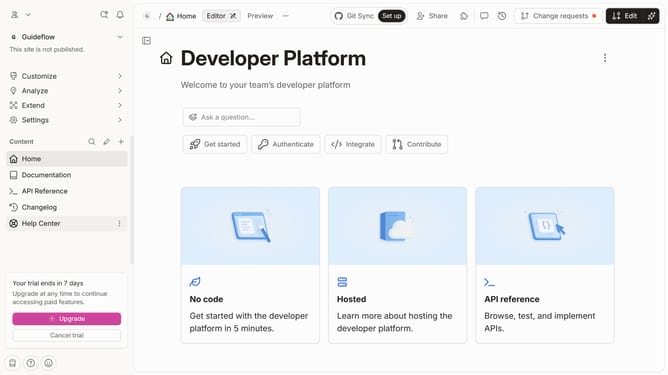
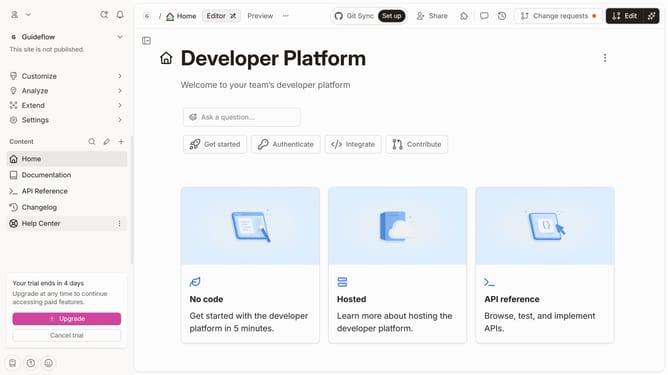
- First click on "Help Center" in the left sidebar
- Then click on the "Edit" button in the header
- Next, click on the "Add cover image" button
- Then click on "Drop your images or browse" to select a file
- Finally click on the "Merge" button in the top right corner
Why should you add image in a help center category in Gitbook
GitBook is a dynamic platform designed to streamline and simplify collaborative content creation and documentation.
Adding images to a help center category enhances user engagement by providing visual context. Images can clarify complex instructions, reducing misunderstandings and support queries.
Utilizing this feature elevates the overall quality of your documentation, promoting a better user experience and improving accessibility through visual aids. Seamless integration ensures your help center remains intuitive and professional.
Last update