How to set danger color in docs site in Gitbook
Here is how to set danger color in docs site in gitbook
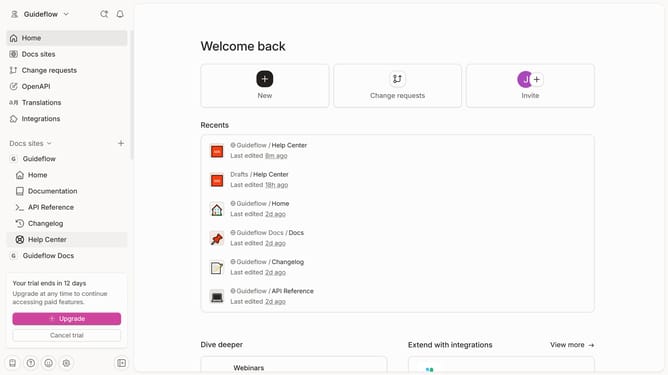
- First click on "Docs sites" in the left sidebar
- Then click on the doc site title that you want to manage
- Next, click on "Customize" in the left sidebar
- Then click on "Theme" under "Customize" in the left sidebar
- After that click on the "Danger" color swatch
- Then click on the color picker to select a new color
- Finally click on the "Apply" button on the color picker
- Then click on the "Save" button to save the changes
Why should you set danger color in docs site in Gitbook
Gitbook is a dynamic platform designed to streamline the creation and maintenance of interactive documentation.
One of its standout features is the ability to customize text with a 'danger' color, ensuring critical information is instantly recognizable.
Utilizing the danger color feature enhances the clarity of your documentation by drawing immediate attention to warnings or essential alerts.
This color customization aids in more effective communication, ensuring that users can quickly assimilate key information, thereby reducing errors and misunderstandings.
Last update