How to unfreeze table header in help center in Gitbook
Here is how to unfreeze table header in help center in gitbook
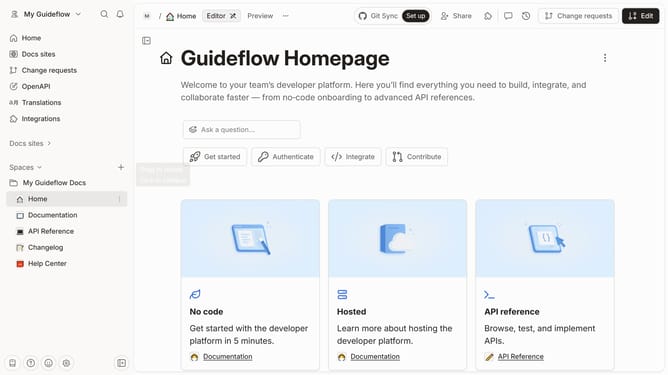
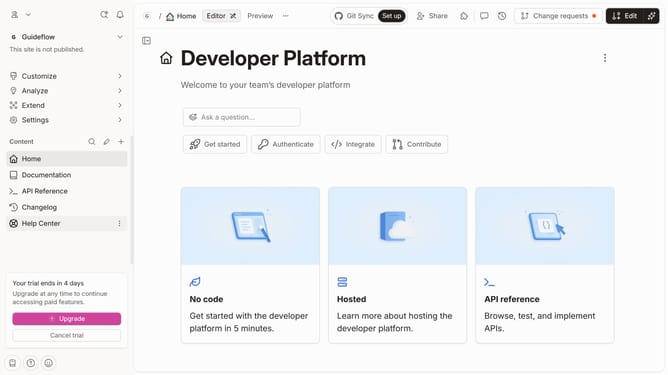
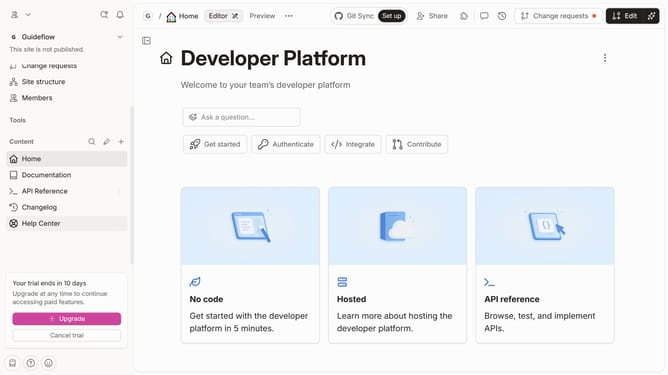
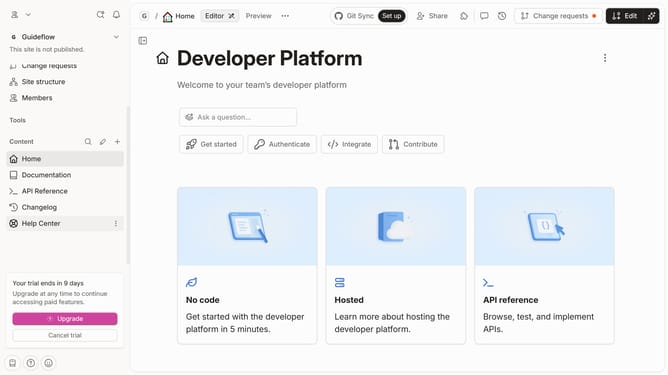
- First click on "Help Center" in the left sidebar
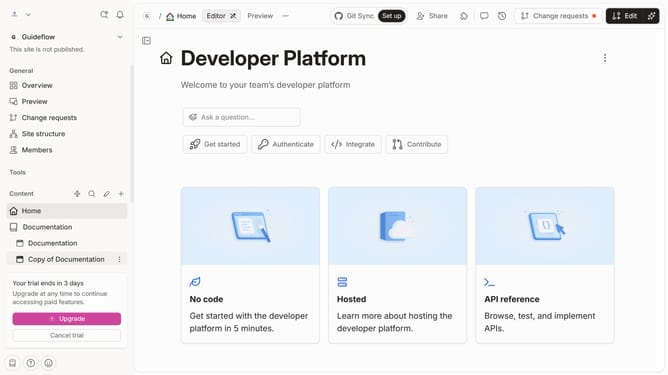
- Then click on the "Edit" button in the top right corner
- Next, click on the block options icon to reveal the menu
- Then, click on "Header options"
- After that, click on "Freeze header" in the dropdown
- Finally, click on the "Merge" button in the top right toolbar
Why should you unfreeze table header in help center in Gitbook
Gitbook is a dynamic platform designed for creating and distributing clear, user-friendly documentation.
Unfreezing a table header in the help center of Gitbook enhances readability by allowing seamless navigation through content, without distractions.
This functionality supports a fluid user experience and ensures that vital information is always visible, whether you're scrolling through detailed documentation or complex data.
By using the unfreezing feature, users can focus on absorbing information efficiently, improving overall workflow and productivity.
Last update