How to add a table text column in help center in Gitbook
Here is how to add a table text column in help center in gitbook
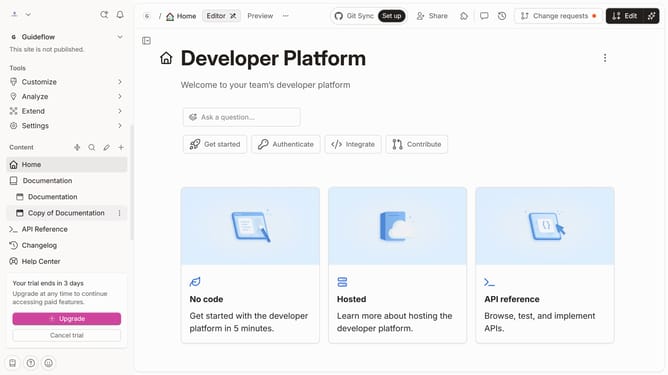
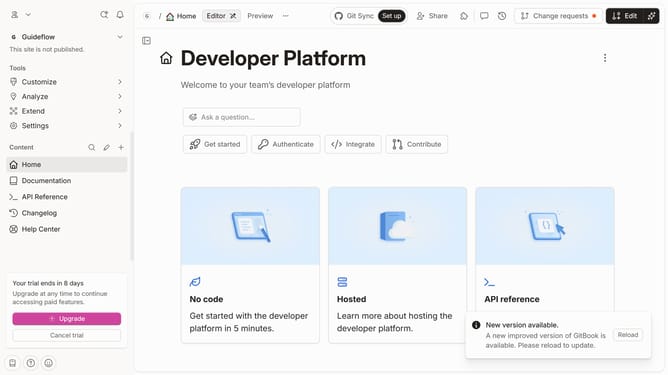
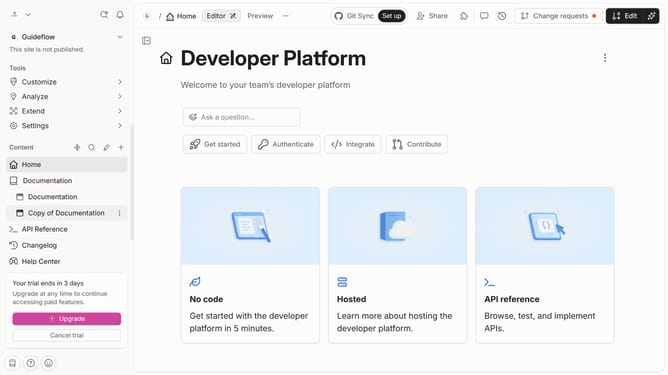
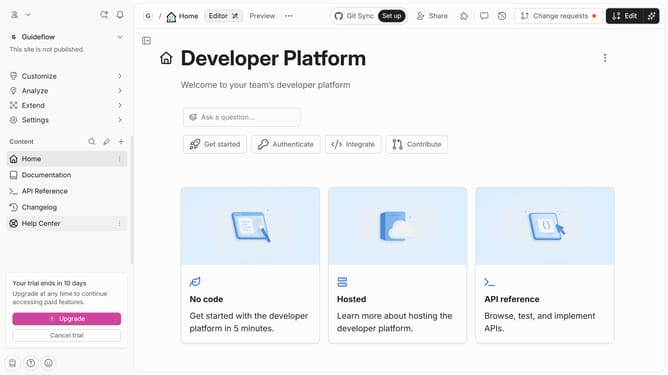
- First click on the menu item "Help Center" in the sidebar
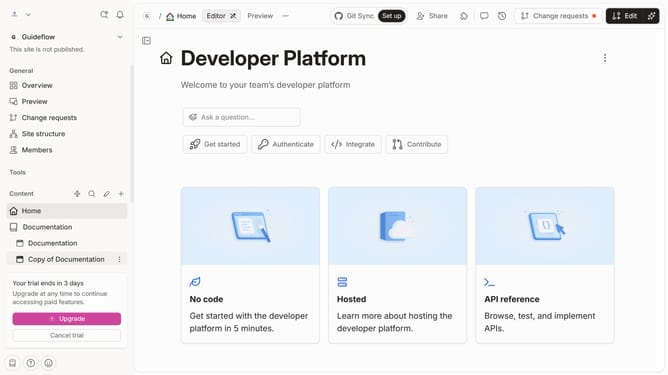
- Then click on the "Edit" button in the main header
- Next, click on the dots icon to reveal block options
- In the menu that appears, click on "Add column"
- Then select "Text" from the column type options
- Finally, click on the "Merge" button in the top right corner
Why should you add a table text column in help center in Gitbook
GitBook is an intuitive platform designed to simplify the creation and management of detailed project documentation.
In the GitBook help center, the ability to add a table text column enhances the organization of complex information. This feature streamlines data presentation, making it more accessible and easily digestible for readers.
Utilizing table text columns not only improves content clarity but also aids in maintaining a structured format. This ensures that information is clear, professional, and efficient to navigate, significantly enhancing the user experience.
Last update