How to show page actions of a content in a docs site in GitBook
Here is how to show page actions of a content in a docs site in gitbook
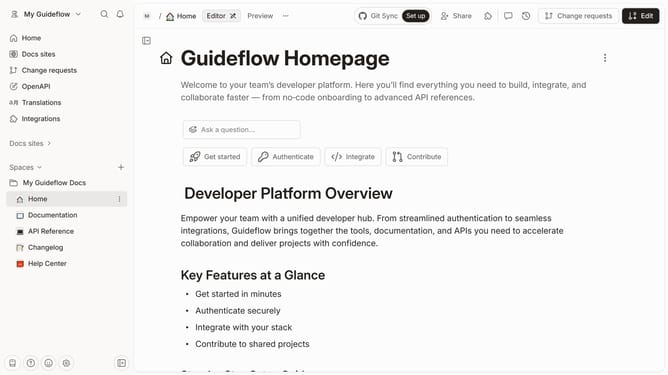
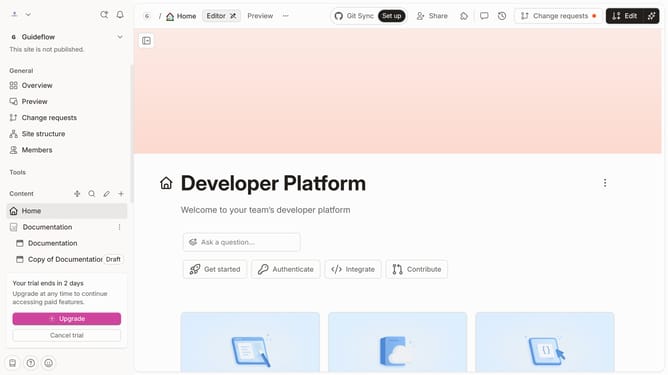
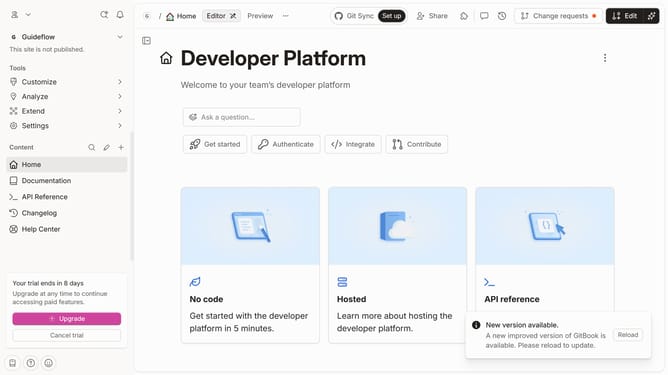
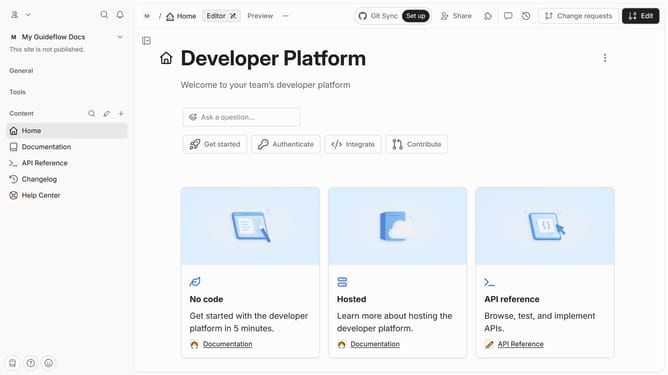
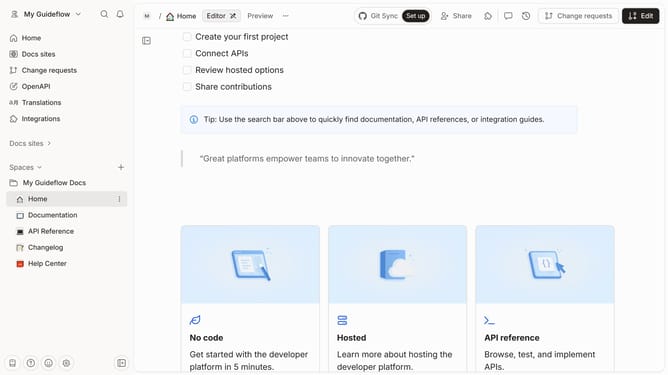
- First click on the content you want to manage in the left sidebar
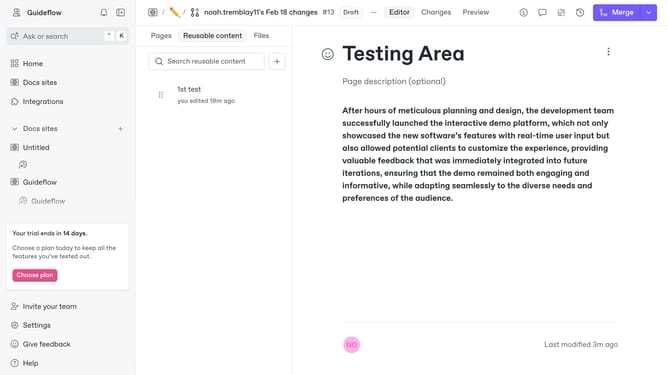
- Then click on the "Edit" button in the header
- Next, click on the "Page options" button
- After that, click on the toggle switch ON to show page actions
- Finally click on the "Merge" button in the top menu
Why should you show page actions of a content in a docs site in GitBook
GitBook is a versatile platform that transforms documentation processes, making content creation and collaboration seamless.
Displaying page actions for content in a GitBook docs site enhances user engagement and interactivity. This feature allows users to easily navigate through different options such as editing, sharing, or adding comments directly from the page.
Utilizing page actions streamlines workflow, encourages collaboration, and ensures that documentation remains up-to-date and accessible. These capabilities make GitBook an empowering tool for organized and efficient content management.
Last update